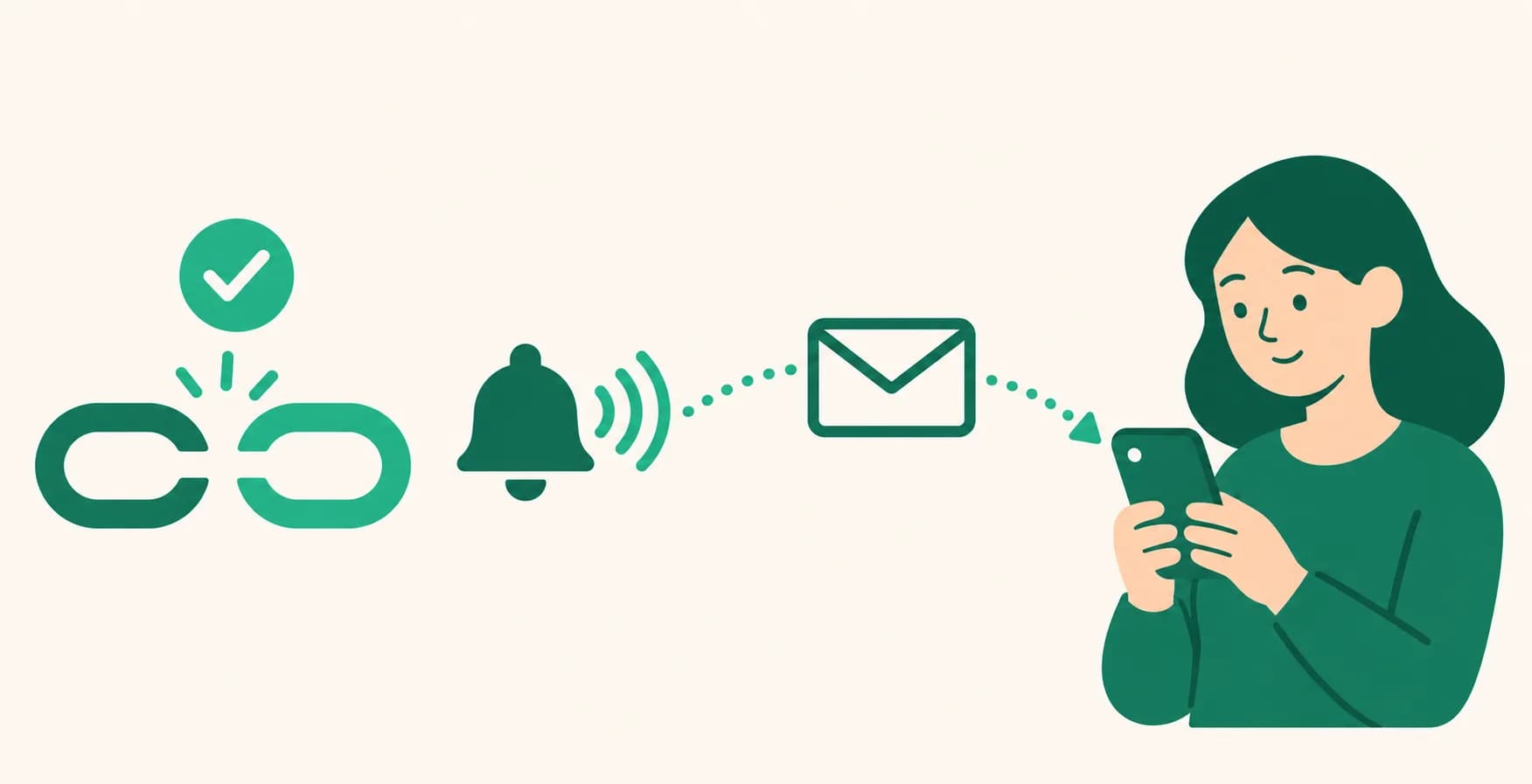
Account alerts that need your action now come by email too
Until now, when a connected account disconnected or an Auto DM or auto-upload failed because of something on the account, the alert only landed in your dashboard Notifications (the bell). If you didn't open UUP, it was easy to miss that things had stopped. Now, alerts that only you can fix are also sent to your sign-up email. There's nothing to turn on.
What it does
- When you need to reconnect: an Instagram, Threads, Facebook Page, YouTube, TikTok, or TikTok Business connection broke and needs reconnecting. The reminders that come every 7 days are emailed too.
- When an Auto DM fails because of the account: on Instagram, message access is turned off, there's a permission problem, another service is handling that conversation, another service already replied to the same comment, or Instagram has temporarily limited link sharing. Facebook Page Auto DMs are emailed too when they fail because of permissions or another service.
- When an auto-upload fails because of the account: Instagram has temporarily limited the account's activity, or publishing permission is missing.
- We only send the email if you haven't read the alert within 10 minutes of it appearing. If you've reconnected in the meantime, or re-posted or deleted the failed post, we don't send it.
- The email says what happened, the cause and what to do, and has a 바로 가기 ("go to") link to the right screen. It's the same guidance as in your Notifications. It doesn't include connected account names or post content.
- These aren't marketing emails. Billing, trial, and plan notices, announcements, inquiry replies, and short-lived errors aren't sent this way.
How to use it
- There's nothing to turn on. Emails go to the address in Profile under Dashboard > Account > Settings. If it's empty or out of date, update it there.
- When an email arrives, tap its 바로 가기 ("go to") link. The screen where you fix it opens right away. You can also reconnect from Dashboard > Connections > Channels.
- Do what the email says. If you've already taken care of it, you can skip the email.
Good to know
- Failures on the same account for the same reason get one email per 24 hours. Failure emails are capped at 3 per member in 24 hours, and anything beyond that stays in Notifications only. Reconnect emails are sent regardless of this cap.
- For now, the emails themselves are written in Korean only.
- To stop them, tap the 수신거부 (unsubscribe) link at the bottom of the email. This also turns off service notice emails, such as terms updates and outage notices. If you've already unsubscribed from service notice emails, you won't get these either.
- Even without the emails, you can still see the same alerts in your dashboard Notifications. To start getting emails again, let us know at help@uup.kr.
- Alerts created before this feature started aren't sent by email.
If you have questions, ask us in the chat at the bottom right of your dashboard.