What's new
Every new feature, written down here
What we added, what changed, and how to turn it on — one entry at a time.
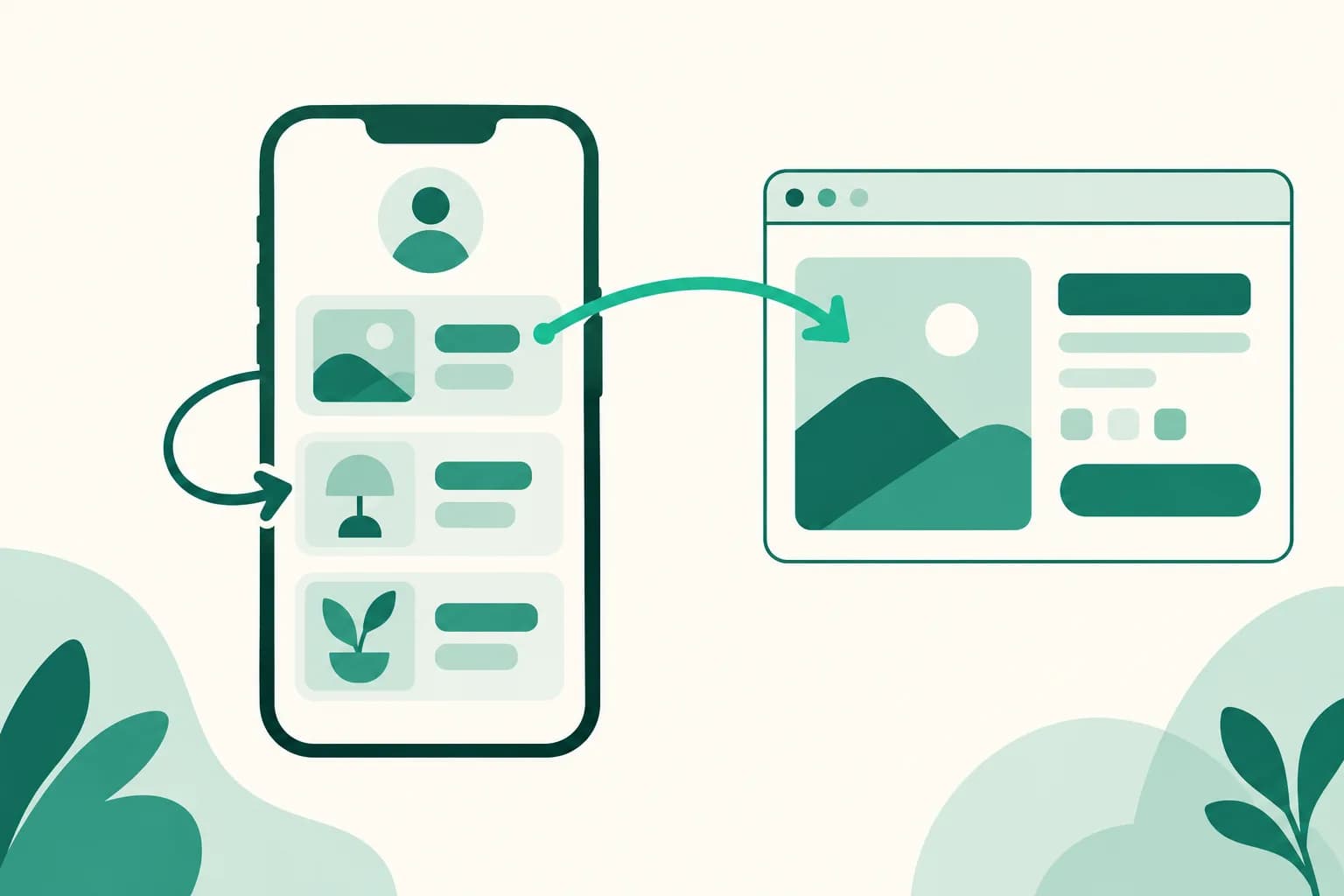
Choose whether a product link opens in the same window
Product and banner links on your public page still open in a new window by default. Now you can turn on 'Open in the same window' for each product, and visitors go there right in the window they were browsing.
Read more →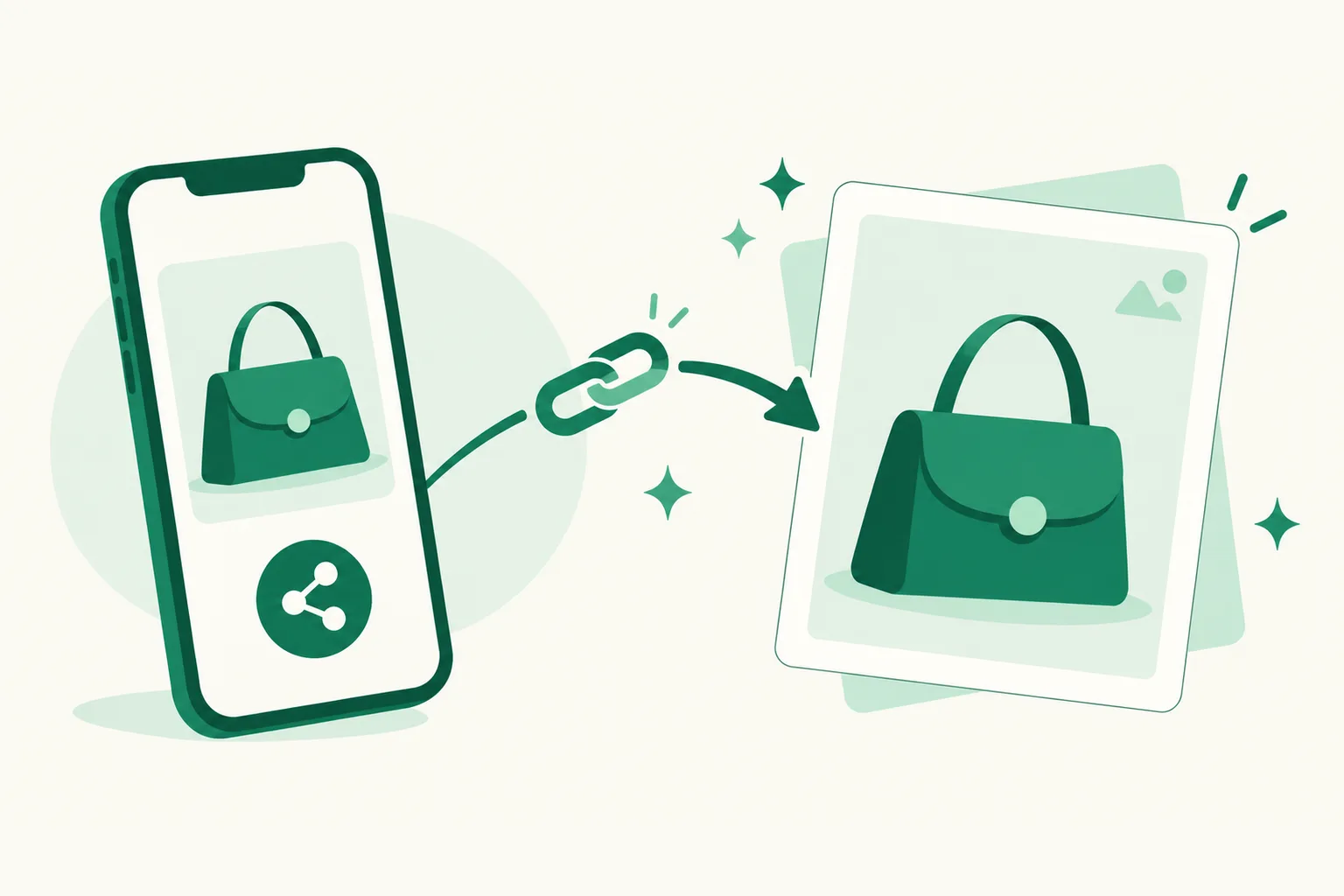
For Toss Shopping product photos, just paste the share link
You can't copy the image address of Toss Shopping product photos. Now paste a Toss Shopping share link as is, and we fetch that product's main photo as the thumbnail — and fill in the product name if the title is empty.
Read more →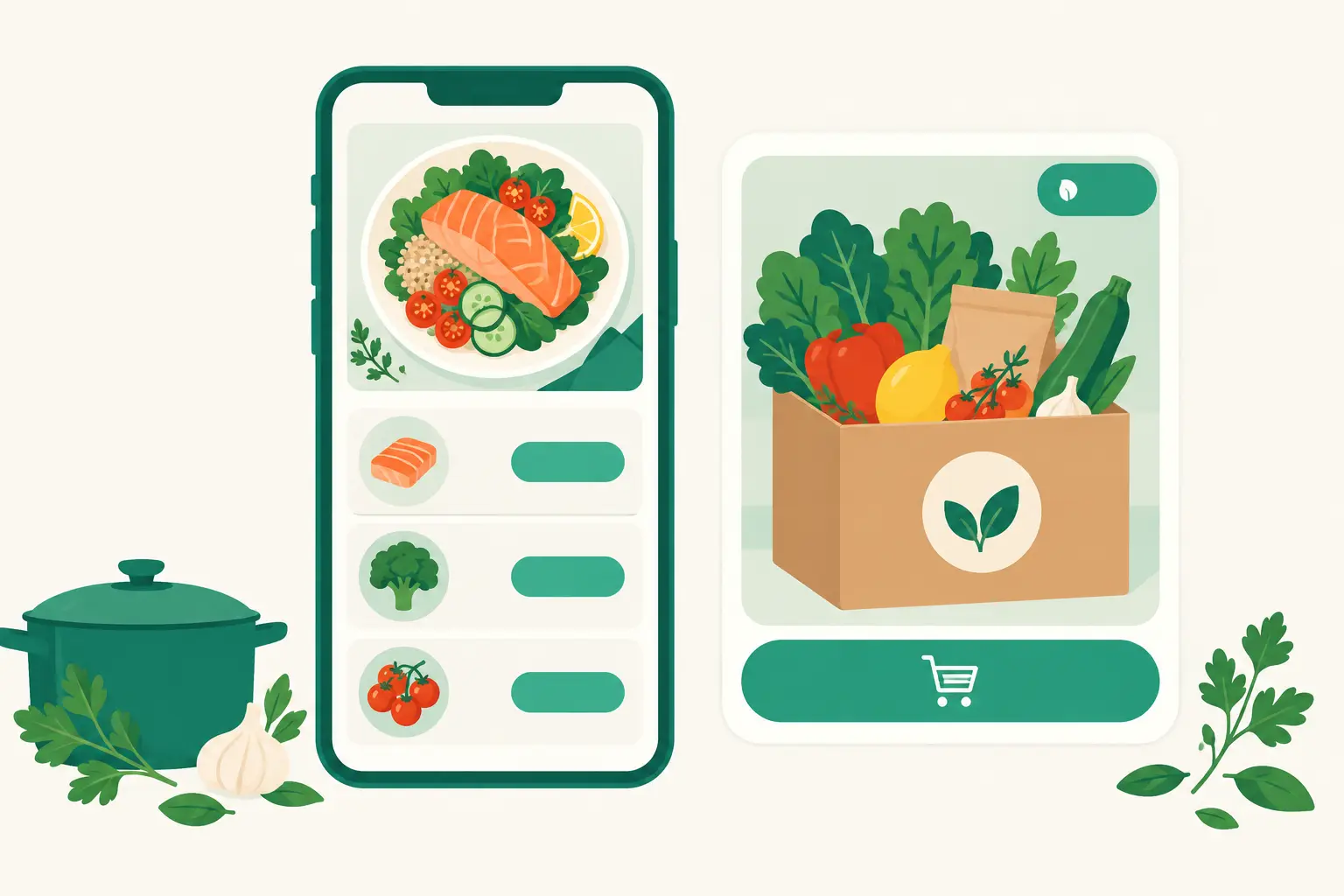
A bigger, cleaner recipe page, with the quick order shown as a product card
Ingredient and tool lines and their buttons are bigger, so they are easier to read and tap on a phone. The quick order button is now a card showing the photo of the product you picked or a recommended Coupang product.
Read more →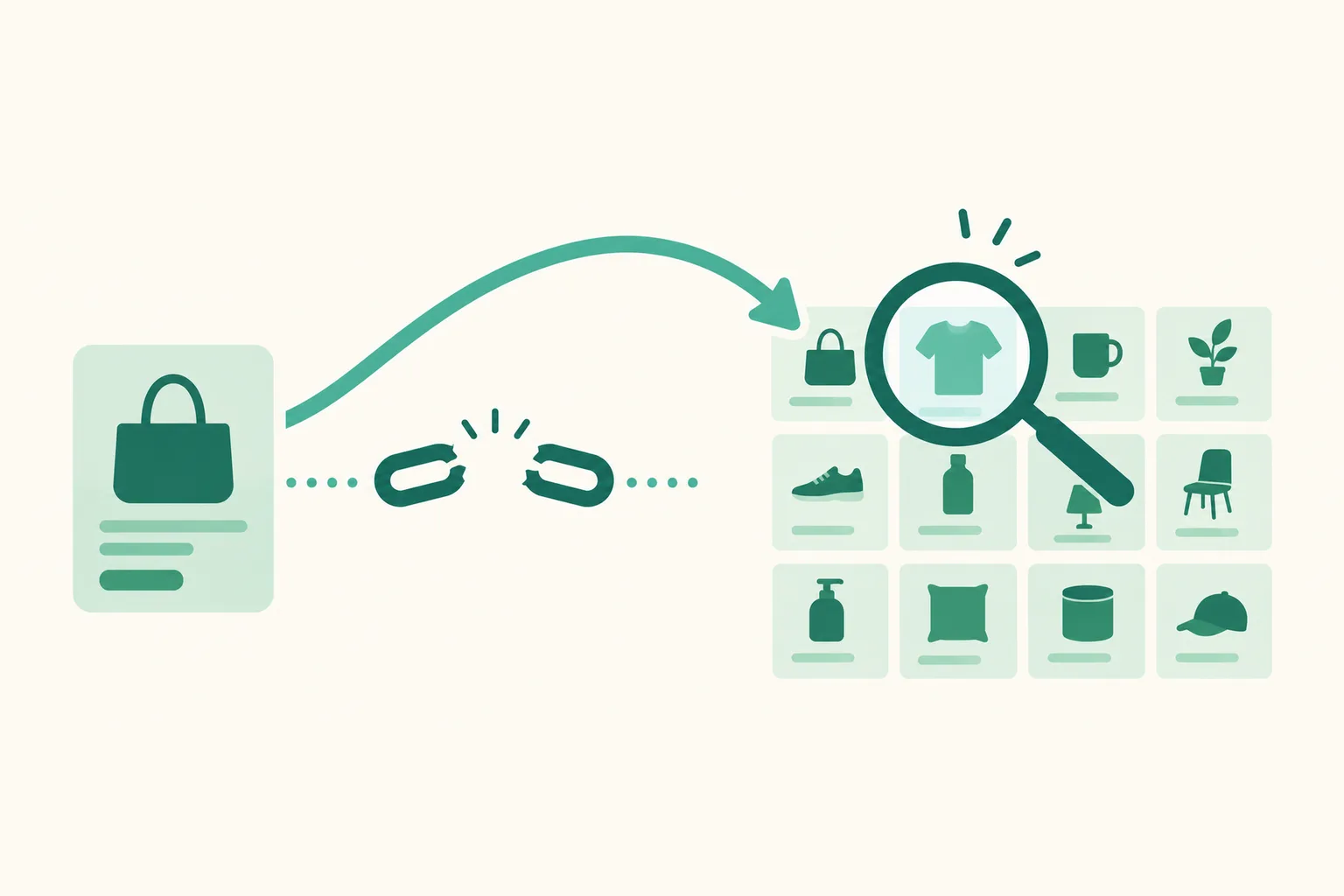
When Coupang won't create an affiliate link for a product, we link to its search results instead
If Coupang won't create an affiliate link for a product, we now automatically link it to an affiliate link for Coupang search results for the product name. A link you made yourself always comes first.
Read more →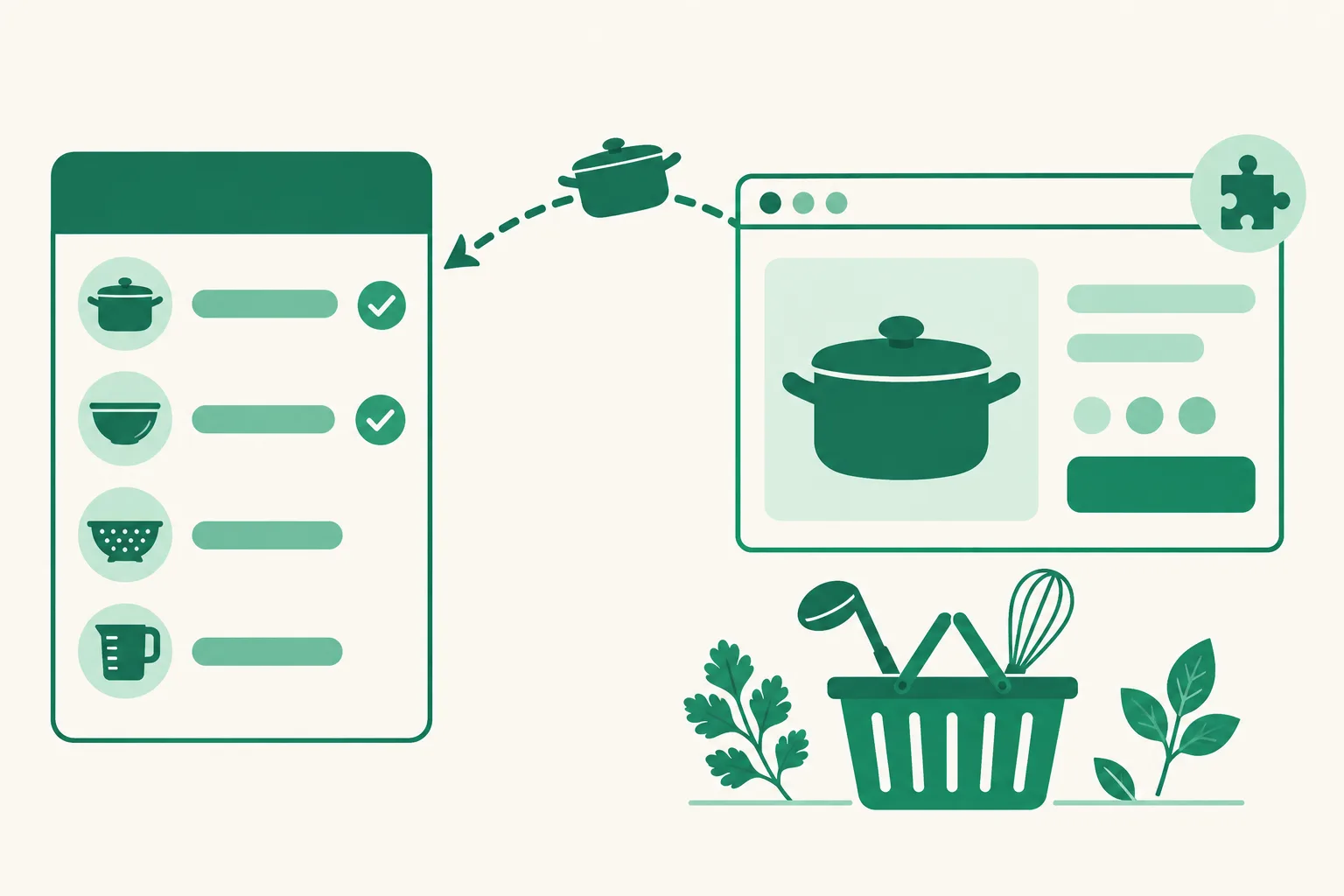
Add Coupang products to your recipe tools, just like ingredients
Pick a Coupang product right on a tool line while creating or editing a recipe, or add it to a tool from the Chrome extension. The product photo shows as an icon, and tools now join the shopping list on your visitors' screen.
Read more →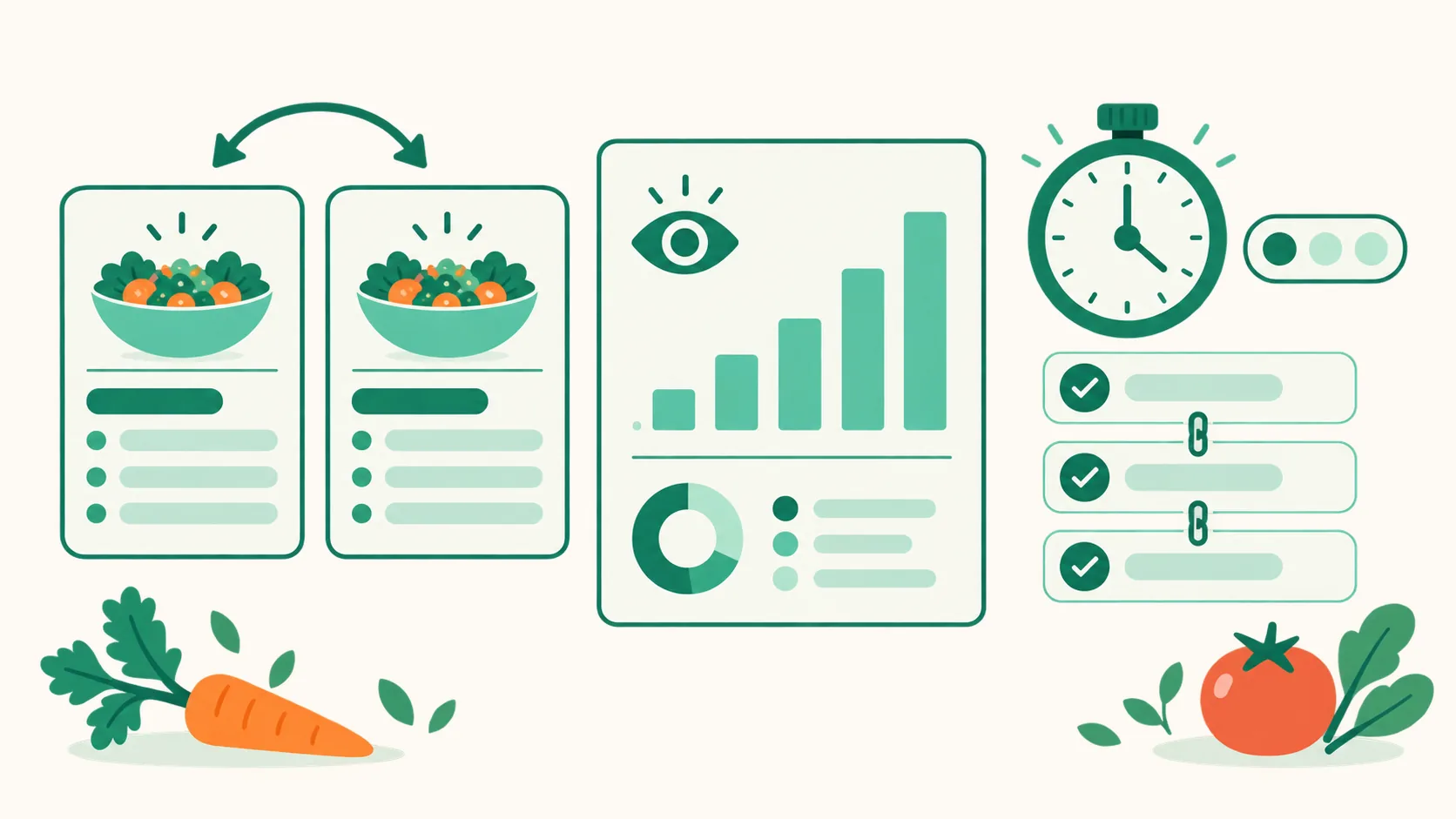
Duplicate and move recipes, and track visits and cooking times per recipe
Duplicate a whole recipe or move it to another page, and see visits and ingredient clicks for each recipe over the last 30 days. Cooking time and difficulty you fill in show up on your visitors' screen too.
Read more →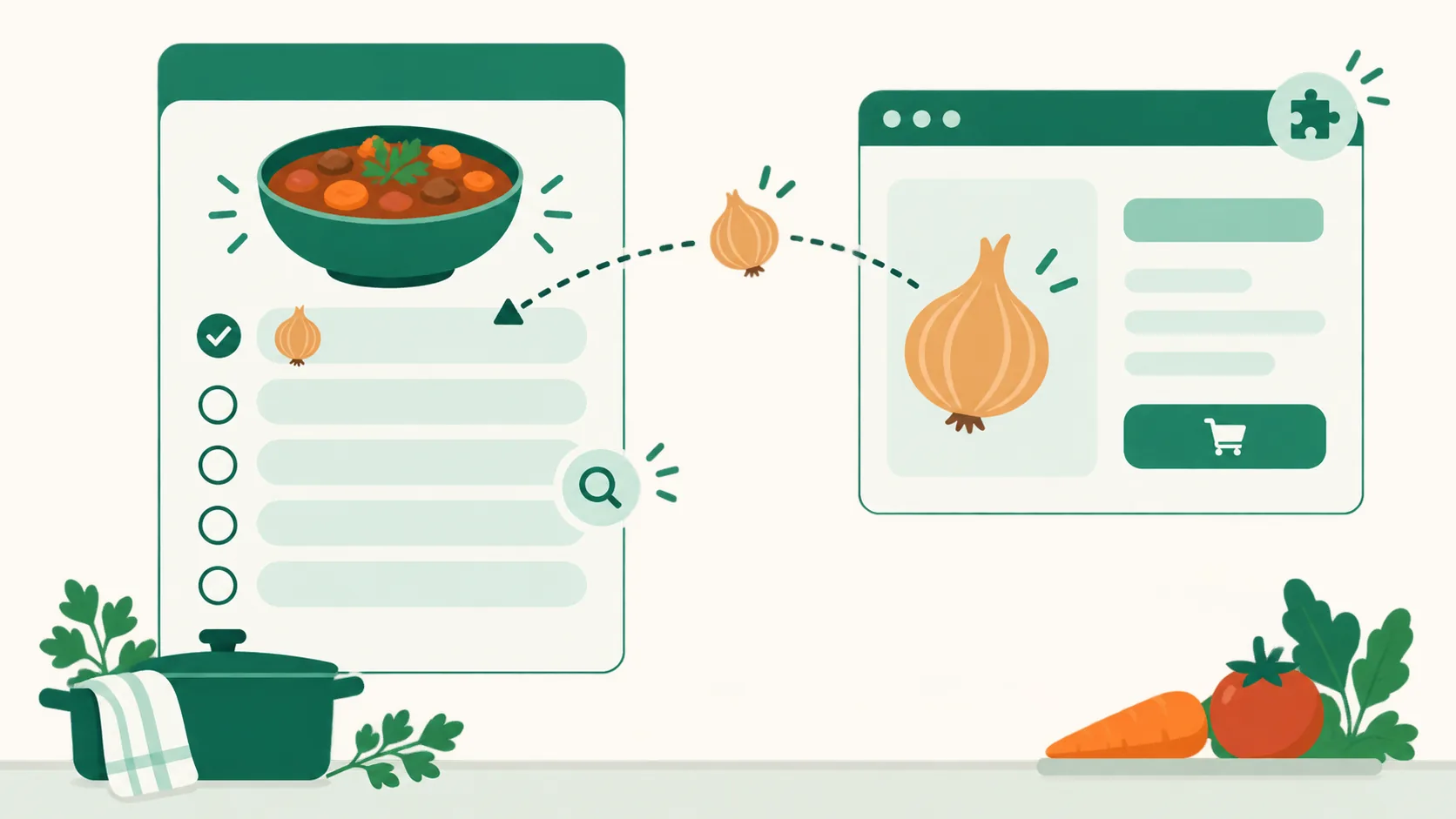
Add Coupang products to your recipe ingredients right from the Chrome extension
Products you pick with ‘쿠팡에서 고르기’ (Pick on Coupang) in the recipe editor or with ‘유유피에 담기’ (Add to UUP) on a Coupang product page now go straight onto a recipe ingredient line. Ingredients without a link and the quick order button also lead to a Coupang search under your own Partners account.
Read more →
Auto-upload videos can now be up to 3GB and 1 hour
The auto-upload video limit went from 300MB and 30 minutes to up to 3GB and 1 hour. Each channel has its own limit, so the screen tells you when you pick a channel or save.
Read more →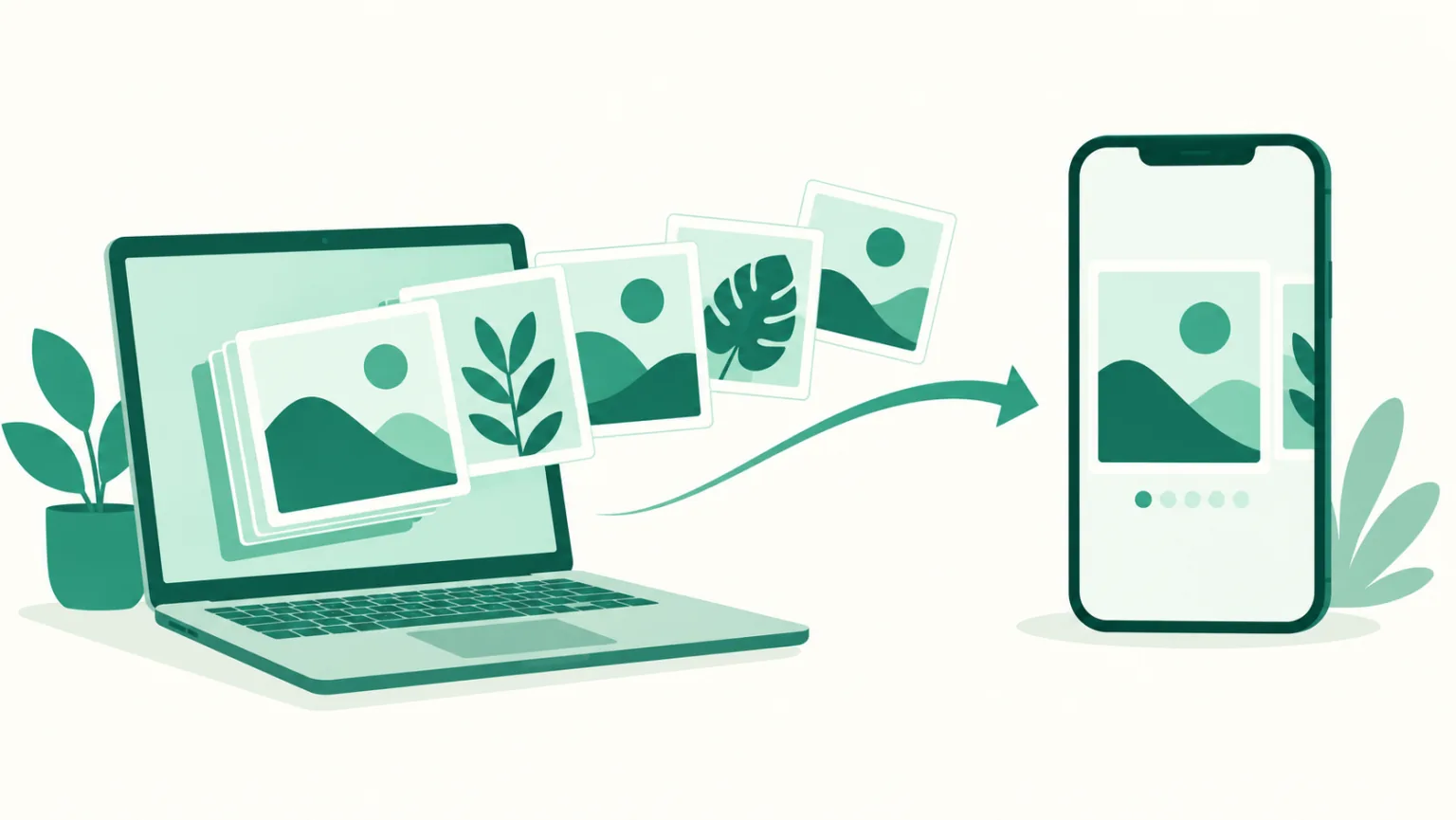
Send Selvi AI card news straight to UUP as a multiple-photos post
Send card news straight from the card workbench in Selvi AI, and the cards go up in order as a multiple-photos post on Instagram, Threads, or a Facebook Page. Caption, first comment, and scheduling work like a video handoff.
Read more →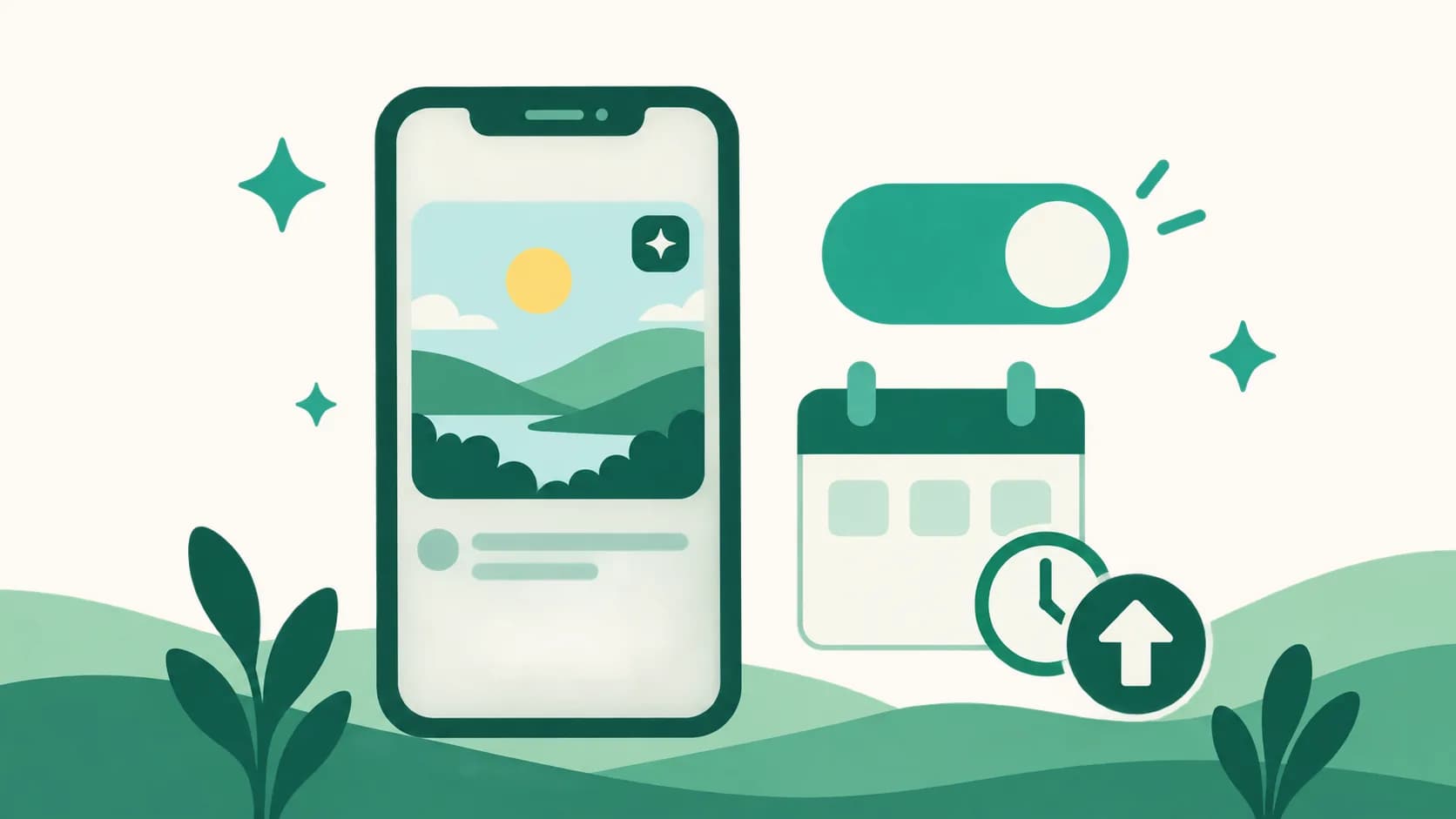
Add an AI-generated disclosure to Instagram posts in auto-upload
The Instagram settings in the auto-upload editor now have a ‘Disclose AI-generated content’ switch. Turn it on and the post gets an ‘AI info’ label. Facebook Pages aren't supported yet.
Read more →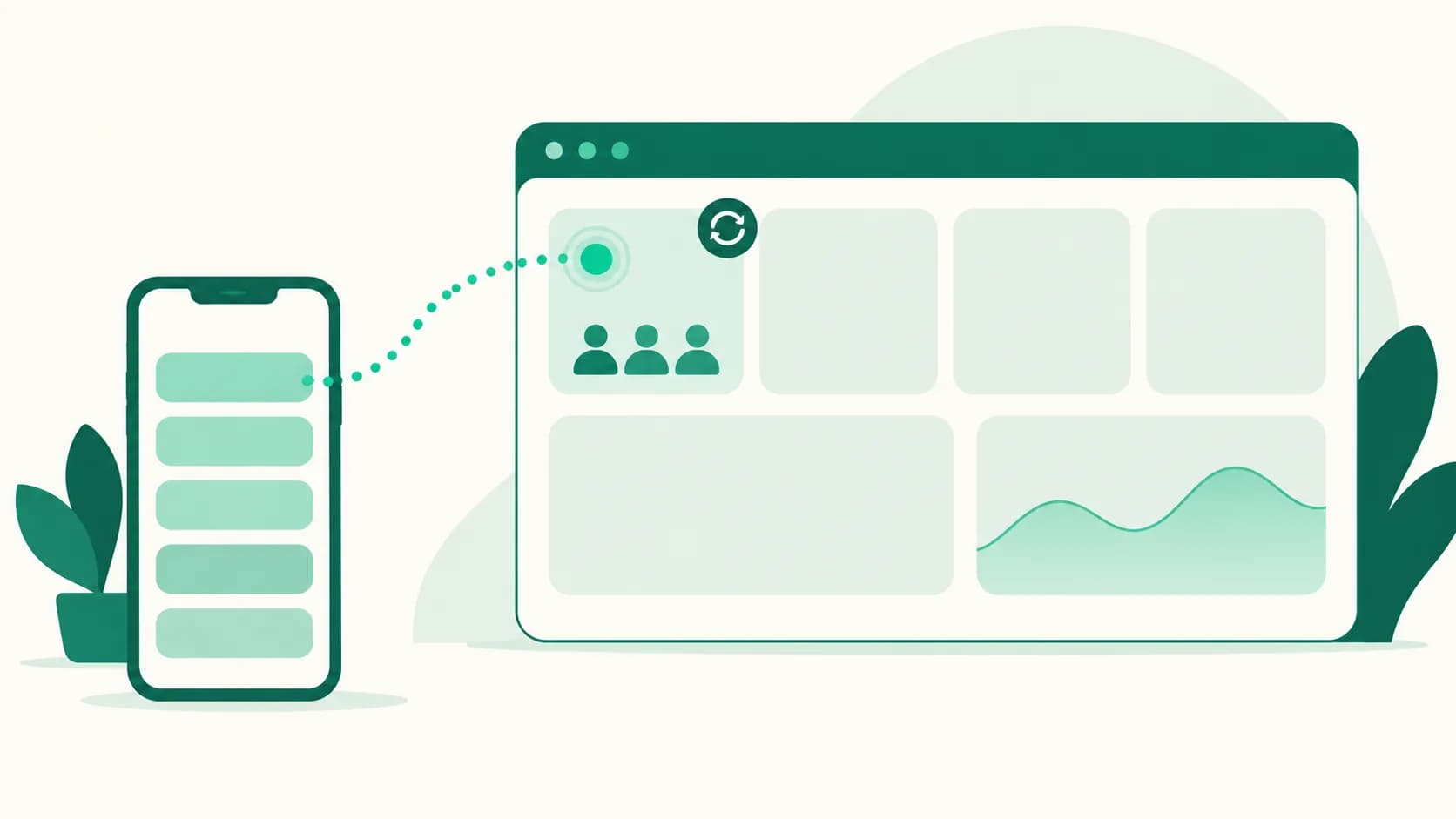
See how many people are visiting right now on your dashboard home
A new ‘Visiting now’ tile leads the ‘Today’ row on your dashboard home. It shows how many people visited your pages in the last 5 minutes, refreshes every 15 seconds, and counts only your pages.
Read more →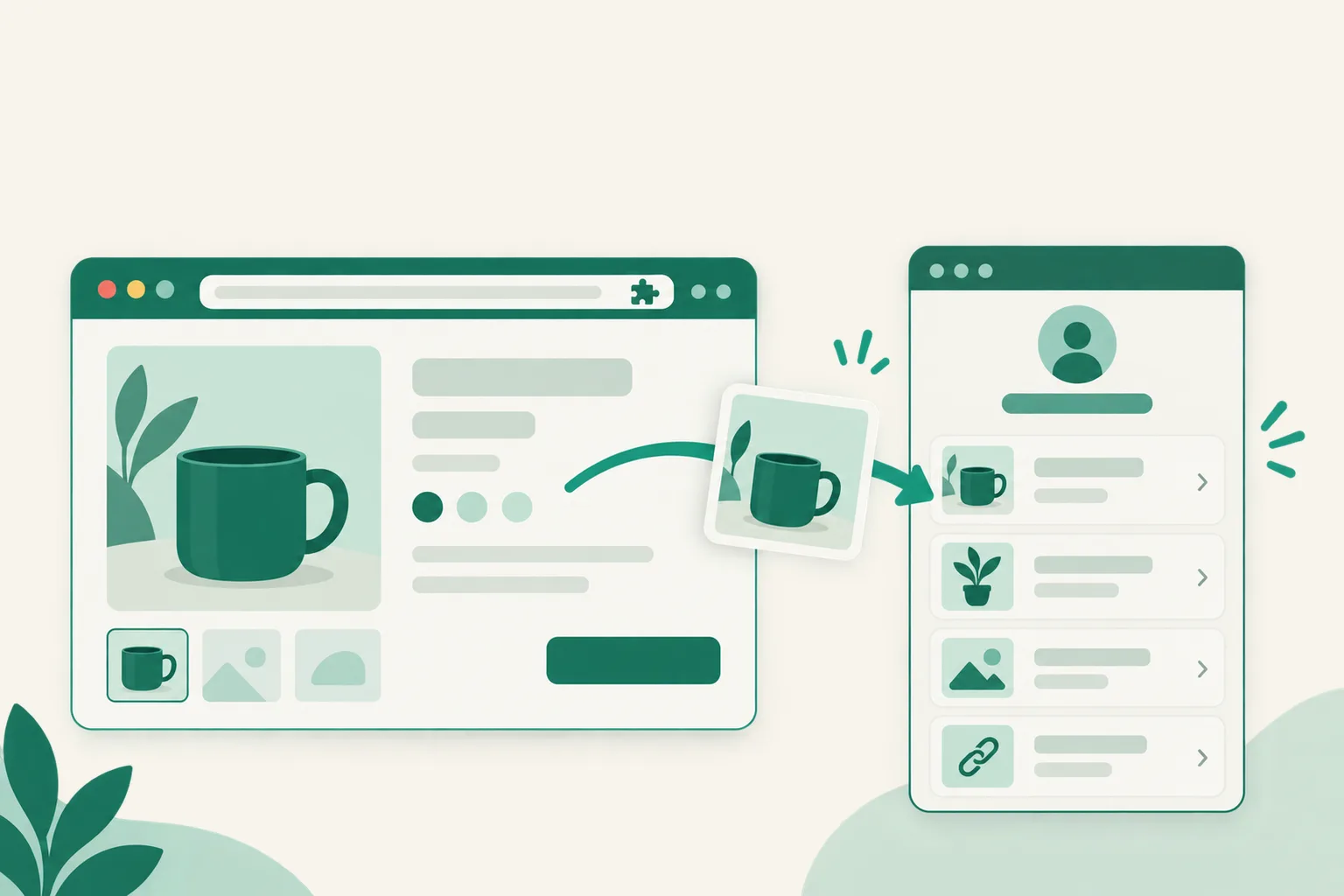
Add Coupang products to UUP right from the product page with our Chrome extension
Install UUP Affiliate Link Helper in Chrome on your computer, and one “Add to UUP” button on a Coupang product page adds the product to your page or copies its affiliate link.
Read more →
Mix photos and videos in a Threads or Instagram multiple-photos post
When you auto-upload to Threads or Instagram, one "Multiple photos" post can now hold both photos and videos. Schedule up to 20 items on Threads or 10 on Instagram, in any order, and they go up just as you arranged them.
Read more →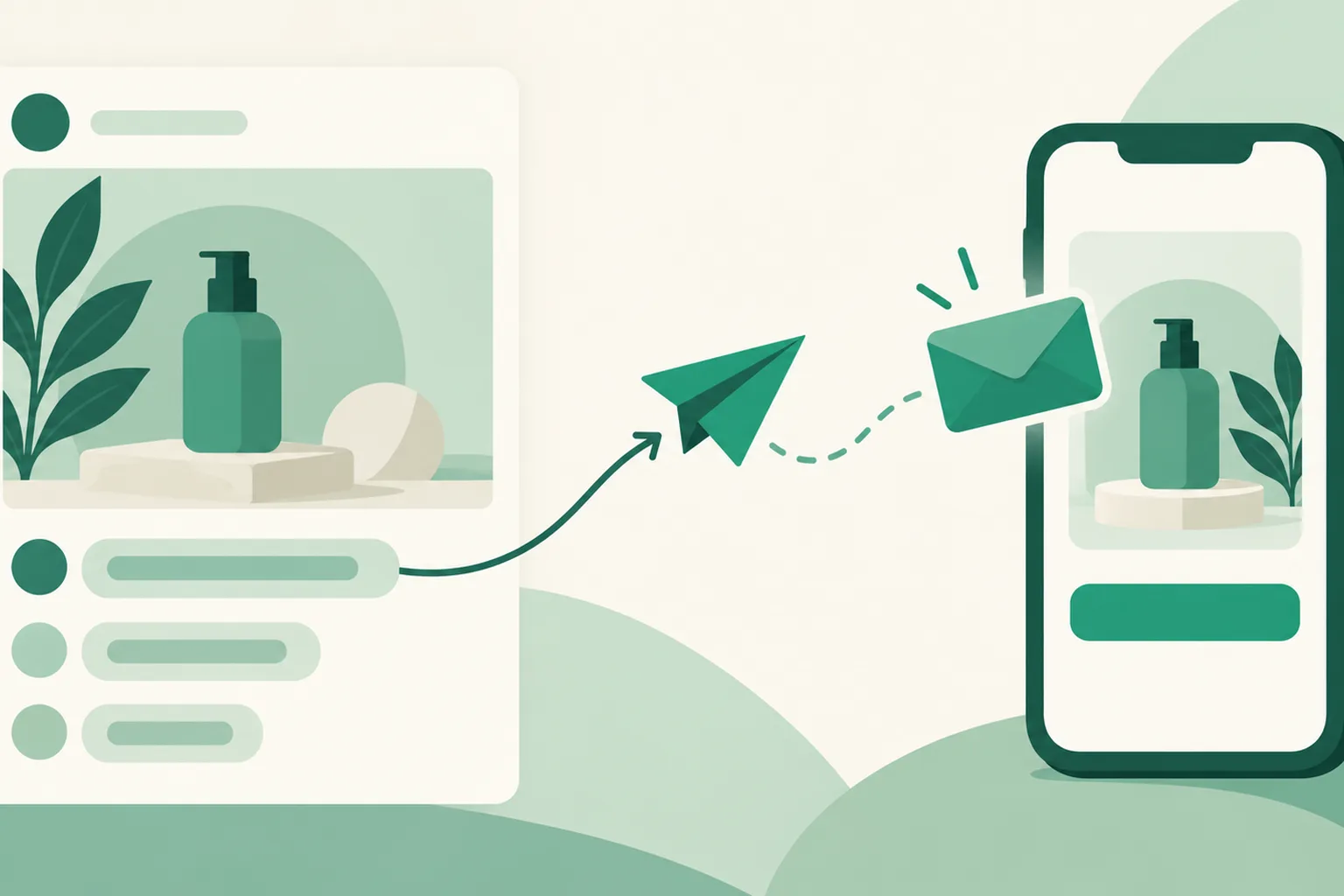
Auto DM now works on Facebook Pages too
The Auto DM you've been using on Instagram now works on Facebook Page posts too. When a keyword comment arrives, a DM with your product link goes out automatically, and the builder is the same as Instagram's.
Read more →
Threads, TikTok, X, and Facebook added to Contact & social
The Contact & social icons on your page profile now include Threads, TikTok, X (Twitter), and Facebook. They show with their own channel icons instead of a generic link, and clicks are counted per channel.
Read more →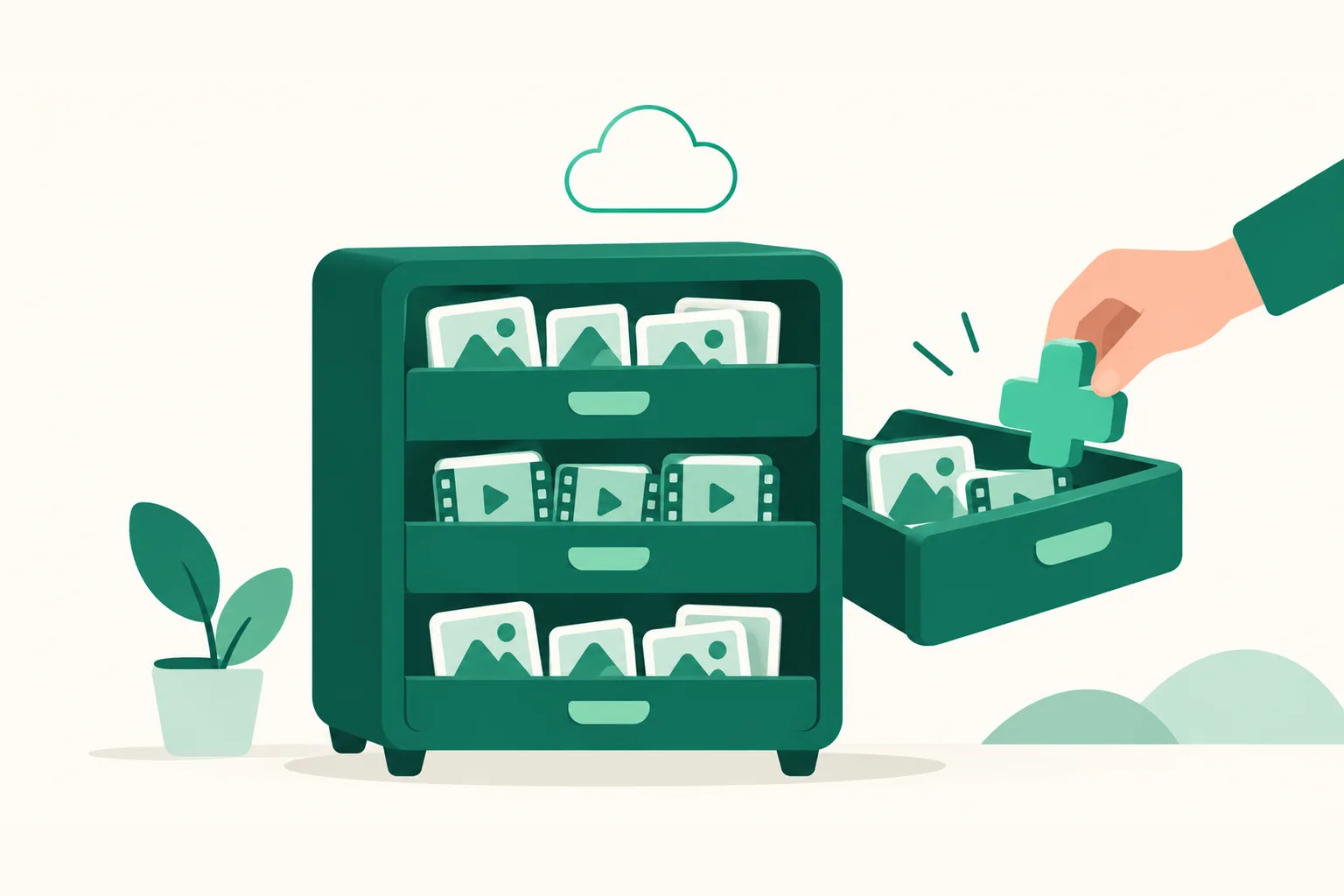
Extra storage — add space in 100GB units
Add space to your plan's included storage in 100GB units. It costs the same as an extra account slot, and you can add or remove it right from the Billing screen. Removing it never deletes files you've uploaded.
Read more →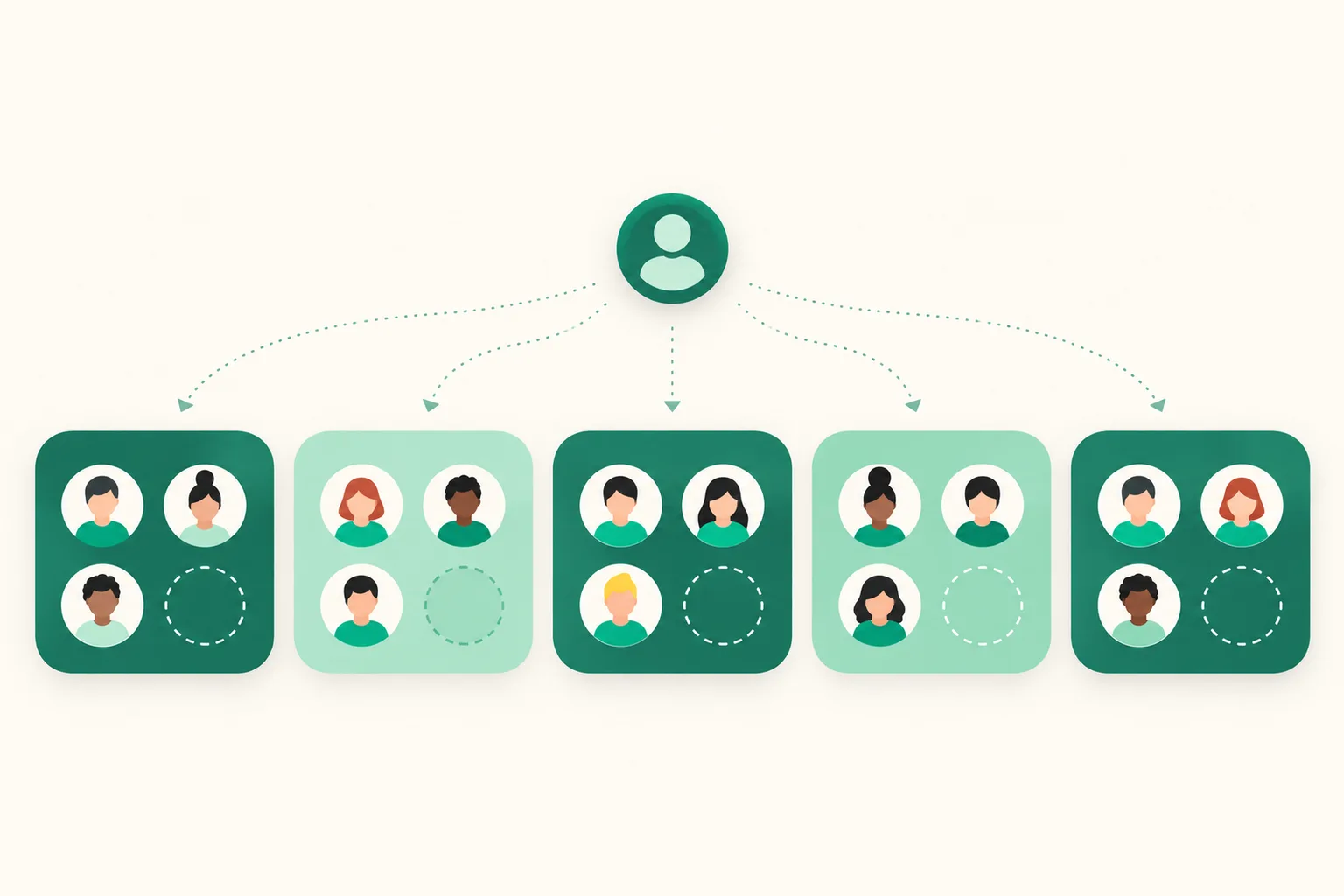
Up to 3 accounts per channel — beyond that, use extra account slots
Threads, Facebook Pages, YouTube, and TikTok now include up to 3 accounts per channel like Instagram. Each extra account slot (formerly an extra Instagram slot) raises the limit of every channel by one. Accounts you already connected are not disconnected.
Read more →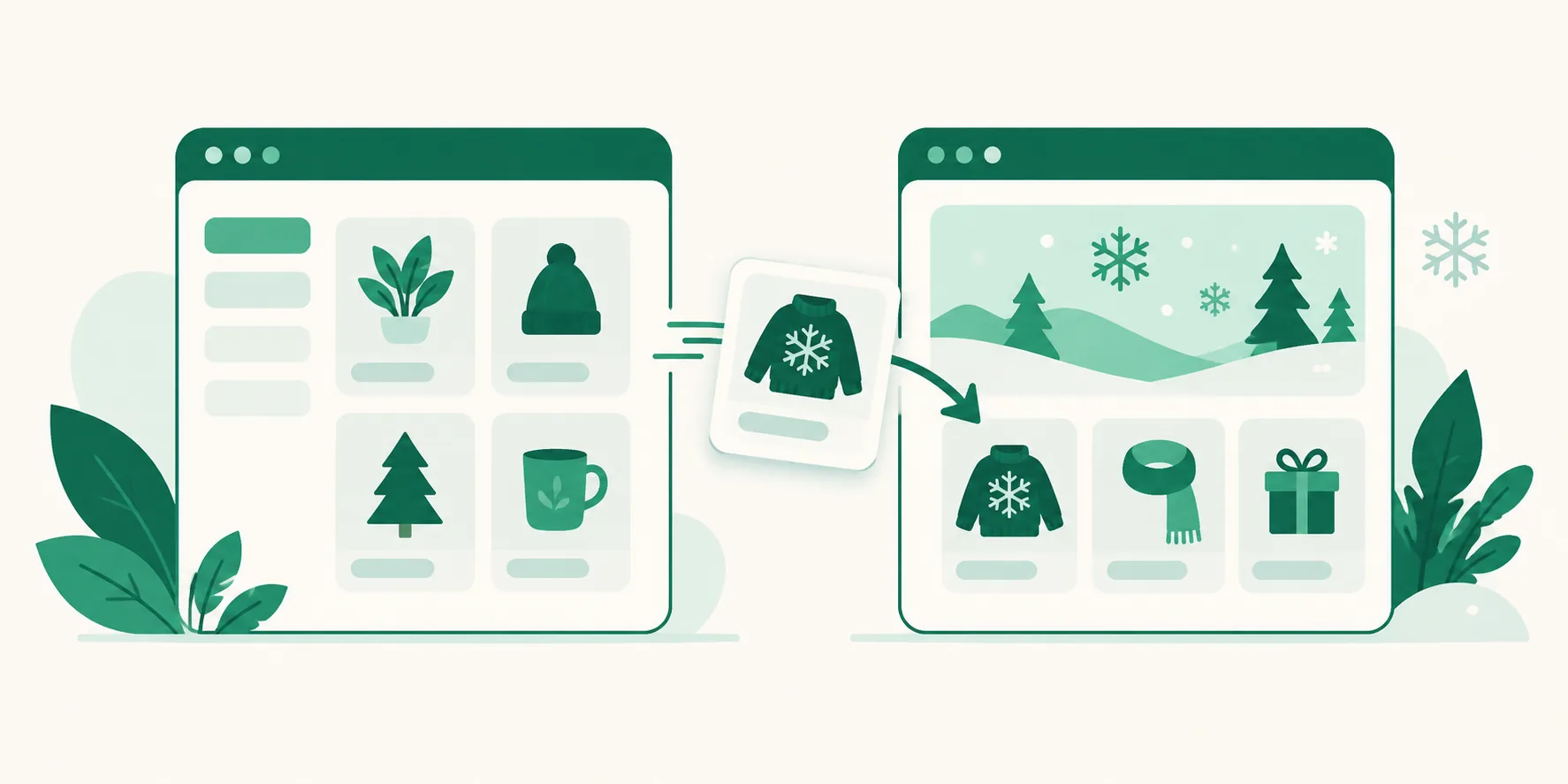
Move products to another page — collect seasonal products on a page of their own
Pick To another page under the Move button on a product row and an existing product moves to that page as it is. The product itself is moved, so its click counts, statistics, Auto DM connections, affiliate link, and tags are all kept.
Read more →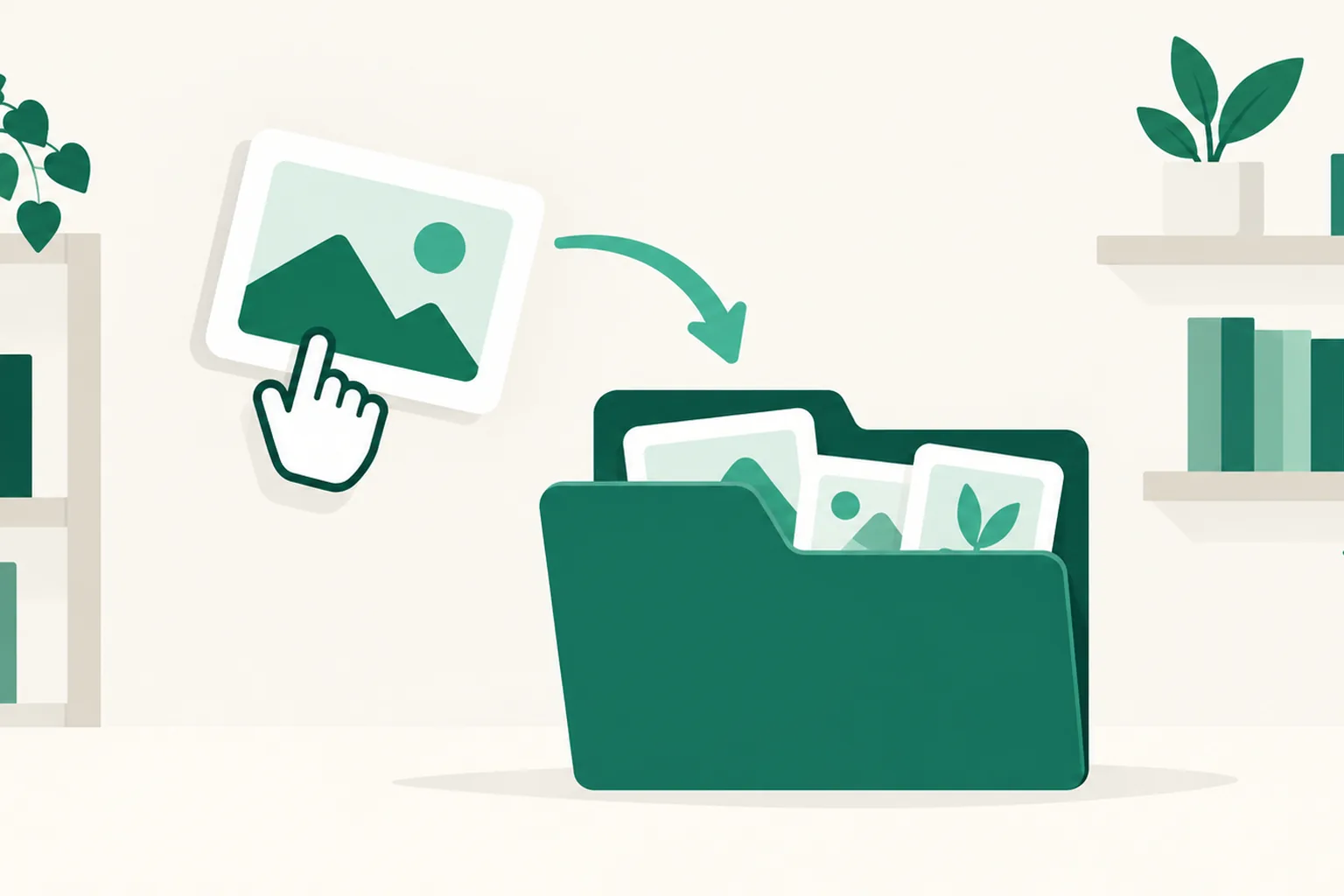
Move products into groups — put an existing product into a group or take it out
The Move to group button on a product row moves an existing product into a group as a sub-link, or out of one. The product itself is moved, so its click counts, statistics, Auto DM connections, and affiliate link are all kept.
Read more →
YouTube first comment — once the video is up, a comment with your link follows automatically
Google approved the comment permission review, so the first comment now works on YouTube. Write it while scheduling through auto-upload and UUP posts it right after the video goes up. Your link page address is pre-filled, and YouTube accounts connected before September 13 need one reconnection.
Read more →
API tokens — choose the accounts and actions you allow
Issue API tokens in Settings with selected accounts, actions, and expiry (30 days, 6 months, 1 year, or never), then show, edit, or revoke them later. External clients follow the same auto-upload and Auto DM permissions.
Read more →
Auto DM "Next post" — now locks onto the first post you publish after it turns on
An Instagram Auto DM rule set to "Next post" now attaches to the first post published after it turns on. With several posts scheduled, prepare one rule per post ahead of time.
Read more →
Coupang search box — visitors find Coupang products right from your page
Turn on the Coupang search box and visitors can type a product or brand name to jump straight to Coupang search results. Purchases that follow are credited to your Coupang Partners links.
Read more →
Threads replies, mentions, and insights — reactions to your auto-uploaded posts in one place
Threads' second app review was approved on September 3, 2026, opening this to every member. Read and answer or hide replies on Threads posts you sent through auto-upload, and see mentions and per-post metrics inside UUP.
Read more →
Auto-upload is now officially open — post to Instagram, Threads, Facebook, YouTube, and TikTok at the time you set
Auto-upload opened officially on August 28, 2026. Pick a time on the calendar and UUP posts for you at the time you set — on Instagram, Threads, Facebook Pages, YouTube, and since September 4, TikTok.
Read more →
Partner Program — introduce UUP and receive 20% of net payments in cash
Introduce UUP in your course or on your channel, and when someone who signed up through your link pays for a plan, you receive a referral reward. Any member can become a partner as soon as they accept the terms.
Read more →
Recipe Book AI Assistant — import from 10000recipe and generate AI cover and step photos
One 10000recipe post address brings in the name, ingredients, and steps as a draft, and with your own Gemini API key you can rewrite the cooking instructions in your own voice or generate a cover image and step photos with AI.
Read more →
Auto DM is now officially open — a comment arrives and a DM with your product link goes out
Meta's app review is finished, and as of August 17, 2026 Auto DM is open to every member. When a comment containing a keyword you chose lands on an Instagram post, a DM carrying your product link is sent to that viewer automatically.
Read more →
Refer a friend — when your friend makes their first payment, 20% of it becomes your credit
A friend who signs up through your referral link gets a 14-day free trial once they verify a Korean mobile number, and when they first pay for a paid plan, 20% of that amount builds up as your credit. Credit turns into an extension of your own subscription automatically.
Read more →
Inpock Link import — move your products over with a single address
If you have been using Inpock Link, there is no need to rebuild your page from scratch. Enter your Inpock Link address and we read in your products and page details, then move the items you pick in the preview to your UUP page in one go.
Read more →
Analytics — visits, clicks, traffic sources, and the DM funnel on one screen
See in numbers how many people came to your page, which products got clicked, and how far your Auto DMs carried from delivery to click. It is available from the Free plan up.
Read more →
Automatic Coupang affiliate links — paste a Coupang product link and it becomes a Partners link
Connect your Coupang Partners API keys and a plain Coupang product link turns into a tracked affiliate link the moment you save it. You no longer have to go to the Partners site and build links one by one.
Read more →
Link page — one address that gathers all your products
Put a single link.uup.kr/your-address link in your Instagram profile. Visitors pick a product on that page and go straight to where it is sold.
Read more →