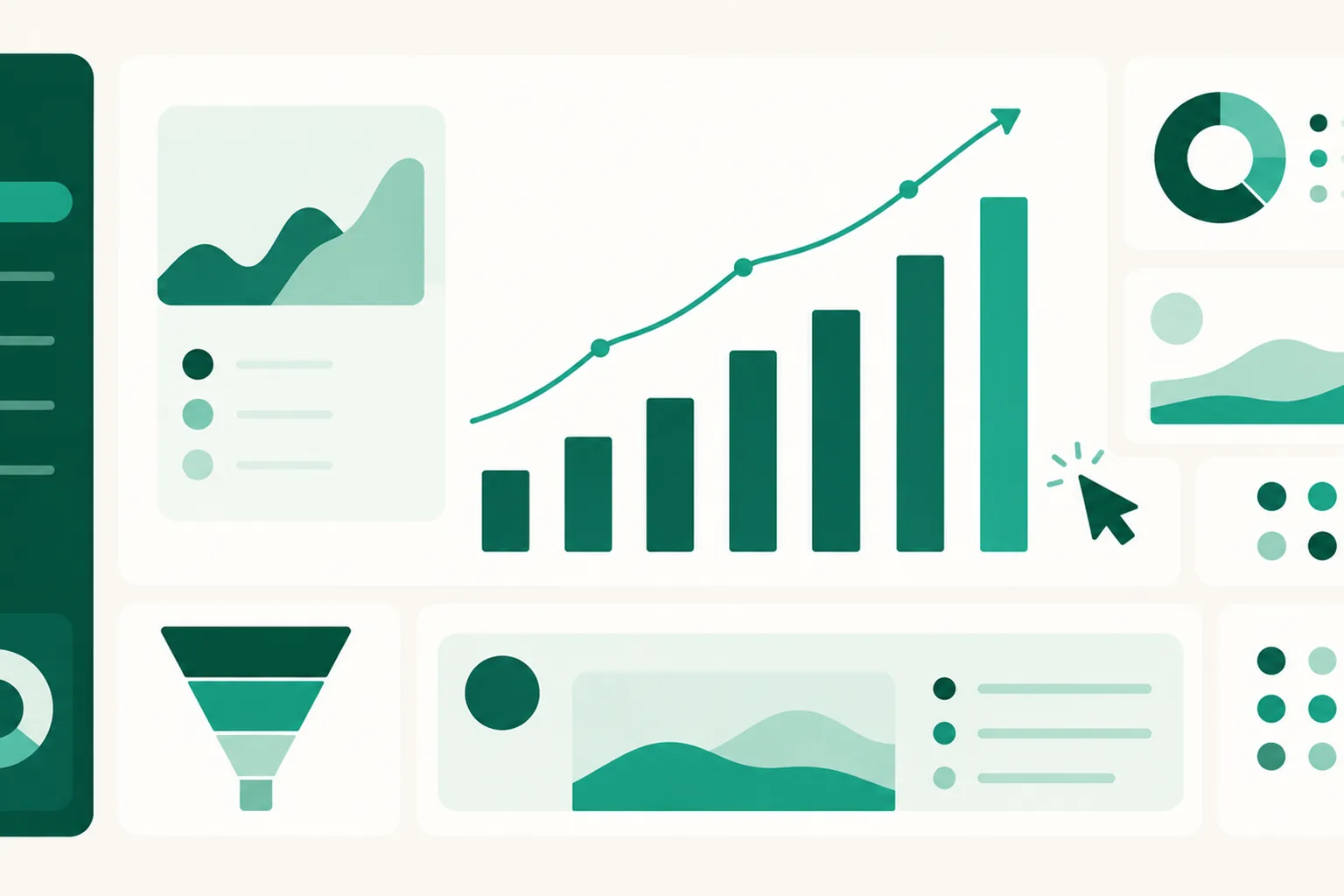
Analytics — visits, clicks, traffic sources, and the DM funnel on one screen
See in numbers how many people came to your page, which products got clicked, and how far your Auto DMs carried from delivery to click. It is available from the Free plan up.
What it does
- Live figures: the top of the page editor shows visitors online now (the last 5 minutes), visits today, clicks today, and your total product count, and it refreshes on its own while the screen is open.
- Trends by period: totals for visits, clicks, and unique visitors over 7, 30, or 90 days, shown with the change against the previous period, plus a day-by-day graph of the trend.
- Clicks by product: a top-clicks table showing which products get tapped most, alongside a click rate against visits. Press the click count next to a product to open today's and all-time click counts plus a graph of the last 30 days.
- Traffic sources: visits and clicks by channel and their share — Instagram, YouTube, Naver, Kakao, Facebook, TikTok, X, Google, Instagram Auto DM, and more — plus the visit trend per channel.
- DM funnel: counts and rates for each Auto DM stage, from delivery to open to click, and a table of trigger, delivery, open, and click results for every individual Auto DM.
Where to find it
- Overall analytics live in Dashboard > Analytics. Pick a period and a page at the top; choosing a specific page brings up the top-clicks table by product.
- Per-page analytics are in Dashboard > Pages: open a page and look at the live figures at the top and the Analytics tab. Clicks by product and clicks on contact and social buttons are here.
Good to know
- Unique visitors answers "how many people came." One person visiting several times in a day still counts as one, so it is normal for this number to be smaller than visits for the period. We do not set cookies or store address information to tell visitors apart.
- If the same visitor taps the same product repeatedly within 5 seconds it counts once, and visits and clicks judged to be bots are left out of the totals.
- Clicks can be recorded without a page visit, for example when someone clicks straight from an Auto DM link, so the click rate against visits can go above 100%.
- Visits that arrive from a link tapped inside the Instagram app often carry no source information, so they can land under "Direct."
- If "Aggregation delayed" appears where visitors online now usually is, it is temporary. Visit and click records keep piling up.
Questions? Use the chat at the bottom right of your dashboard.