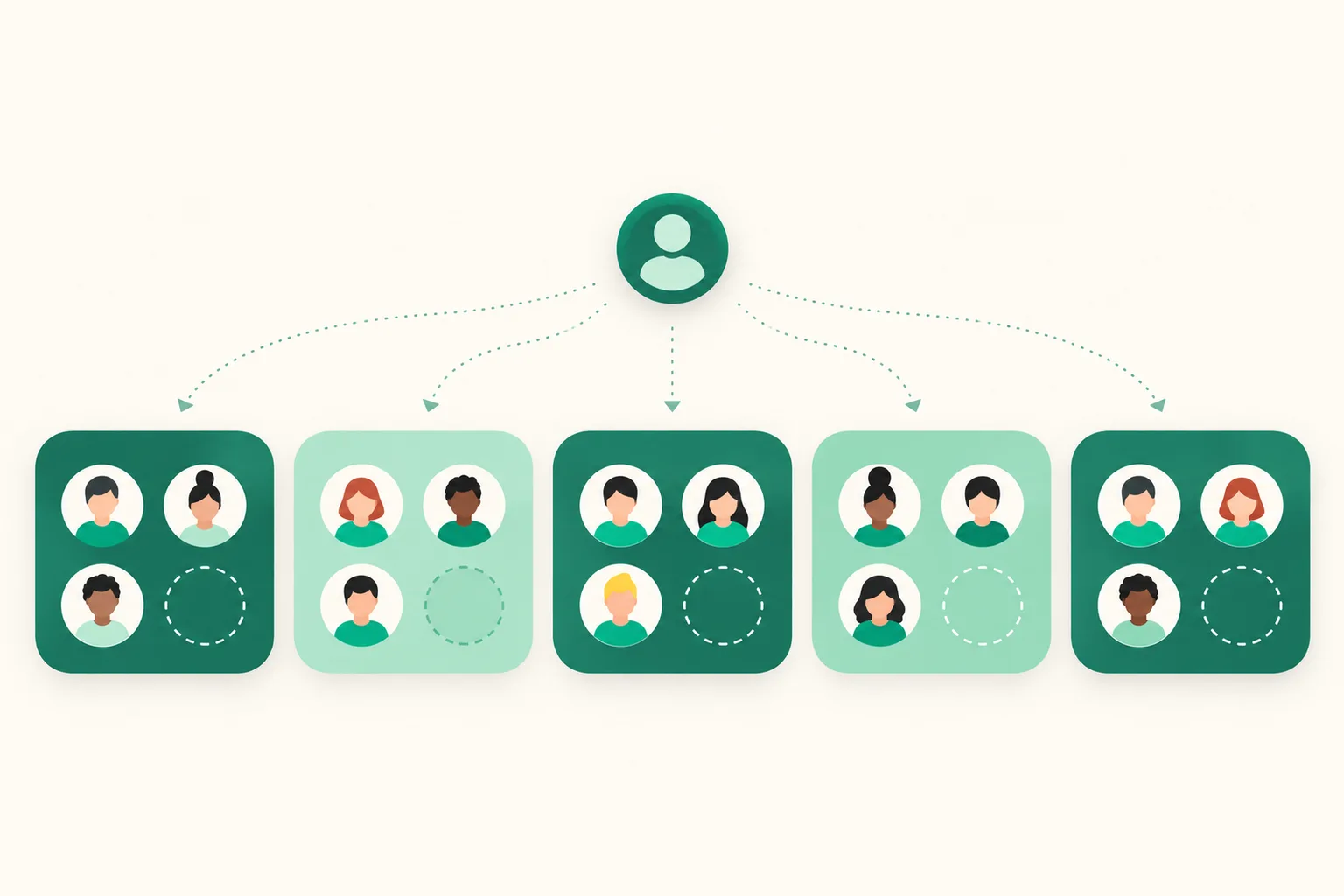
Up to 3 accounts per channel — beyond that, use extra account slots
Until now only Instagram had a 3-account limit, while Threads, Facebook Pages, YouTube, and TikTok could be connected without a cap. Scheduled-publishing channels now use the same rule as Instagram. You can connect up to 3 accounts per channel, and anything beyond that uses the same extra account slots you already used for Instagram. Each extra slot raises the limit of every channel by one — Instagram, Threads, Facebook Pages, YouTube, and TikTok — so one slot lets you connect a 4th account on all five channels.
What it does
- 3 accounts per channel included: Instagram, Threads, Facebook Pages, YouTube, and TikTok each include up to 3 accounts at no extra cost. This applies to scheduled-publishing channels on the Upload Pro and Ultra plans.
- Extra account slots apply to every channel: each slot lets you connect one more account per channel (two slots mean 5 per channel). The slot price and billing are the same as the previous extra Instagram slots. The slot card on the Plans & billing screen is now called Extra account slots.
- Connection slots shown: on Dashboard > Scheduled posts > Connect channels, each channel card shows how many you are using and how many you can connect, like Connection slots 2/3.
How to use it
- Open Dashboard > Scheduled posts > Connect channels.
- Press Connect another account on a channel card to add an account to that channel. When the slots are full, this button locks and a note appears below with a Manage extra account slots link.
- To add slots, go to Dashboard > Plans & billing and press Add a slot on the Extra account slots card. Slots are added one at a time and charged only for the time left until your next billing date.
Good to know
- If a channel already has 4 or more accounts connected, those accounts are not disconnected. The connection slots may read 6/3, and until then you cannot add accounts to that channel. Other channels are not affected. Disconnect an account you no longer use, or add a slot, to connect again.
- Even when slots are full, you can still Reconnect an account you already connected. Re-granting permissions or restoring an expired connection does not use a slot.
- Facebook brings in several Pages with a single consent. If there are more Pages than remaining slots, only as many as the slots allow are connected, and the screen tells you so.
- Reducing slots does not disconnect accounts you already connected. Only adding new ones is blocked.
- This change adds no new fees or price increases. Within 3 accounts per channel, keep using it as you do today.
If you have questions, message us through the chat at the bottom right of the dashboard.