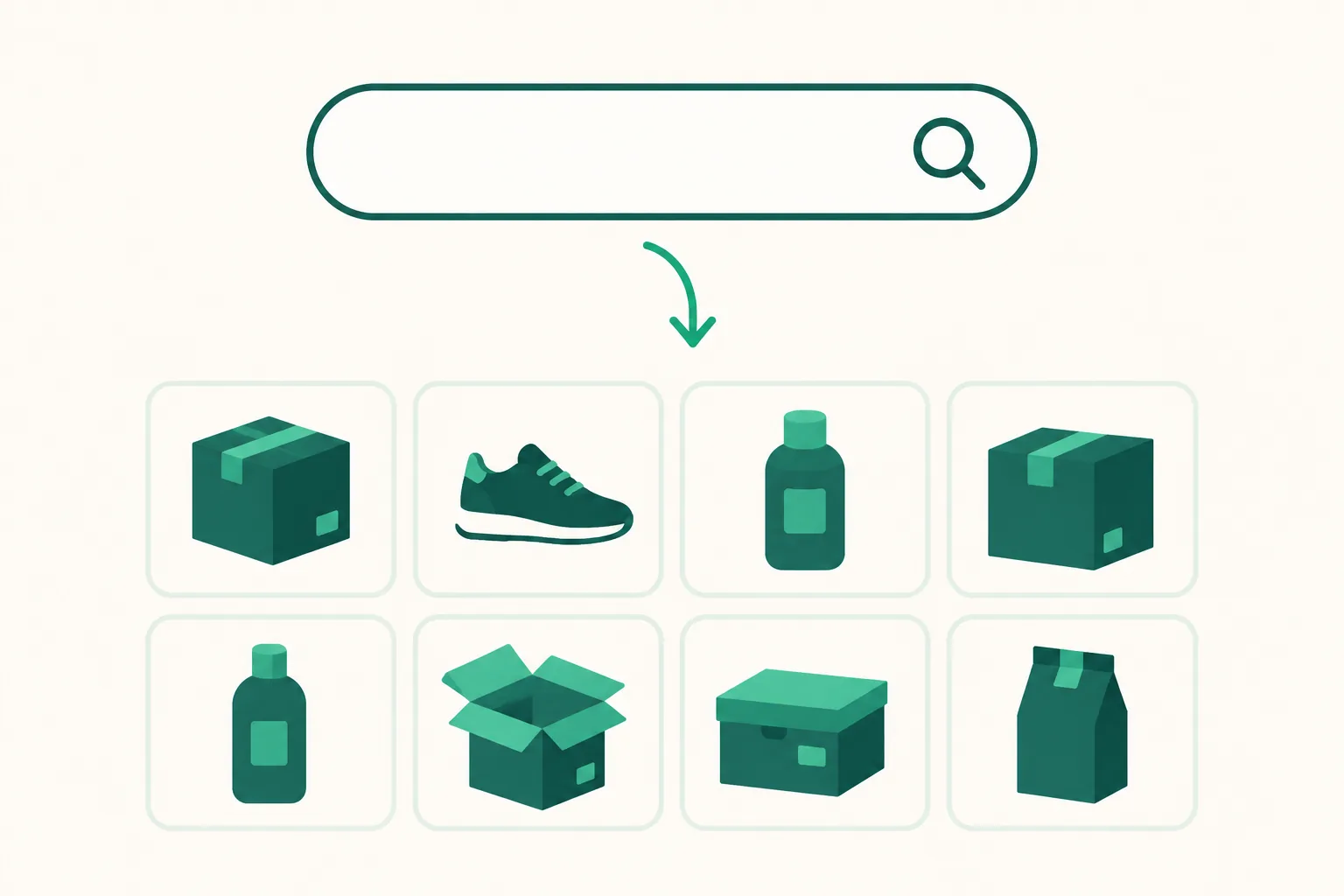
Coupang search box — visitors find Coupang products right from your page
Turn on the Coupang search box on your link page and visitors can type a product or brand name to jump straight to Coupang search results. Purchases that follow those searches are credited to your Coupang Partners links.
What it does
A second input appears where your link page search box sits, this one searching Coupang. When a visitor types a product or brand name, the Coupang search results open in a new tab.
Visitors can find what they want even when you have not listed it. That means fewer messages asking about products your page does not carry, and more places where earnings can happen.
The search link is converted to your own Coupang Partners account automatically, so a purchase that follows the search counts toward your Partners performance (per Coupang Partners rules: a purchase within 24 hours of the click).
How to turn it on
Go to Dashboard > Link page > Edit > Page settings > Features and switch on Coupang search box.
Two conditions apply.
- Your Coupang Partners API connection must be finished — check that Settings > Coupang Partners shows the status "Connected".
- Your plan must be BASIC or higher.
Before the connection is finished, the switch can be on and the search box still will not appear on the public page.
Good to know
- Search result links are built through the Coupang Partners API. The same keyword is reused for 7 days to save API calls.
- New keywords are converted into Partners links up to 300 times a day per account (all your pages combined, reset at midnight KST). After that, new keywords open plain Coupang results, while keywords already converted keep opening as Partners links.
- If one connection (IP address) searches more than 60 times in an hour, or the Coupang API is briefly unavailable, that search opens as a plain Coupang search without the Partners link. Visitors are never blocked.
- When you turn the search box on, add an affiliate disclosure (your Coupang Partners statement) to the notice bar. Even with no products listed, the search link is a Partners link, so it needs a disclosure.
- Switching the search box off removes it from the public page immediately.
- This is a separate switch from the existing search box, which searches the products you have put on the page.
If you have questions, ask us in the chat at the bottom right of your dashboard.