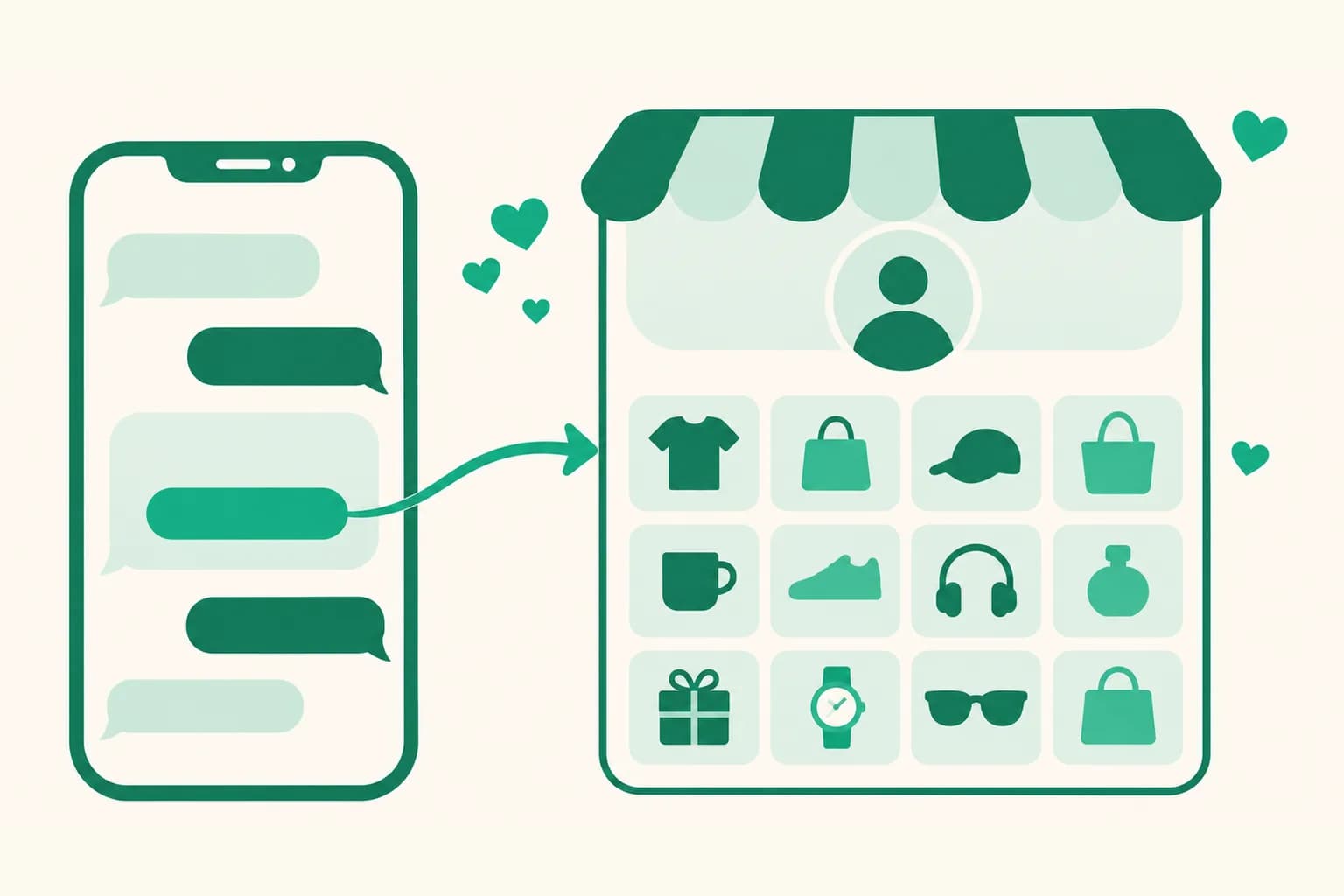
A DM card button can now open your whole page instead of one product
Until now, a product card button in Auto DM could point at only one product. Now you can pick your whole page for a button. Followers who pass the follow check can go straight to your link page with every product you've collected, not just one.
What it does
- A product or your page on each button: For each card button, pick a product or pick your whole link page instead. You can mix product buttons and page buttons on the same card.
- Everywhere the card is used: Product cards after they reply are used for the cards that follow a viewer's reply, for the card reply sent to followers who tap the follow check, and for the Facebook first DM card. A page button goes out wherever that card goes out.
- Still works after an address change: The button remembers the page itself and opens the page's current address (link.uup.kr/your-address) at send time. If you change your page address later, you don't need to edit the automation.
How to use it
- Go to Dashboard > Auto DM, click Create automation, or open the edit screen of an automation.
- In the message step, under Product cards after they reply (optional) (First DM card (maximum 1) for Facebook), click Pick product on a card button.
- Click My whole page at the top of the list. When the page name shows on the button row, you're done.
To send it to followers who pass the follow check, choose Product card under What followers receive in the follow check. If the card title is empty, your page name fills in automatically, and you can change it freely.
Good to know
- Clicks on a page button count as page visits, not Auto DM clicks. Check that page's visits in your analytics.
- Card photos come from product photos automatically, so a card with only page buttons goes out without a photo.
- If you delete the page, that button is left out of the DM and shows as "(deleted page)" on the edit screen. A card left with only its title is skipped and the other cards are sent. If no card has a button left, followers get your follower message instead of the cards.
- If the page is private, the button still goes out but the viewer can't open the page. Keep it public.
- Each button points at either a product or your page. To switch, click Pick product again and choose.
If you have questions, ask us in the chat at the bottom right of the dashboard.