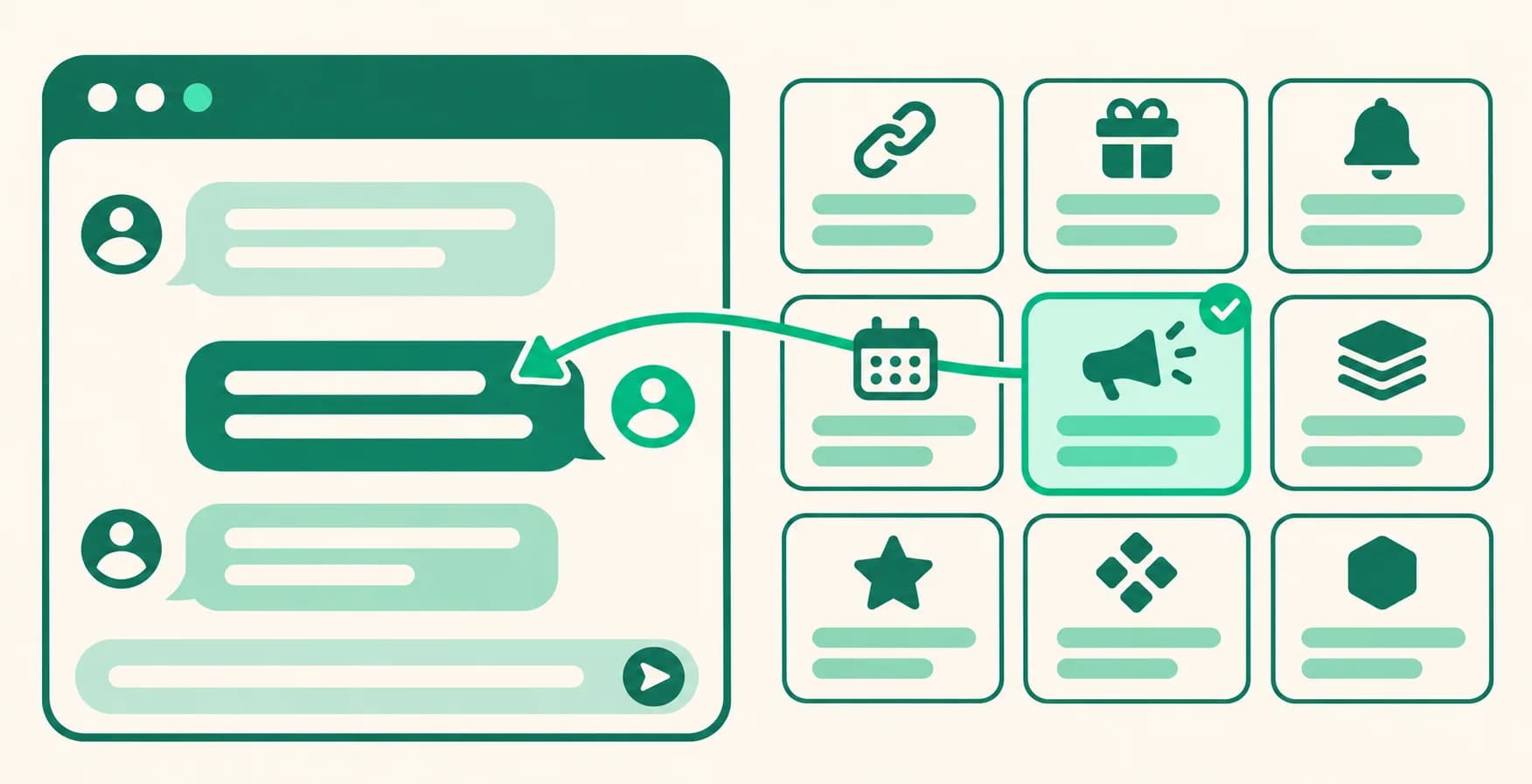
Start your first DM fast with 9 default templates in Auto DM
Writing a first DM from scratch can be the hardest part of your first Auto DM. Now Load template comes with 9 ready-made first DM messages as Default templates. Load one and edit it to fit your situation.
What it does
- 9 default templates: Product link, Coupang Partners, Group buy, Free resource, Giveaway entry, Class info, Consultation request, Restock alert, and Live preview.
- Only the first DM text changes: Loading one with Messages & replies only replaces just the first DM text. Product cards and follow check settings you've added stay as they are.
- Coupang Partners disclosure included: The Coupang Partners template includes Coupang Partners' standard disclosure, word for word in the original Korean.
How to use it
- Go to Dashboard > Auto DM, click Create automation, or open the edit screen of an automation.
- In the Messages step, click Load template.
- Choose What to apply. Messages & replies only keeps your current keywords and replaces every first DM with the template text, while Everything incl. keywords also swaps your keywords for the template's sample keyword.
- Click the template you want under Default templates further down.
- Edit the first DM to fit your situation, add your link, and click Start automation (or Schedule for a scheduled start) at the bottom to save.
Good to know
- Auto DM is available on the DM Pro and Ultra plans and during the 14-day trial. Default templates show up right away, with nothing to turn on.
- Default templates contain no links. Add one to the first DM with Insert my link, or attach a product card. If follow check is on, put links in the follower message instead. Links in the first DM can't be tapped by people who don't follow you yet.
- If you added alternate messages to the first DM, they're cleared when you load a template. Otherwise your old messages would still go out at random.
- If the follow check button is on, a line asking people to tap that button is added at the end of the message.
- Loading with Everything incl. keywords switches the trigger to the template's single sample keyword (Contains match). An automation set to Everyone who comments will then respond only to that keyword, and if you had several keywords, only one keyword's cards and follow check carry over (the one matching the sample keyword, or else the first). Change it to the keywords you need.
- Default templates can only be loaded, not edited or deleted. To reuse your edited message, save it to My templates with Save template.
If you have questions, ask us in the chat at the bottom right of the dashboard.