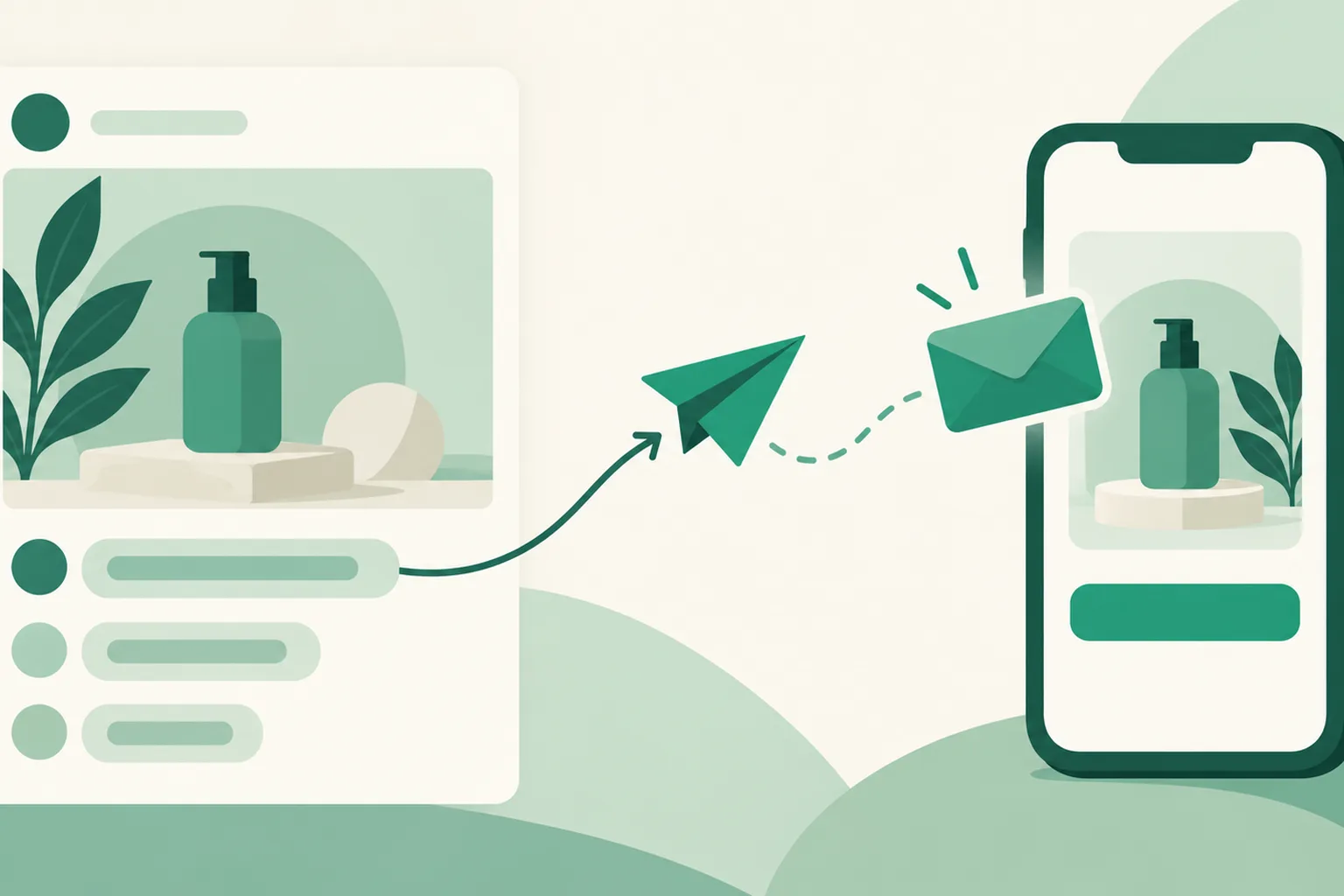
Auto DM now works on Facebook Pages too
The Auto DM you've been using on Instagram now works on Facebook Page posts too. When someone leaves a keyword comment on your Page post, they automatically get a DM with your product link. If you run both Instagram and Facebook, you can handle comment requests on both channels the same way.
What it does
- Comment → first DM, automatically: When a keyword comment (or any comment) arrives, a first DM is sent once within 7 days of the comment.
- Text or product card: Send the first DM as text, or—with instant sending—as a product card with a photo and button.
- Same builder as Instagram: Choose a specific post, all posts, or your next post, plus keywords, scheduled activation, scheduled and batch sending, and templates, exactly like Instagram Auto DM.
- Public reply (optional): After the DM goes out, leave a public reply on the comment, such as "Sent you a DM!"
How to use it
- Go to Dashboard > Connections > Channels and click Connect for Auto DM on the Facebook Page card. If the Page is already connected for auto-upload, click Add DM permission on that Page's row instead.
- When Facebook asks you to choose Pages, choose the option to opt in to current Pages only (not all current and future Pages), check the Page you want to automate, and continue.
- Go to Dashboard > Auto DM, click Create automation, choose Facebook Page under Platform in step 1, then select your Page.
- Set the post, keywords, and message, then save. It starts right away.
Good to know
- Auto DM is available on the DM Pro and Ultra plans and during the 14-day trial.
- On Facebook, the follow-check button, unread reminders, and follow-up product cards sent after a reply aren't available yet. Auto DM sends one first DM plus a public reply.
- With scheduled or batch sending, the first DM goes out as text and public replies are turned off.
- Public replies require your Page's comment management permission. Without it, you can still use Auto DM with public replies turned off.
- Like other channels, you can connect up to 3 Facebook Pages by default and add more with extra account slots.
If you have questions, ask us in the chat at the bottom right of your dashboard.