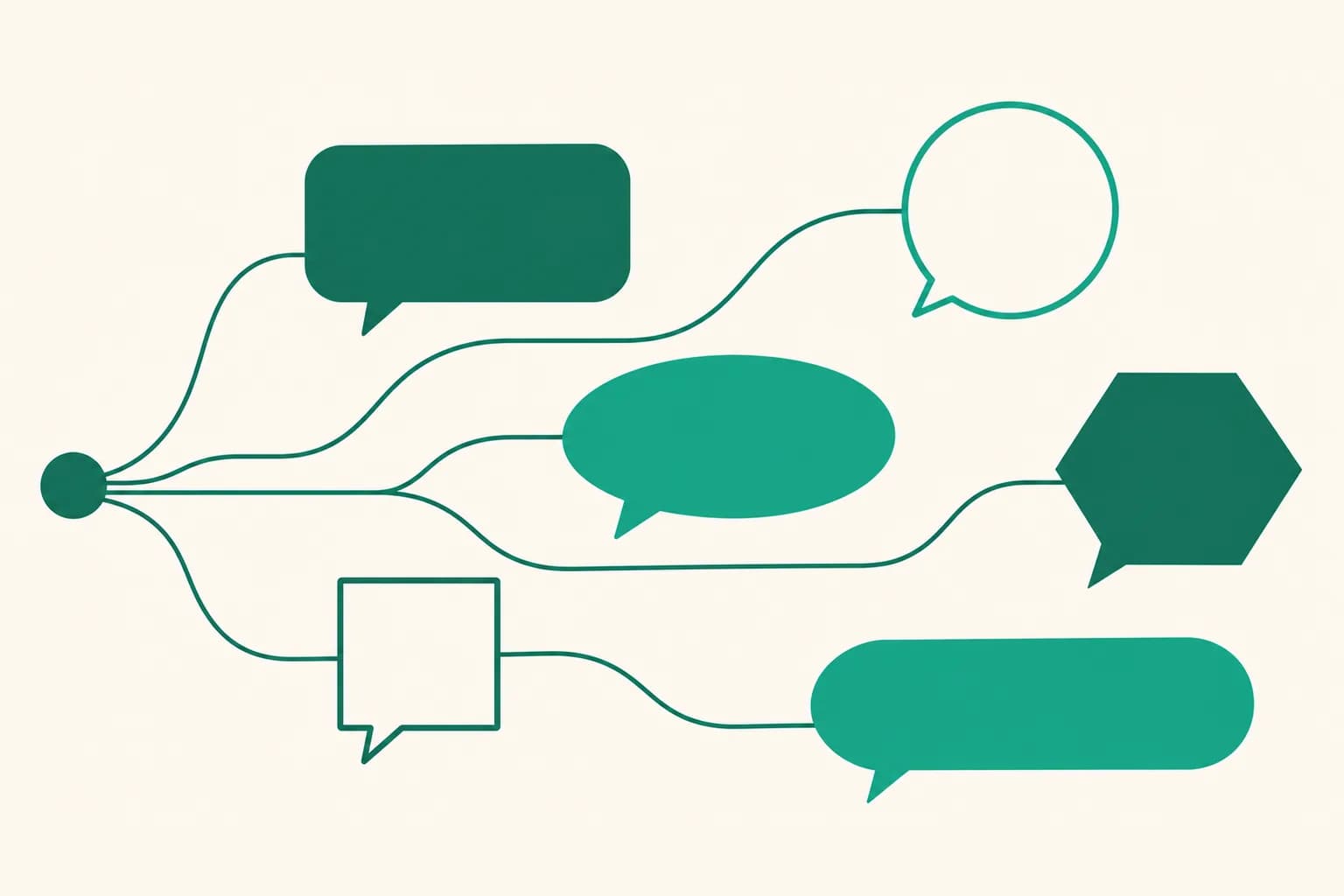
Add several first DM messages and one is sent at random each time
Until now, Auto DM let you set only one first message per keyword, so everyone who commented got exactly the same text. Now you can add alternate messages, and each time one of them is picked at random.
What it does
- One of several messages at random: Under the first message per keyword, you can add alternate messages. Each time, one of the first message and the alternates is sent at random.
- Less repetition: Sending the same text over and over can look like spam to Meta (Instagram and Facebook). Adding a few messages with slightly different wording or order lowers that risk.
- Instagram and Facebook: It works in Auto DM for both Instagram and Facebook, wherever you write a first DM message.
How to use it
- Go to Dashboard > Auto DM, click Create automation, or open the edit screen of an automation.
- In the Messages step, under First DM, click Add another message below First message per keyword.
- Write a message in the new field. Add as many as you need, and delete ones you don't want with the delete button next to them.
- Click Start automation (or Schedule for a scheduled start) at the bottom to save.
The preview shows the first message, and if there are alternates it adds "One of N messages is sent at random" below it.
Good to know
- You can add up to 30 messages including the first one, and each has the same limit (1000 bytes) as the first message.
- Which message goes out is random and can't be chosen. Put the link and any sponsorship disclosure in every message so any of them works.
- Wording that makes content conditional on following, like "follow to unlock", can be flagged as spam by Meta (Instagram and Facebook) under its spam policy. The editor shows a warning when it spots it. Try something like "Tap the button below and I'll send you the link".
- If your first DM goes out as a card, these messages are sent only when the card can't be.
If you have questions, ask us in the chat at the bottom right of the dashboard.