Inpock Link import — move your products over with a single address
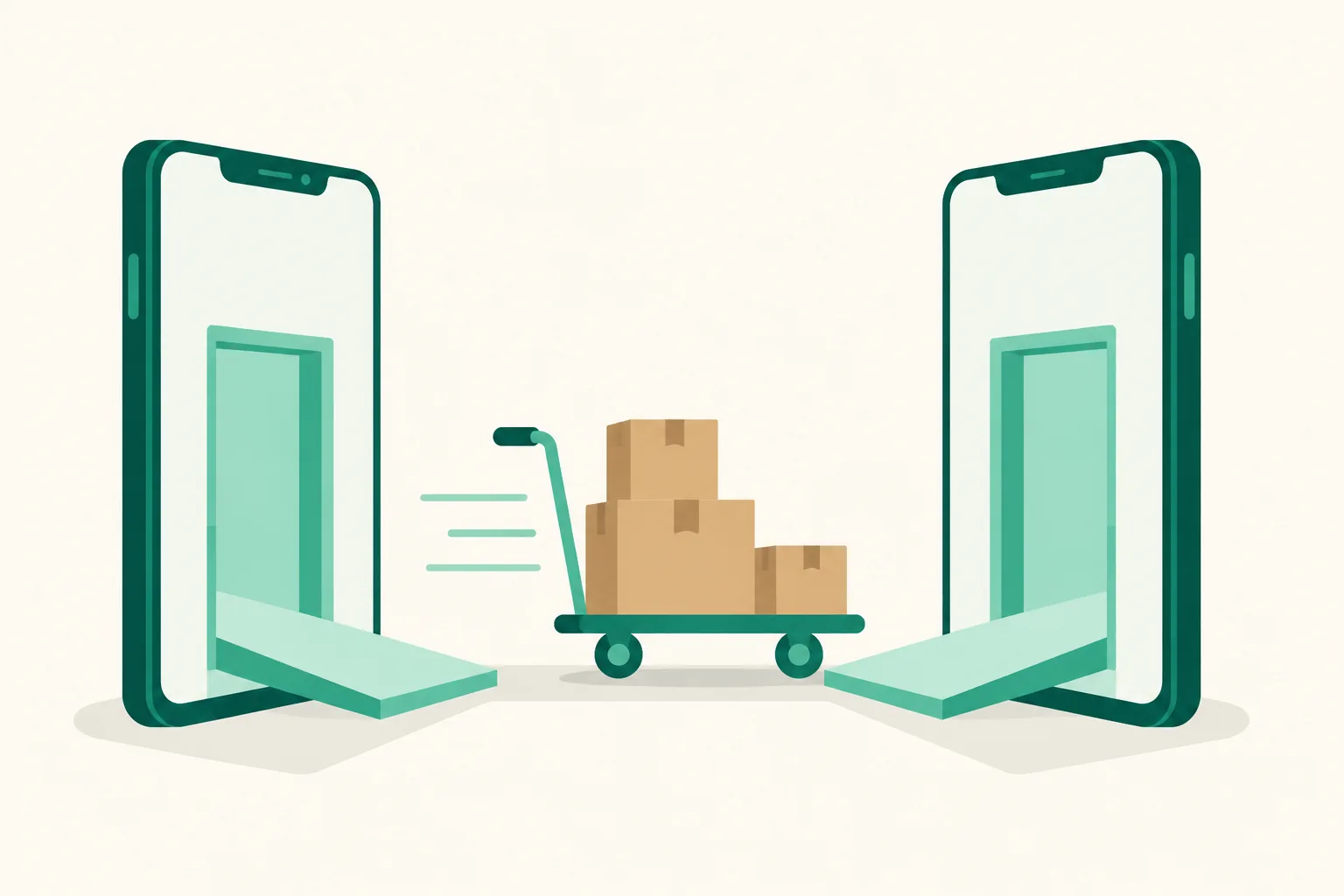
If you have been using Inpock Link, there is no need to rebuild your page from scratch. Enter your Inpock Link address and we read in your products and page details, then move the items you pick in the preview to your UUP page in one go.
What it does
What comes over is your products (title, link, thumbnail), page name, bio, profile image, and notice. What does not come over is Auto DM settings, analytics, theme details, and API keys. A checkbox on each item lets you decide what to bring.
Your original Inpock Link page is not changed, and the new UUP page stays hidden from visitors until you publish it.
How to use it
- In Dashboard > Pages, press Import on the "Moving over from Inpock Link?" card. The same button is on the new page screen.
- Enter the trailing part of your Inpock Link address and pick the page to bring over. Choose Create a new page and import to start on a new address.
- Press Start import and, once your products are read in, a preview opens. Everything that succeeded is selected at first, so just clear what you do not need and press Import the n selected.
- When it finishes, check the counts and lists of successes, failures, and duplicates on the results screen, then choose Publish now or Go to the editor.
Good to know
- Product photos are moved onto UUP's servers too, so a large number of items can take a few minutes. Closing the window partway does not stop the import.
- Imported products all arrive public (switched on). The page's own visibility is separate, though, so if you imported into a new page you still need to switch it to public for visitors to see it.
- Items whose thumbnail could not be downloaded show the reason it failed. Just add those yourself, using the original as a reference.
- Running the same import again updates the contents of products already brought over rather than creating new ones. If it stopped partway, only the remaining items are picked up.
- Choose a theme fresh in the editor, and build your Auto DMs again after connecting Instagram.
Questions? Use the chat at the bottom right of your dashboard.