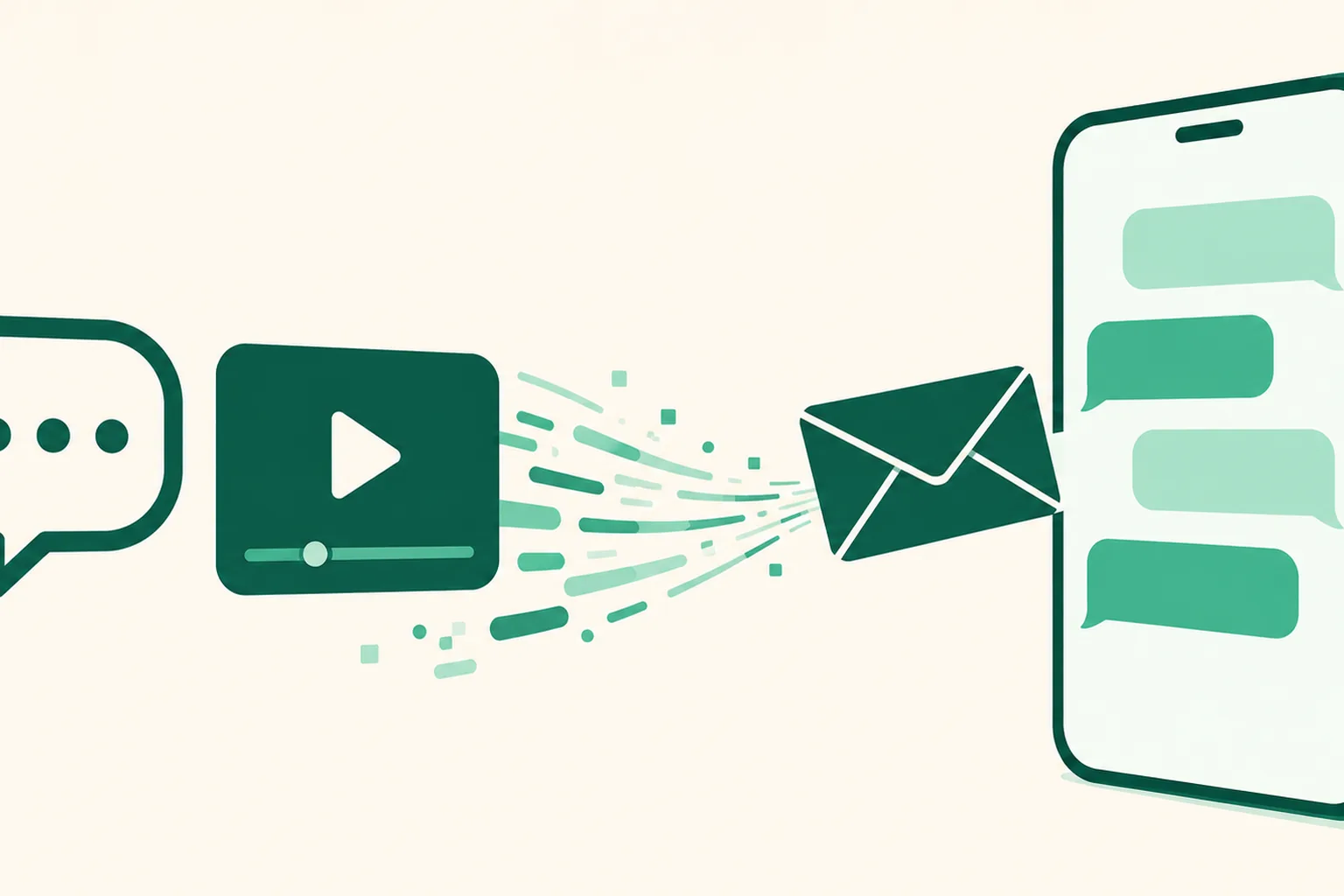
Auto DM is now officially open — a comment arrives and a DM with your product link goes out
Meta's app review is finished, and as of August 17, 2026 Auto DM is open to every member. When a comment containing a keyword you chose lands on an Instagram post, a DM carrying your product link is sent to that viewer automatically.
What it does
Tell people "leave a comment saying 'link'" and every time a 'link' comment arrives, an Auto DM goes out to that person. You do not have to reply to each comment yourself, and comments that land while you are asleep still get a response.
- Keyword matching: choose to respond to everyone who comments, whatever keyword they use, or only to comments containing a keyword you registered. Either way, DMs go only to people who commented on your post first. You can attach a different message to each keyword.
- Public replies: separately from the DM, you can leave a public reply on the original comment, such as "Sent you a DM!", so other visitors see it too. Register several and they rotate at random.
- Follow-check button: Instagram blocks links in DMs sent to people who do not follow you. Turn on the follow check and the first DM carries a follow-check button; when someone taps it, followers get the follower message with your link, and people who have not followed yet get a follow prompt. Put the link in the follower message and it is always tappable.
- Product cards after a reply: if the recipient writes back, you can follow up within 24 hours with a set of product cards (up to 10).
- Results: for each Auto DM you can see the funnel from comment detected to DM sent to opened to link clicked.
How to get started
Two conditions apply. You need the DM Pro or Ultra plan, or the 14-day free trial, and an Instagram professional account (business or creator) must be connected. Connect it in Dashboard > Integrations > Instagram.
- Go to Dashboard > Automations and press Create Auto DM. There are six steps: start, post, keyword, delivery policy, reply, message.
- In the post step, pick the post to attach the Auto DM to. Picking a specific post yourself is the approach we recommend.
- In the keyword step, choose Specific keywords and type the word your viewers will leave in a comment (for example, link), then press Enter to register it.
- In the message step, use Insert my link to pick a product from your link page, then press Start Auto DM.
In the product list of the link page editor, pressing Create an Auto DM with this product builds a draft carrying that product's link right away. To attach one to several posts at once, use Multiple DM setup at the top of the automations screen.
Good to know
- It responds to Instagram comments only. Comments on YouTube Shorts or long-form videos do not trigger a DM.
- The person leaving the comment is your viewer, not you. Tell them in the video or the caption which word to leave.
- Only one DM goes out per comment. You cannot reply once 7 days have passed since the comment, and resending to people who did not respond is not offered, per Meta policy.
- If there is compensation involved, such as an ad or sponsorship, include a disclosure in the message.
- You can see how to switch to a professional account in the relevant part of the how-to lecture (https://youtu.be/qVwx85tGXcc?t=4010).
Questions? Use the chat at the bottom right of your dashboard.