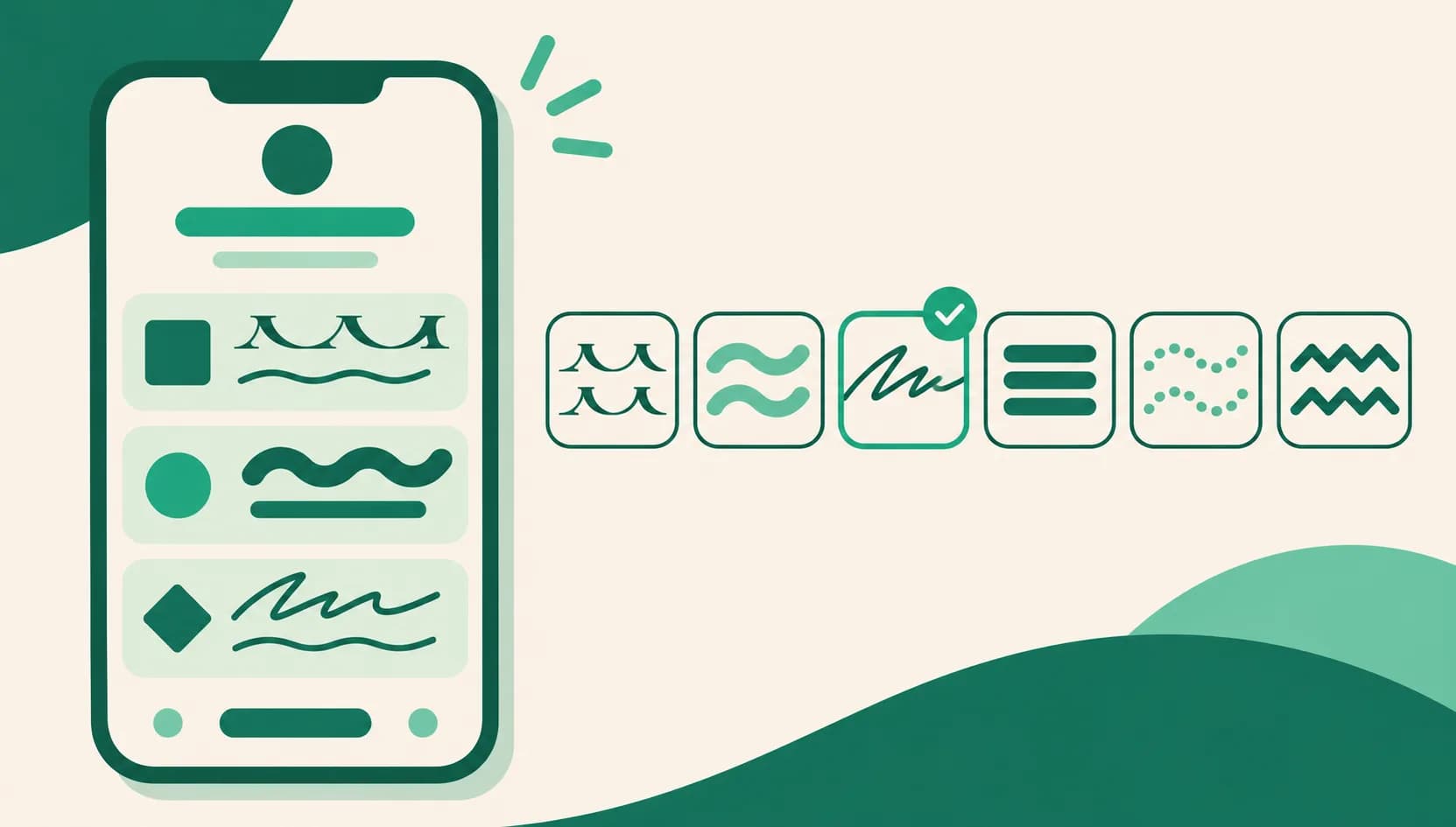
Six typefaces now, and the one you pick shows on every device
Even when you chose Serif or Rounded for your page, phones without that font sometimes showed the phone's built-in sans-serif font instead. Now the typeface you pick is sent along with your page, so it looks the same on iPhone, Android, and computers. The choices also went from 3 to 6.
What it does
- 6 typefaces: Handwritten, Soft, and Bold join Default, Serif, and Rounded. Each option shows a sample in its own typeface so you can compare.
- The same look on every device: Your page shows the typeface you picked even if a visitor's device doesn't have that font.
- Earlier choices come to life: Pages that already use Serif or Rounded now show that typeface on every device, with nothing to change. The same goes for pages with the Rosé pop (Rounded), Editorial, or Magazine (Serif) skin.
How to use it
- Under Pages in your dashboard, open the page and go to the Design tab.
- Under Product display, press the option you want in Typeface.
- Check the change in the preview on the right. Changes save automatically.
Good to know
- Typefaces other than Default start from the Basic plan. Switching back to Default works on the Free plan too.
- If you move to the Free plan, your public page shows the Default typeface. Your choice is kept, so it comes back when you subscribe again.
- The typeface applies to Korean, English, and numbers across your whole page, including your name, bio, and products. Characters a typeface doesn't have, like Japanese, appear in the visitor's device font.
- The Rounded, Handwritten, and Bold typefaces lack some rarely used Korean characters and some symbols, such as the middle dot (·) and ellipsis (…), so just those characters may appear in the device font.
If you have questions, ask us in the chat at the bottom right of your dashboard.