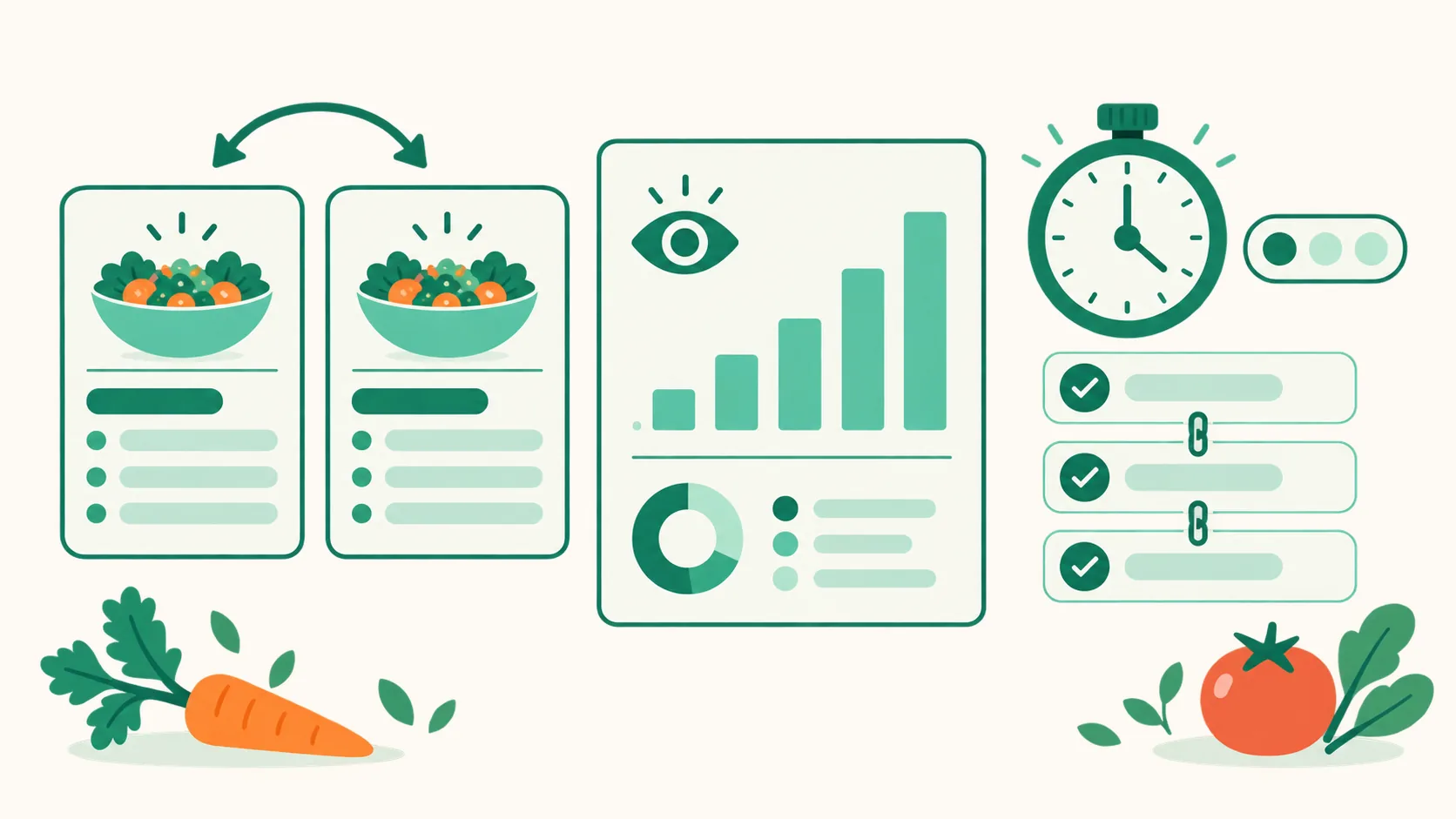
Duplicate and move recipes, and track visits and cooking times per recipe
Editing your recipe book just got easier. You can duplicate a whole recipe or move it to another page, see visits and ingredient clicks for each recipe, and note cooking times and difficulty.
What it does
- Duplicate or move a recipe: In the editor, choose Duplicate on this page from Duplicate or move recipe on a recipe row, and the same recipe appears right below. Pick one of your other pages under To another page, and the whole recipe moves to the bottom of that page.
- Visits per recipe: Under each recipe row in the editor you now see detail views, ingredient clicks, and click rate for the Last 30 days, and the page stats tab and the full stats screen have a By recipe table.
- Cooking time and difficulty: Fill in Prep time (min), Cook time (min), and Difficulty, and recipe cards and details on your visitors' screen show them like "Prep 10 min · Cook 20 min · Easy".
- Link the unlinked ingredients one by one: Click 링크 없는 재료 N개 이어서 연결 (Link the N unlinked ingredients) in the recipe editor to go through ingredients without a link one at a time and connect each with 쿠팡에서 고르기 (Pick on Coupang) or 상품 찾기 (Find product).
How to use it
- Open the editor of your recipe book page.
- To duplicate or move, click Duplicate or move recipe on the right of a recipe row, then choose whether to add another copy on this page or move it to another page.
- For cooking time and difficulty, fill them in the basics of the expanded recipe editor or in the basics step of Add recipe, then save.
- To link many ingredients at once, click 링크 없는 재료 N개 이어서 연결 (Link the N unlinked ingredients) in the ingredients section of the recipe editor, pick a product for each line, then Save.
- Check visits per recipe in the Last 30 days line under each recipe row and in the By recipe table of the stats tab.
Good to know
- Duplicating or moving checks the per-page product limit first. If there isn't enough room, nothing changes and we tell you how many more slots you need.
- A duplicated recipe shares its photos, and its click history starts fresh.
- When you move a recipe, product button connections and click history go with it. Recipe links you put in DM automation messages and similar places keep pointing to the original page, so add them again after the move.
- Visits per recipe are counted from this update on. The click rate can go above 100% because one detail view can lead to several ingredient clicks.
- Times of 0 or left blank aren't shown. When you import from 10000 Recipes and the original has a cooking time, it's filled in automatically.
- 상품 찾기 (Find product) searches only when you click it. You get 8 searches per hour, and searching the same term again within 6 hours doesn't use one up.
- We also fixed two things on your visitors' screen: cooking steps stay in one group even with text steps in between, and the cooking mode ingredient sheet shows every ingredient.
If you have questions, ask us in the chat at the bottom right of your dashboard.