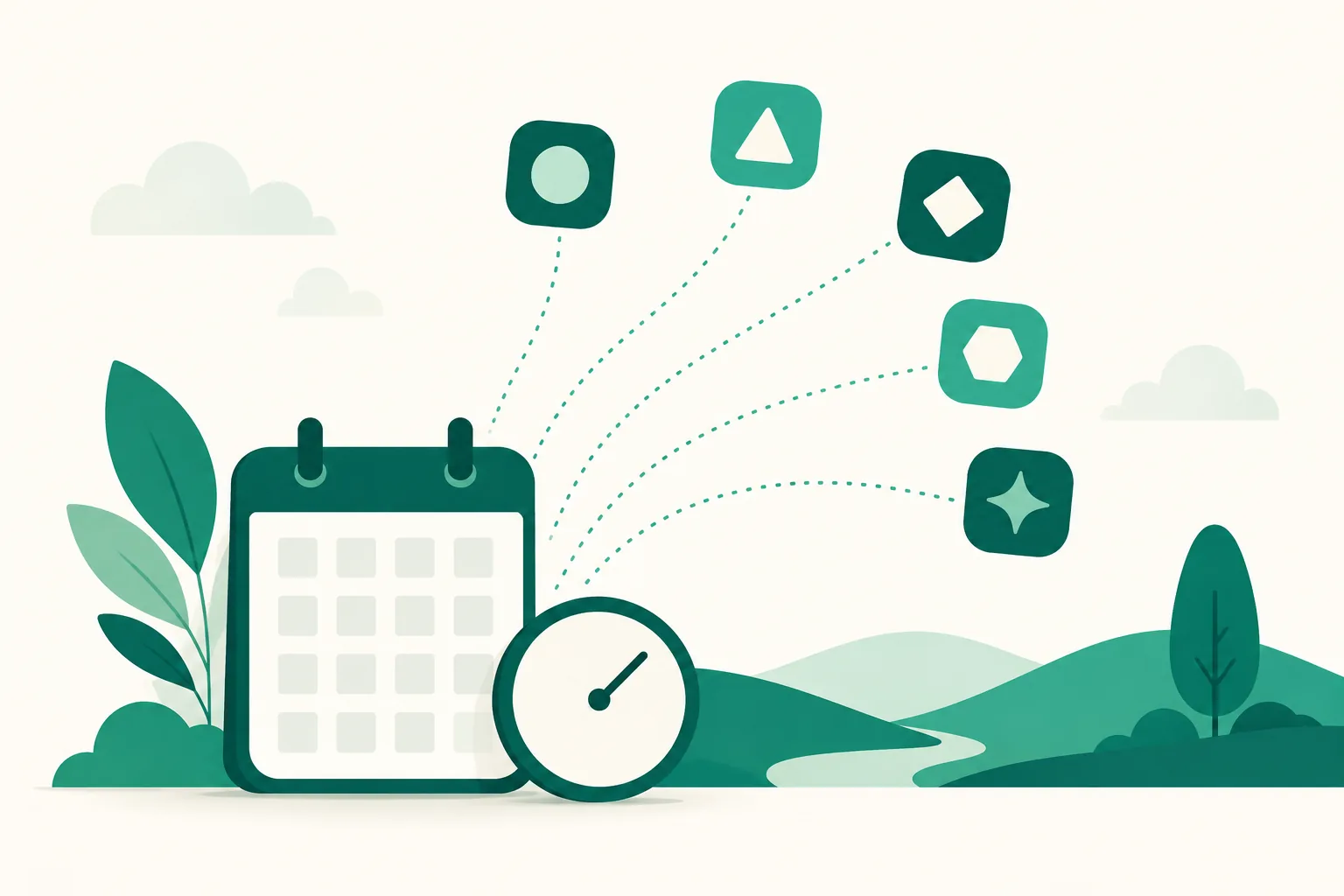
Auto-upload is now officially open — post to Instagram, Threads, Facebook, YouTube, and TikTok at the time you set
Auto-upload opened officially on August 28, 2026. Pick a time on the calendar and UUP posts for you at the time you set. It started with Instagram, Threads, Facebook Pages, and YouTube, and with TikTok's review approved on September 4, all five channels are available.
What it does
- Scheduled posting to 5 channels: schedule photos, carousels, and videos to Instagram, Threads, and Facebook Pages, and videos to YouTube and TikTok. Pick several accounts and the same content is scheduled to each of them.
- Your link added automatically as the first comment: links in an Instagram caption are not tappable. So we fill in your link page address automatically as the first comment (Instagram, Threads, and YouTube. On YouTube it works from September 13 on accounts connected with comment permission. Facebook Page first comments are in the works, and TikTok does not support first comments).
- Works with Auto DM: the moment a post goes live, your Auto DM takes over. Set it to "next post" before uploading and it starts working as the post goes up. To use Auto DM alongside, you need the Ultra plan or the 14-day free trial (Upload Pro does not include Auto DM).
- Templates and calendar: save the caption, first comment, per-channel settings, and publish time as a template to load into your next post, and see everything you scheduled at a glance on the calendar.
How to get started
Auto-upload is available on the Upload Pro and Ultra plans and the 14-day free trial.
- Go to Dashboard > Connections > Channels and press Connect on the channel you want to post to. You can connect several accounts to one channel.
- Press Create post and fill in three steps. Where to post (accounts), what to post (photos or video, caption, first comment), and when to post (publish time).
- Once scheduled, it appears as "Scheduled" in the list and on the calendar, and goes up automatically at that time. Leave the time empty and it is saved as a draft only.
Good to know
- Instagram requires a professional account with a public profile. Photos go up as JPEG, and if you pick a PNG it is converted to JPEG on the way. Carousels are all cropped to the ratio of the first image.
- Caption limits differ by channel (500 characters on Threads, 2,200 characters and 30 hashtags on Instagram, and so on). We check them when you save, so it does not fail at publish time.
- A video scheduled to YouTube as public stays private until the scheduled time, and YouTube makes it public then. Seeing it as private before that is normal.
- On TikTok, "Post directly" sends the caption and visibility along and puts the video on your profile at the scheduled time, while "Send to TikTok inbox" delivers only the video to the TikTok app inbox, where you add the caption and visibility and press the final post button yourself. TikTok's additional review finished on September 14, so "Post directly" is open to every member and is now the default — pick a visibility and it publishes as scheduled. To finish in the app yourself, switch the posting method to "Send to TikTok inbox".
- Post status shows as Scheduled, Processing, Published, Published as private, Delivered to the inbox, or Failed. "Published as private" means the platform lowered the visibility, and is not a failure. "Delivered to the inbox" means the video reached your TikTok app's inbox — add the caption there and tap the final post button to publish it.
- Revised September 4, 2026: the TikTok channel was added.
- Revised September 14, 2026: TikTok "Post directly" is open and is now the default posting method. Pick a visibility and it publishes as scheduled.
- Revised September 20, 2026: TikTok posting method and visibility are now selected and saved even when scheduling alongside other channels. For multiple TikTok accounts, only settings allowed by every selected account are offered. New TikTok transfers from Selvi also default to direct posting. Inbox delivery records from the last 30 days change to Published after a public post is confirmed. Existing inbox schedules keep their chosen posting method.
Questions? Use the chat at the bottom right of your dashboard.