How Coupang Partners' 24-Hour Window Really Works (2026) — When Commissions Count, and When They Don't
Everyone knows the headline rule: "if someone buys within 24 hours of clicking your link, you earn a commission." But the moment you actually start operating, the real questions appear — does it count if they buy something other than what they clicked? What if they click someone else's link afterward? What about items sitting in the cart? This guide breaks down Coupang Partners' 24-hour attribution case by case, then shows how knowing the rule changes the way you run your channels.
Before you read: Coupang (Korea's largest e-commerce platform; Coupang Partners is its affiliate program) can change attribution rules, commission rates, and settlement terms without notice. This article reflects publicly available information as of 2026-08; the authoritative source is the help center and operating policy on the official Coupang Partners site.
The basic principle — the clock starts at the click
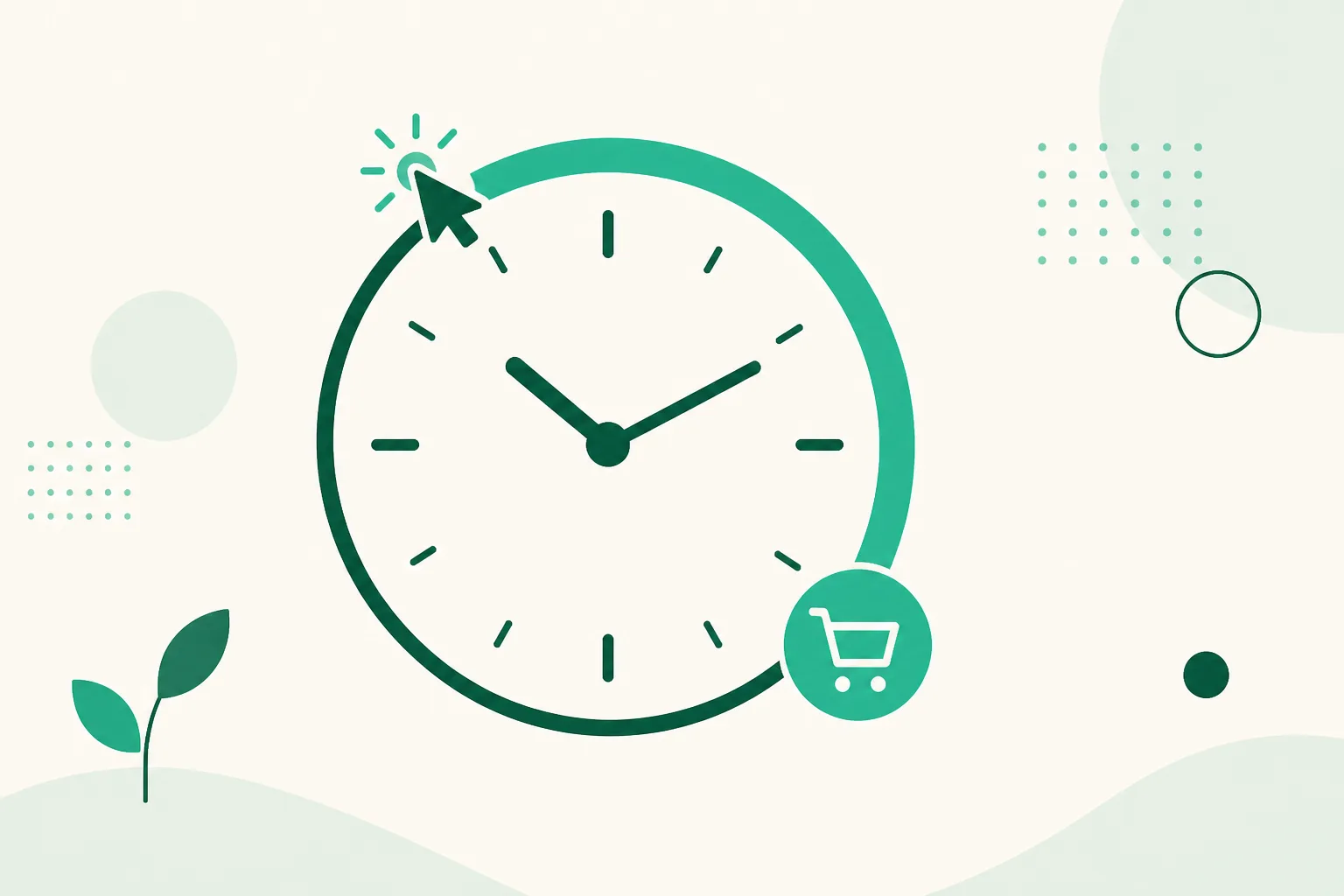
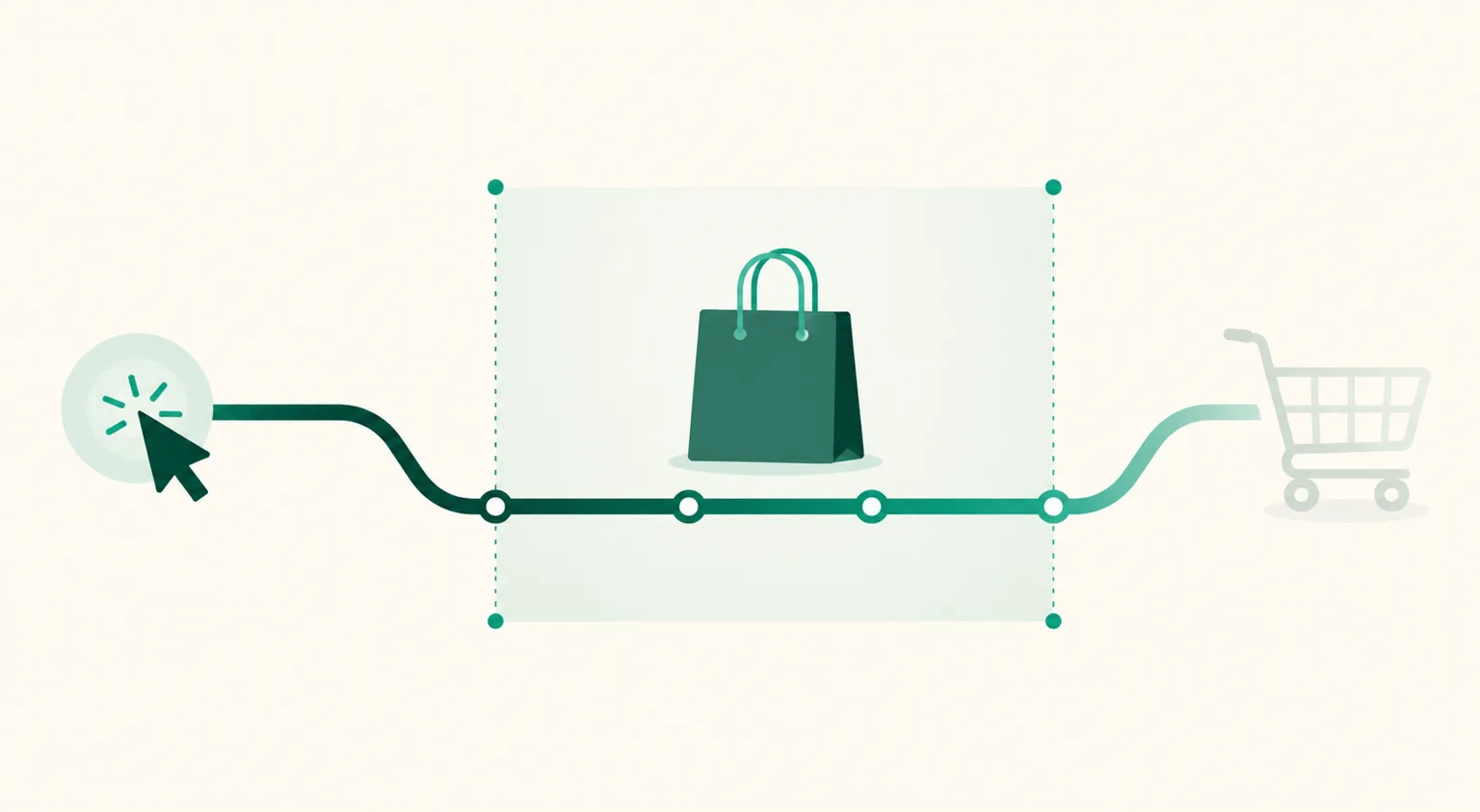
Coupang Partners attribution works like a "24-hour cookie." From the moment a visitor clicks your affiliate link, any purchase they complete on Coupang within 24 hours counts toward your earnings.
Here's the part many people miss: the purchased product doesn't have to be the one they clicked. If someone enters through your cordless-vacuum link and buys bottled water and diapers within 24 hours, those purchases are yours too. That reframes the goal — it's less "sell this exact product" and more "get people into Coupang while their interest is hot."
The confusing cases, sorted
| Situation | Counted? (per public sources) |
|---|---|
| Buys a different product than the one clicked, within 24h | Counted |
| Buys after the 24-hour window closes | Not counted |
| Clicks your link, then clicks another partner's link, then buys | Attribution can shift — the later click wins |
| Buys through their own affiliate link | Not counted — repeated attempts risk sanctions |
| Purchase canceled or returned | Removed from your results |
| Purchase with a coupon applied | Calculated on the final paid amount |
Two of these deserve extra attention.
① Attribution follows the last click. If your visitor clicks another partner's link before buying, the sale can move to them. It cuts both ways — someone warmed up by another creator who clicks your link last becomes your sale. The conclusion is the same either way: your link needs to be closest to the moment of purchase decision.
② Self-purchases are strictly off-limits. It's not just "not counted" — repeated self-purchasing is a classic violation that can lead to activity restrictions or forfeited earnings.
After attribution — how commissions become money
A sale caught inside the 24-hour window doesn't hit your bank account right away.
- Commission calculation — category-based rates (up to around 3%) apply to the product amount, excluding shipping. Rates change, so check the current fee table in Partners Center.
- Confirmation wait — results are finalized only after the cancellation/return period passes, typically around the 25th of the following month.
- Payout — once confirmed earnings pass the threshold (₩10,000, the Korean-market threshold), payment arrives around the 15th two months after the activity month. January's results arrive mid-March.
So one full cycle runs: click → purchase within 24h → survive cancellations → reach the threshold. Many people who quit early "because there's no revenue" are actually just inside this lag.
How people who know the rule operate differently
Once you understand attribution, the operating goal sharpens: put the link in someone's hands at peak interest, and start the 24-hour clock at that exact moment.
On Instagram, the shortest path is the comment. The moment someone comments "link please" on your post is the peak — reply manually hours later and they've cooled off or bought elsewhere. Comment-triggered Auto DM automates this gap: the moment the comment lands, the product's affiliate link arrives in their inbox, and the 24-hour count starts at the hottest possible moment.
Build this with UUP and two more things come along: Coupang product URLs convert to official affiliate links automatically the moment you save them as products (with a Partners API connection, BASIC plan and up), and the analytics screen shows per-product clicks and visit-time distribution. Knowing when clicks concentrate lets you shift posting time so the 24-hour window overlaps high-purchasing hours.
FAQ
Does adding to cart extend the window past 24 hours?
You'll see claims that it does, but it's not a rule we can confirm from public sources. The safe operating assumption is payment completed within 24 hours. Check the Partners help center for the current rule.
If the visitor closes the app and comes back, does it still count?
As long as it's the same account continuing, purchases within the 24 hours are generally understood to count. But if they click another partner's link in between, attribution can move.
Why do I get lots of clicks but no revenue?
Suspect three things in order: ① products whose purchase decision doesn't fit inside 24 hours (higher price, longer deliberation), ② results removed by cancellations/returns, ③ you're still inside the settlement lag. Products whose click-to-conversion stays dead are candidates for replacement — recheck review counts and price points.
Related reading
- Coupang Partners × Instagram: Monetization Built on the 24-Hour Rule
- How to Shorten Coupang Partners Links — Risks and the Safer Alternative
- How Coupang Partners Approval Works
- Coupang Partners Payout Schedule — When You Get Paid
A structure that puts the 24-hour window on your side keeps running once you set it up. Start free to organize your products, and see plan differences on the pricing page.