How to Check Instagram Profile Link Clicks (2026) — What Insights Can and Can't Tell You
So 213 people tapped your profile link this week. Good. But Instagram won't tell you whether those 213 came from yesterday's Reel, the Story you posted three days ago, or an auto DM that handed them the link. You have a number, but nothing that tells you what to do next.
This guide starts with where to actually find link clicks in Instagram Insights, names the three questions Insights structurally cannot answer, and then shows how routing through a link page answers them.
1. Where link clicks live in Instagram Insights
First, the prerequisite: Insights only exist on a professional account (Creator or Business). On a personal account there are no metrics at all. Switching is free, and your followers, posts, and DMs stay exactly as they are.
There are two places to look.
| What you want | Where to find it |
|---|---|
| Account-wide link clicks | Profile → Professional dashboard → Insights → under accounts reached, website taps (external link) clicks |
| Clicks a specific post drove | That post → View insights → Profile activity |
The second one is the less familiar path. Post-level insights include "profile visits" and "external link taps," so you can partly count the people who went from that post to your profile and on to your link.
Verified as of 2026-08. Instagram moves and renames these menus often depending on app version and region (some versions surface "Insights" directly instead of a "Professional dashboard"), so if you can't find it, typing "insights" into the settings search is faster.
2. Three things Insights can't answer
That's the whole of what Instagram gives you. In practice you hit a wall in three places.
① If you have several links, you can't tell which one was tapped. Instagram allows up to five profile links, but the click metric comes back as a single total. If today's group buy sits next to your YouTube channel, both are folded into that 213.
② Stories vanish after 24 hours. Try to check what your Story link sticker drove the next day and the post itself is gone. Once the Story insight retention window passes, that traffic is not recoverable.
③ Post insights show "profile activity," not "link clicks." Someone who saw the post, visited your profile, and tapped the link later sits in the same panel as someone who never tapped anything. You can't cleanly isolate each post's contribution.
Put simply: Instagram Insights answers "how many taps," never "where the taps came from."
3. What becomes visible once a link page sits in between
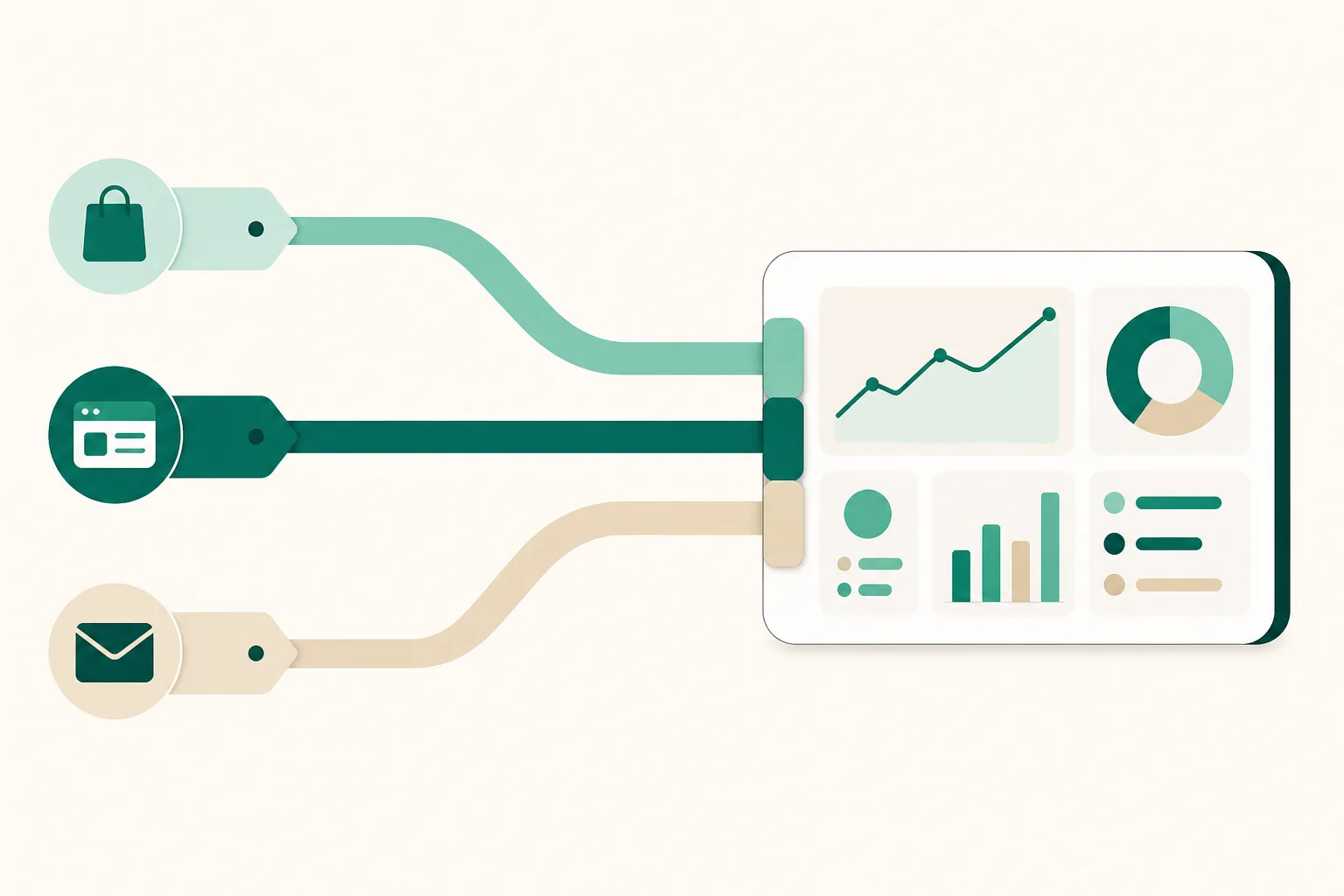
The principle is simple. Put a page whose analytics you control in the profile link slot, and keep your product links inside that page. Now the visits and clicks are recorded on your side.
Here's what the analytics screen in UUP (Dashboard → Analytics) actually shows. You pick a window of 7, 30, or 90 days.
| Section | What's in it |
|---|---|
| Period summary | Visits · Clicks · Unique visitors |
| Visits and clicks over time | Daily chart (also available as a table) |
| Top clicks by product | Product / Clicks / Clicks per visit |
| Traffic sources | Visits and share per channel, plus per-channel trend |
| Device and browser | Device · In-app browser · OS |
| Visit times | Hour-of-day and day-of-week distribution over the last 30 days |
| Sent → clicked funnel | DMs sent → Opened → Clicked (when you run Auto DM) |
The traffic-source channels break out as: Instagram auto DM, Instagram, YouTube, Naver, Kakao, Facebook, TikTok, X (Twitter), Google, Direct, and Other. The key one is that Instagram auto DM is its own channel — clicks on links you sent by auto DM don't get mixed in with profile traffic.
At the top of the editor you also get visitors right now, views today, and clicks today, and tapping a single product shows clicks today, total clicks, and a 30-day chart. That's the view for moments like a group-buy opening, when the question is simply "is anyone coming in right now?"
Visits, clicks, and traffic-source analytics are available from the free plan. The sent → clicked funnel fills in on plans that include Auto DM (DM Pro and Ultra, including the 14-day trial).
4. Why Instagram traffic shows up as "Direct"
One thing deserves an honest warning. Even with a link page, visits that start inside the Instagram app often carry no source information, because Instagram's in-app browser doesn't pass a referrer. Those visits can land under "Direct" in the channel table. The UUP analytics screen says as much right on the page.
The "In-app browser" row in the device section partly compensates. If the "Instagram app" share is high there, that's good evidence the traffic came from Instagram even with the referrer missing.
If you want a clean split, the reliable method is a differently tagged UTM link in each placement — same page address, different marker.
| Placement | Example |
|---|---|
| Profile link | ?utm_source=instagram&utm_medium=profile |
| Story link sticker | ?utm_source=instagram&utm_medium=story |
| Pinned post caption | ?utm_source=instagram&utm_medium=post |
Now profile, Story, and post each get their own row even though all three are Instagram traffic. A UTM is attributed once, at the start of the session, so a visitor moving around your page never overwrites their original source.
5. A five-minute weekly routine
Daily numbers are noise; numbers you never look at are useless. Once a week is enough.
- Set the window to 7 days and check visits, clicks, and unique visitors.
- Look at the top three in top clicks by product — your next content ideas are here.
- Find products with an unusually low clicks per visit — usually a thumbnail or title problem.
- Check traffic sources for any channel that shifted since last week.
- Use the top two blocks in visit times to schedule next week's posts.
What isn't available yet
Stated plainly. As of August 2026 these do not work in UUP yet:
- Viewing Instagram Insights (reach, views, profile link clicks) inside UUP — the build is finished but Meta permission review is still being prepared, so it isn't open. For now, check these in the Instagram app.
- Country and region analytics — in preparation.
- Attaching GA4 or the Meta pixel directly to your page — in preparation.
Worth noting: UUP analytics doesn't use cookies to identify visitors. Unique visitors are counted with an anonymous identifier that's discarded daily, and raw IP addresses aren't stored on events.
Frequently asked questions
Can I see link clicks on a personal account?
Not through Instagram Insights — those are professional-account only. That said, if you put a link page in your profile link slot, its visits and clicks are counted regardless of account type, because the page counts its own visitors. Features that require connecting your Instagram account, like Auto DM, do need a professional account.
My Instagram number and my link page number don't match. Is that broken?
That's expected — the two count different things. Instagram's "website taps" is how many times the link was tapped on your profile; a link page's "visits" is how many times the page actually loaded, and "clicks" is how many times a product link inside it was tapped. Someone who taps and then leaves mid-load only increments the first. Deduplication rules and the day boundary differ too (UUP resets at midnight Korea time). Rather than reconciling absolute values, read each one's trend.
Can I track Story link clicks separately?
Yes, if you put a UTM-tagged address in the sticker (see the table in section 4). The Story itself disappears after 24 hours, but the click records stay in your analytics, so you can still see what that Story drove a week later. That's the part plain Instagram Insights can't do.
Related reading
- How Many Links on Your Instagram Profile — A Guide by Account Type
- When 5 Instagram Profile Links Aren't Enough: Move to a Link Page
- Choosing a Link-in-Bio Tool — 4 Criteria That Matter
Once you start reading the numbers, deciding what to make next gets easier. Build a link page for free — visits, clicks, and traffic sources all accumulate from day one.