When 5 Instagram Profile Links Aren't Enough — The Case for a Product-First Link Page (2026)
It's been a while since Instagram started allowing up to 5 external links on your profile (introduced in 2023). The one-link-era thirst is gone — but as your account grows, a different kind of shortage shows up. It's not the count that runs out, it's the expressiveness. This post draws the line between accounts that are fine with the built-in 5 links and the signals that it's time to move to a link page.
When the Built-In 5 Links Are Enough
Let's start honestly. These accounts don't really need a link page:
- The only destinations you'd link are 2–3 fixed places — a YouTube channel, a blog, a store
- Your links haven't changed in months
- Not knowing which link gets clicked doesn't affect how you run the account
If all of that applies, using the built-in feature is the right call. You bring in a tool when you need it.
4 Signals It's Time to Move to a Link Page
Signal 1 — Your links are "products," not "destinations"
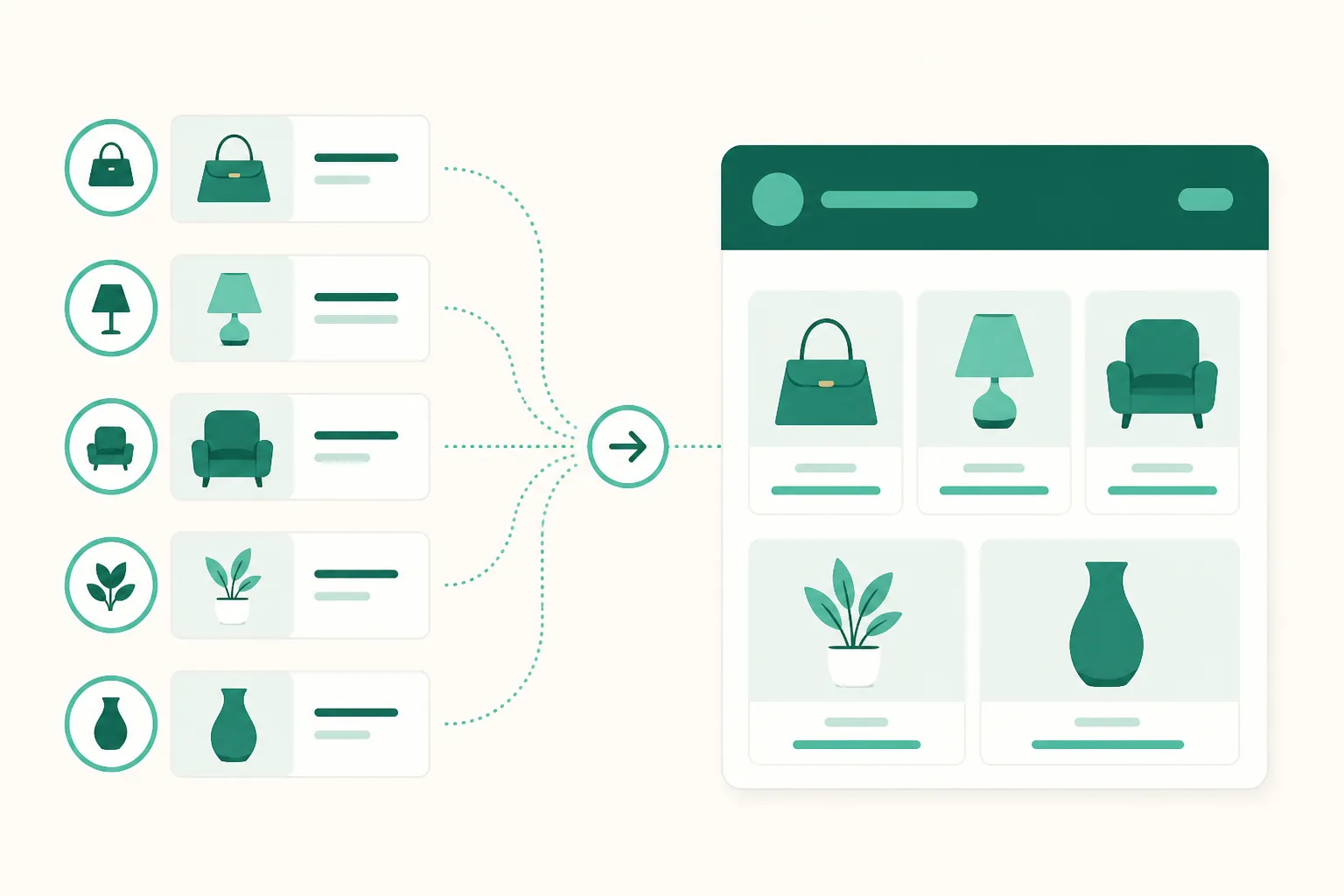
A YouTube channel link can sit there for a year; product links are different. Today's pick, this week's group buy (gonggu, Korean group-purchase sales), the thing you just featured in a Reel — they change often, there are several at once, and the order matters. Instagram's built-in links give you one line of title text, so you can't "display" products with them. A link page is a shelf where every product gets an image, a price, and a badge.
Signal 2 — You often find yourself saying "check the link in my profile"
If your Reels and Stories send people to your profile, then the screen visitors meet on that profile *is* your conversion rate. Five lines of text links, versus a page where the exact product they just saw in your video sits at the top with a photo — which one gets tapped? On a link page you can pin the live group buy or new arrival to the very top.
Signal 3 — You've reached the stage where you need to know what gets clicked
Instagram's built-in links give you no click data. Once your account starts making money, "which product, after which post, got how many clicks" becomes the evidence for your next piece of content. UUP's link page ships with per-product click and visit analytics by default, and because it shares an account with DM automation, it extends into the send → click funnel too.
Signal 4 — There's revenue riding on your links
If you run Coupang Partners (Korea's largest affiliate program), this one is decisive. The moment you save a plain Coupang product link, UUP auto-converts it into an affiliate quick link — the products on the link page you hang in your profile and the links that go out via DM run through the same conversion. The built-in 5 links have no revenue wiring like this.
In Practice — The Built-In Links and the Link Page Aren't Rivals
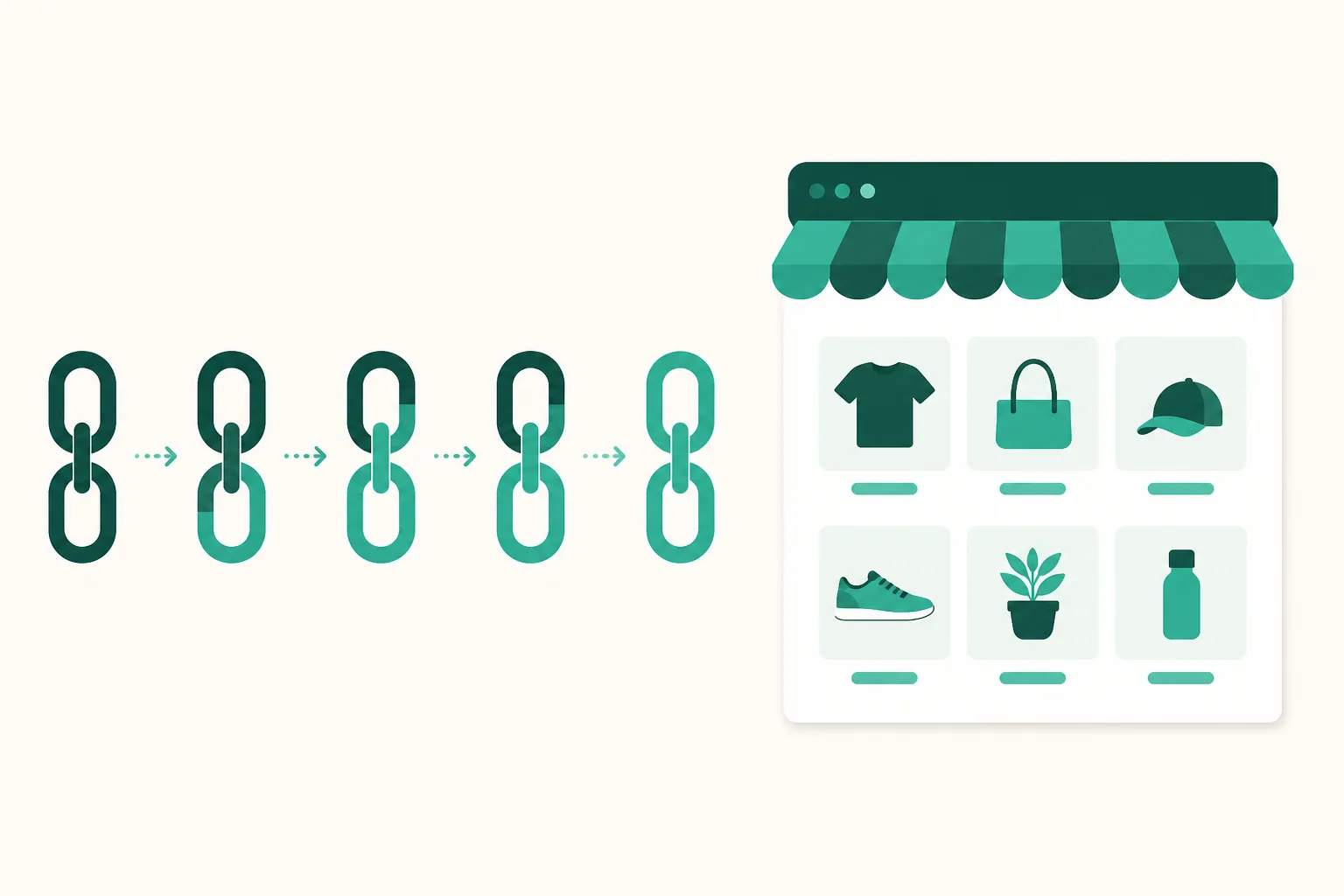
Moving over doesn't mean abandoning the 5 built-in slots. Accounts that do this well use a combined layout:
- Slot 1: your link page address (
link.uup.kr/yourname) — products, group buys, and picks are all managed inside it - Slots 2–3: fixed destinations — YouTube, your store, the places that never change
- The rest: leave them empty — the more links you show, the lower each one's click-through rate
Set it up this way and everything that changes often changes only inside the link page, while your Instagram profile can go untouched for months.
How Long Does the Move Take?
- Starting fresh: Sign up for UUP (Kakao or Google, 3 minutes) → create a link page → add products. The link page and basic analytics are available on the free plan.
- From another link-in-bio tool: if you were on Inpock Link, the migration feature pulls in your page layout in a few minutes.
- Still deciding on a tool at all: instead of a feature-list lineup, pick by criteria — laid out in the link-in-bio 2026 guide.
FAQ
Doesn't a uup.kr address make my brand look weaker?
The address is link.uup.kr/yourbrand — your name comes after the domain, and the background, colors, and layout inside the page are dressed in your brand. What visitors see is the product showcase and the branding, not the domain — and it gives you far more room for brand expression than the default five lines of text.
I don't even know how to add 5 links in the first place.
In the Instagram app: Edit profile → Links → Add external link. There's a separate step-by-step post with screenshots — How to add multiple links to your Instagram profile.