How Many Links on Your Instagram Profile, and in What Order — A Layout Guide by Account Type (2026)
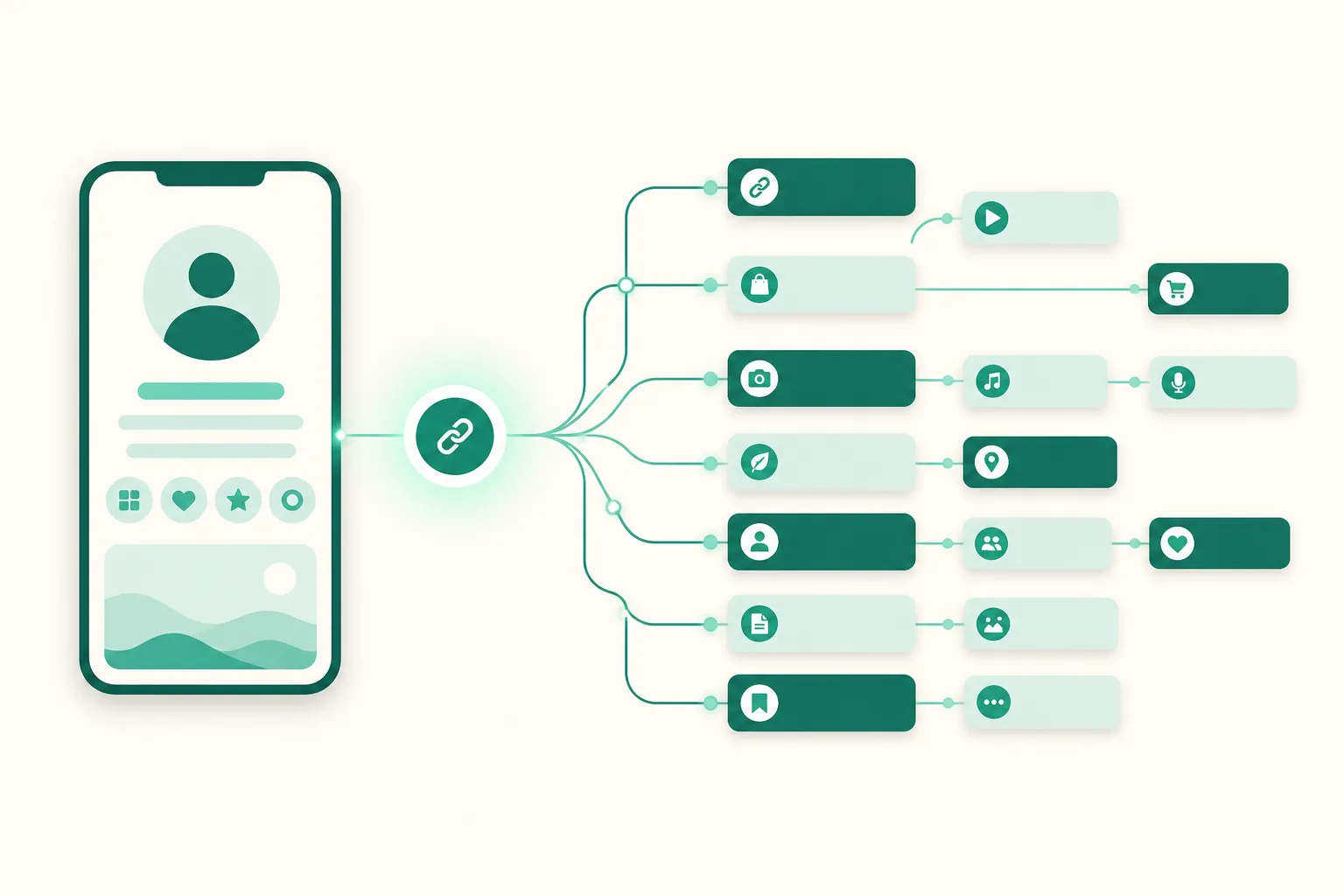
Instagram supports up to five links on your profile. So the real question isn't "how many can I add" but "how many should my kind of account use, and in what order." This guide pins down the exact limits of the native feature, then recommends a layout for each of three account types.
Native feature fact check (2026)
- Edit profile → Links → Add external link: up to 5.
- Visitors see only the first link; the rest collapse into "and N more" — it takes two taps to see them all.
- There are no per-link click stats. Reordering is possible.
- What shows is a single line of text — no photo, description, or price.
In other words, the native feature's real capacity isn't "five links" — it's "one guaranteed link plus four folded away." That's where the layout strategy comes from.
The law of the first slot
Because of the collapse, the first slot takes most of the traffic. So put a hub, not an individual link, in that slot — a door that leads to everything else. A link page (link-in-bio) is that hub. Individual links (YouTube, your latest group buy, and so on) go in slots 2–5, but since they're folded anyway, keep only the ones you'd genuinely miss.
Recommended layouts by account type
| Slot 1 (always visible) | Slots 2–5 (collapsed) | Inside the link page | |
|---|---|---|---|
| Coupang Partners side hustle (Korea's largest affiliate program) | Link page | YouTube, blog | Every affiliate product link, sorted by click ranking |
| Group-buy sellers (gonggu, Korean group-purchase sales) | Link page | Direct link to the current order form, contact channel | Active group buys (pinned), past group buys, reviews |
| Multi-channel creators | Link page | YouTube, blog, business inquiries | Channel collection + collaboration intro + signature content |
The common principle: change what changes inside the link page, and leave the five profile slots alone. Swap profile links often and you cut off your steady traffic (bookmarks and repeat visits).
What a link page actually adds
The difference from the native feature isn't the count — it's three things.
- Click data — you can't improve a layout you can't measure. Per-link and per-product clicks are how "what goes in slot 1" becomes a decision made with numbers.
- Product-style presentation — a card with a photo, price, and description clicks differently than a single line of text. Pinning and scheduled product publishing cover seasonal operations too.
- Monetization built in — on UUP, a Coupang product URL converts into an affiliate quick link the moment you save it, and it connects to DM automation and analytics on the same account. Organizing your links becomes a revenue pipeline.
Pitfalls worth knowing
- In-app browsers — links opened inside Instagram or TikTok open in the in-app browser, where payments and logins sometimes break. UUP link pages have an option that prompts visitors to open in an external browser.
- Choose your URL carefully — changing your link page address (link.uup.kr/yourname) affects every link you've already shared. Pick a name you'll keep from day one.
The takeaway
You don't need five links — the real question is what fills the one link people actually see. If the answer is a hub (a link page) — you can build one free on UUP. The link page and basic analytics start on the free plan; details are on Pricing and Features.
Related reading
- When even five links aren't enough — when to switch to a link page
- How to check your profile link clicks — what Insights can't tell you
- Moving from Inpock Link to UUP — what transfers
- Which link-in-bio should you use — 4 picks for 2026
- The full map of UUP features
- Adding a story link sticker · How to build UTM links
- Looking for a Litt.ly alternative? Start with why
- How to read Instagram Insights · When links won't open on Instagram
- Looking for a Linktree alternative? USD billing, seller fees, and a 3-tool Korea comparison · How to add links to your Threads profile — the 5-link limit and where links go · How to add a link to your TikTok profile — the 1,000-follower / business account rule