Moving From Inpock Link to UUP (2026) — What Comes With You, and What You'll Rebuild
There's usually one reason people put off switching tools: they have hundreds of products. Picture copying each title, pasting each link, downloading each thumbnail and re-uploading it — and you just keep using what you have.
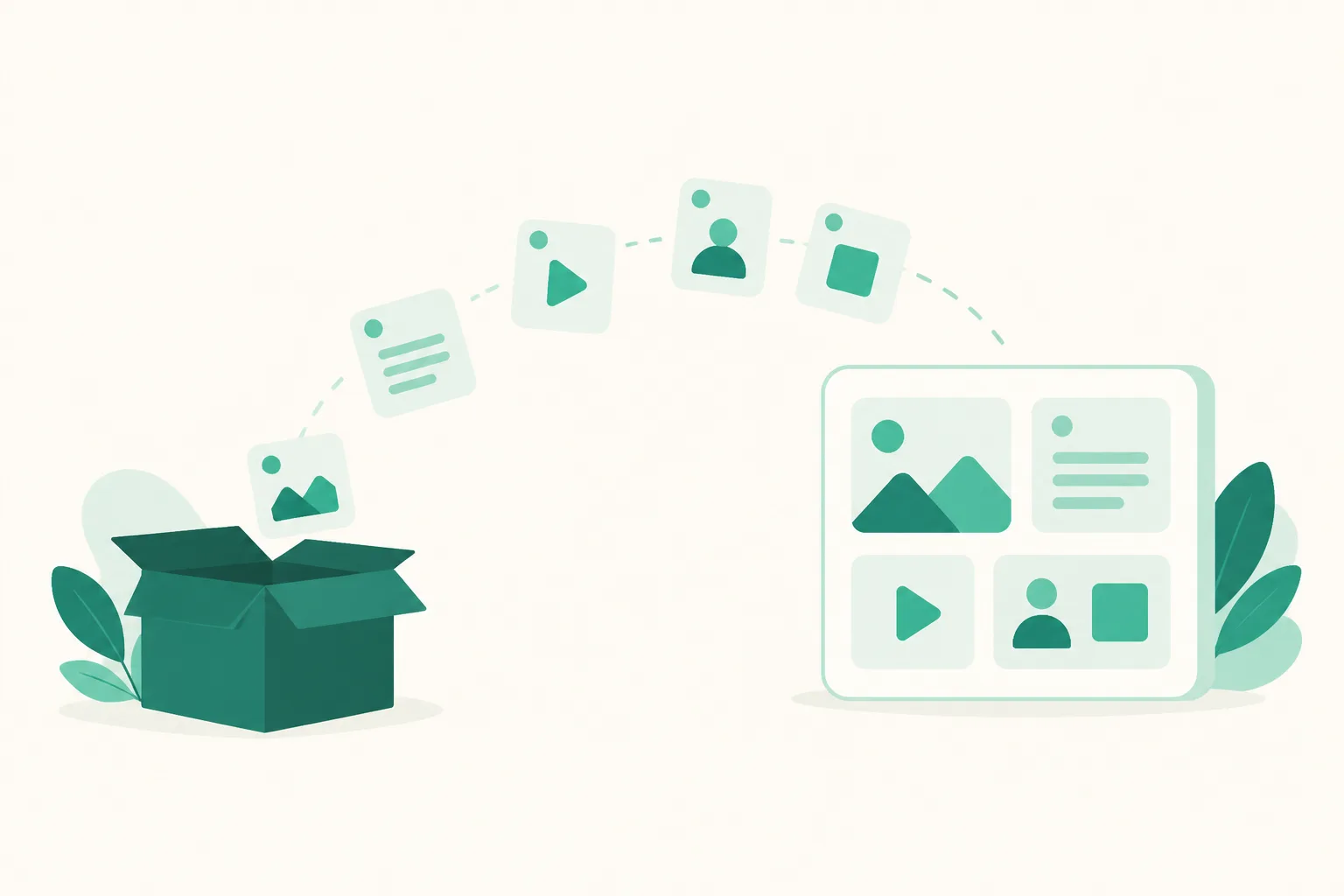
UUP has a feature that does that work for you: Import. Give it your Inpock Link address and it reads the public page and brings your products across in one go. This guide covers what actually transfers, what doesn't, and what you'll need to set up again afterward.
Before you read: Inpock Link's pricing and features were checked on 27 August 2026 on their official plans page (inpock.co.kr/plan). Both services can change their policies, so check each official page before deciding. This post is written by the team that builds UUP.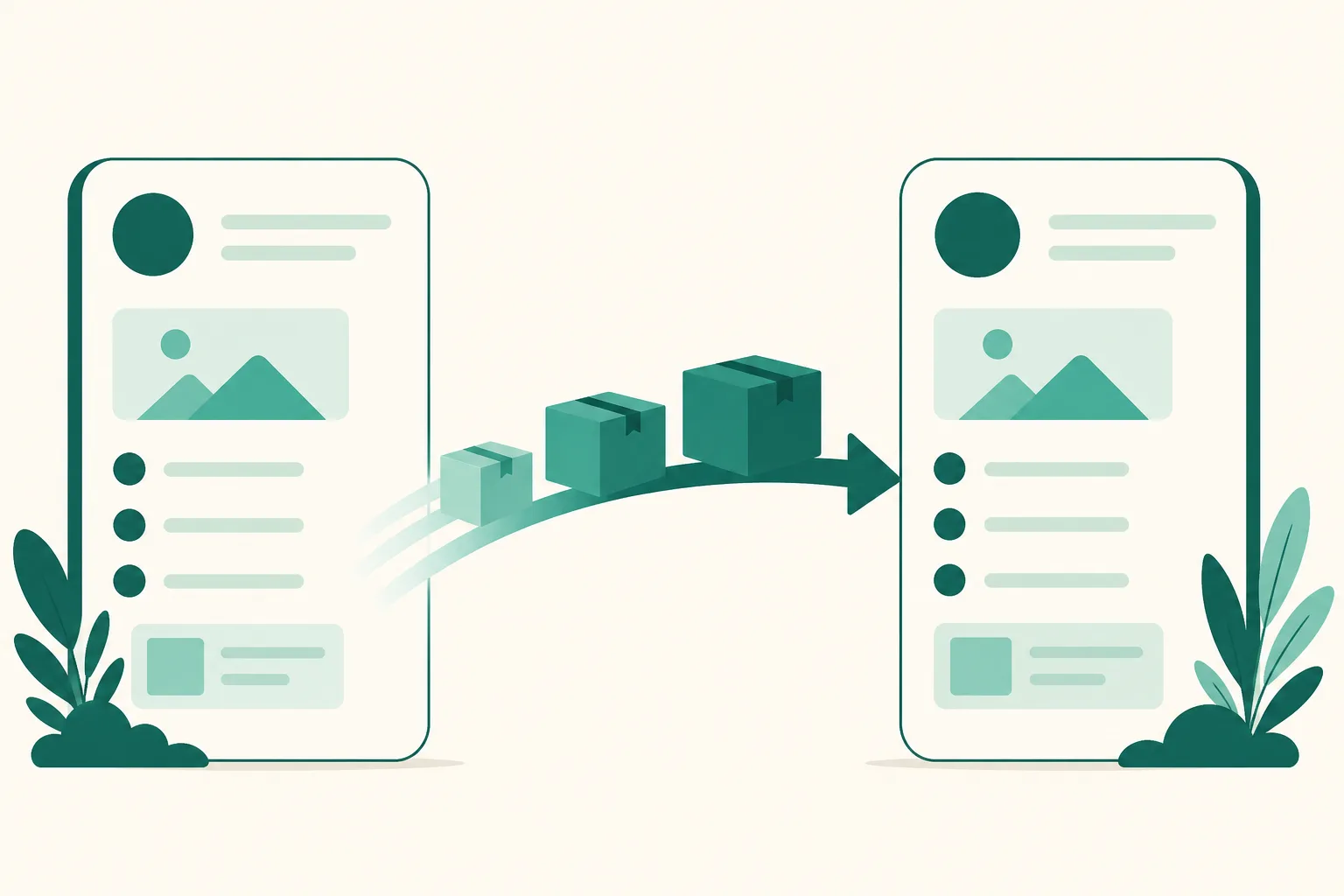
1. What Import actually does
Three steps — prepare the page → read the products → import.
- Enter your Inpock Link address. The original isn't modified. It's only read.
- Choose which page to import into. You can create a new page, or pick one you've already made from a list. No retyping addresses.
- Select what to bring over in the preview. Everything starts selected. If you only need a few, hit "Select all" to clear them, then pick what you want.
- Confirm, and everything is created at once. Your new page stays unpublished until you confirm.
Confirmation runs asynchronously. Each item's original image is downloaded and moved into our storage, so a few hundred items takes a few minutes. That's why the screen says images are being moved too and it may take a while.
Nothing is lost if it stops midway. The result screen shows exactly how far it got, and running Import again picks up only the remaining items. You don't get duplicates — items that already exist are simply updated. When it finishes you get a n succeeded · n failed · n duplicate report plus a side-by-side list against the original.
Imported products arrive switched on. Choosing them in the preview already meant "I want these," so there's no final pass of turning things on one by one.
2. What comes with you, and what doesn't
This is the important table. Stated honestly.
| Comes with you | Doesn't come with you |
|---|---|
| Products — title, link, thumbnail | Auto DM setup |
| Page name | Statistics collected so far |
| Bio text | Theme details (colors, fonts) |
| Profile image | API keys |
| Notice |
Per-item checkboxes let you exclude anything you don't want.
Thumbnails aren't just linked back to the original URL — the files are downloaded and re-uploaded to our storage. That's why confirmation takes time, and also why your page won't break later if image addresses change on Inpock's side.
3. What you'll set up again
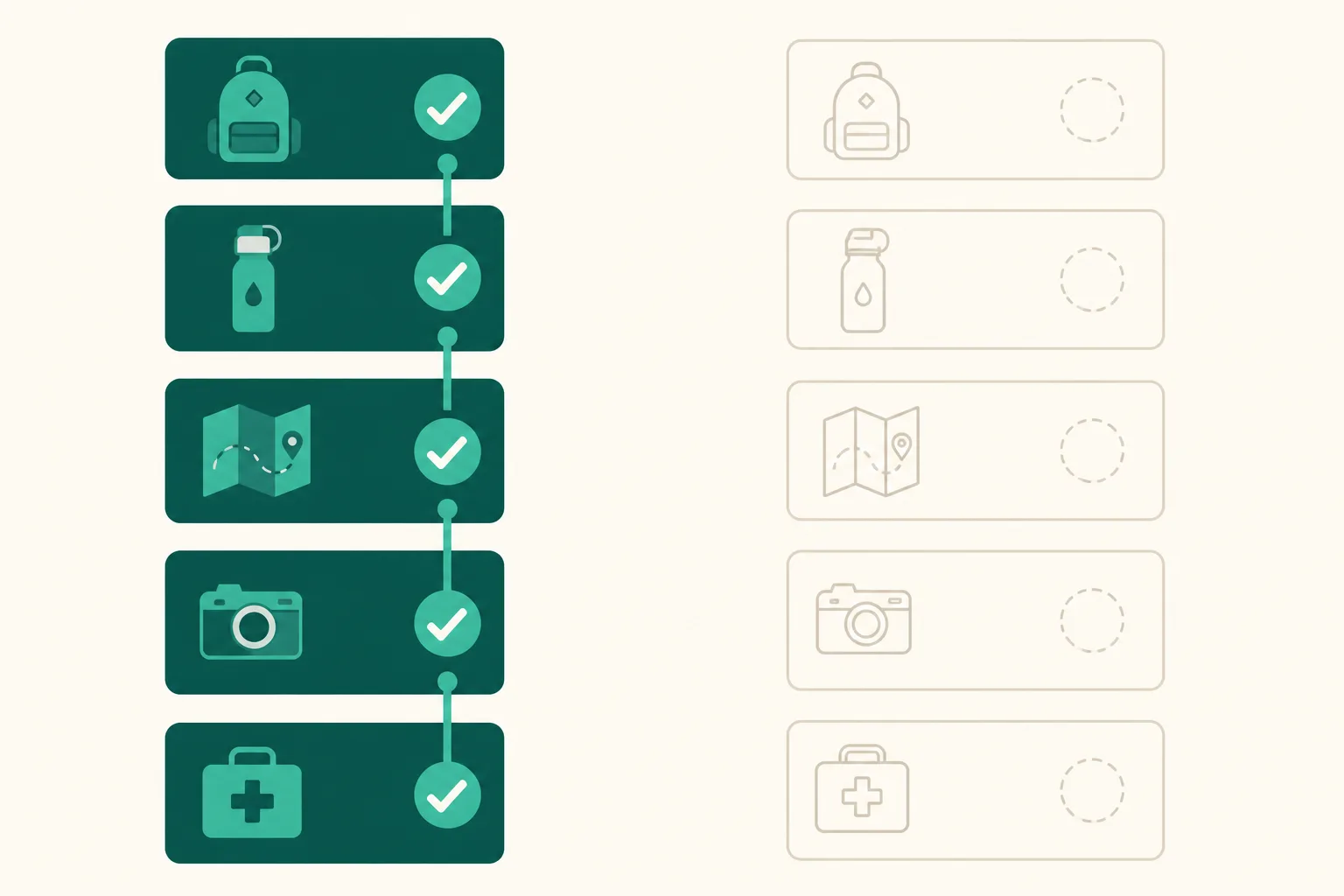
The right-hand column above is your to-do list.
① Statistics start from zero. Past data can't be moved — it lives inside the original service. What accumulates instead is more detailed: UUP analytics splits visits, clicks, and unique visitors by traffic source (Instagram auto DM, Instagram, YouTube, Naver, Kakao, Google, Direct and more), by device and in-app browser, and by hour and day of week. Screenshot your last month's numbers before you move. If you ever want a baseline, that's the only one you'll have.
② Auto DM gets rebuilt. The rules are structured differently in every service, so they can't transfer. Rebuilding has an upside though — when you pick which product an auto DM should send, you choose straight from the products you just imported.
③ Pick your theme again. Colors and fonts don't carry over. Your profile image and bio do, so it's not the same as starting from scratch.
④ Change your profile link. Last step. Swap the link in your Instagram profile to the new address so visitors actually land on the new page. Skip this and nothing about the move is visible.
4. How the pricing differs
As of 27 August 2026, per each service's official page.
| Inpock Link | UUP | |
|---|---|---|
| Free | Basic ₩0 — unlimited links, basic link stats | Link page + visits, clicks, traffic sources |
| Middle | Pro ₩5,900/mo — sticker styling, stronger stats and traffic analysis, short address, ad-free | BASIC $3.99/mo |
| Instagram DM automation | Manager ₩18,900/mo (2 weeks free) | DM Pro $8.49/mo (14-day trial, no card) |
Two places diverge.
Traffic-source analysis is on the free plan. Inpock Link puts stronger traffic analysis on Pro (₩5,900), while UUP splits traffic by channel even on the free plan. If "which channel did this visit come from" is your first question, that's where the difference shows.
DM automation is priced differently. If Instagram auto DM is the goal, it's Manager ₩18,900 against DM Pro. Trials differ too — 2 weeks (check Inpock's policy on whether a card is required) versus 14 days with no card.
And there are clear things only Inpock Link has. Scheduled KakaoTalk notification messages, SmartStore product integration, receiving brand collaboration proposals, and the wider Inpock Market ecosystem don't exist in UUP. If you're sending customer follow-ups by KakaoTalk notification or running a SmartStore alongside, moving may cost you more than it gains. Use the tool that has what you actually need.
Inpock Link prices are shown in KRW as listed on their Korean plans page; UUP prices are the amounts billed in USD. Compare like for like before deciding.
5. The order that avoids mistakes
- Screenshot your Inpock Link statistics before moving (past data doesn't transfer).
- Sign up for UUP and enter your Inpock Link address in Import.
- Check the items in the preview — anything that failed can be added manually later using the original as reference.
- Confirm, and read the result report to the end (succeeded / failed / duplicate).
- Open the page and compare it side by side with the original. If something's missing, run Import again and it continues from where it stopped.
- Pick a theme, and build your Auto DM if you need one.
- Last, change your Instagram profile link to the new address.
- You can keep both running for a while. The original stays live — Import only reads.
Frequently asked questions
Does importing delete my Inpock Link page?
No. Import only reads the public page. The original is untouched and stays live. That means you can keep both side by side for a while and compare, and if you don't like the result you only have to change your profile link back. Cancel your Inpock Link account only after you're satisfied.
I have hundreds of products. Can it handle that in one go?
Yes, but it takes a few minutes, because every image is downloaded and moved. Leave the screen open and it shows the result as soon as it's done. If it stops midway you'll see how far it got, and running it again brings over only what's left — you never start over.
Can I import into a page I already made?
Yes. Import asks which page to bring things into and lists your existing pages. You can create a new page or just add products to one you already use. Pages locked by your plan's limits are shown as locked and can't be selected.
Related reading
- How Many Links on Your Instagram Profile — A Guide by Account Type
- Choosing a Link-in-Bio Tool — 4 Criteria That Matter
- How to check your profile link clicks — what Insights can't tell you
Most of the time a move costs is waiting time, not manual work. Start UUP for free and open Import to see for yourself.