
Instagram DM Automation Without Getting Your Account Banned — The Official API and the 24-Hour Rule (2026)
"I heard your account gets nuked if you run auto DMs?" — the #1 reason people hesitate on automation. It's half right and half wrong. How you automate structurally determines your suspension risk. This post draws the line between what Meta actually allows and what it prohibits, plus the 24-hour rule every operator needs to follow — all as a checklist.
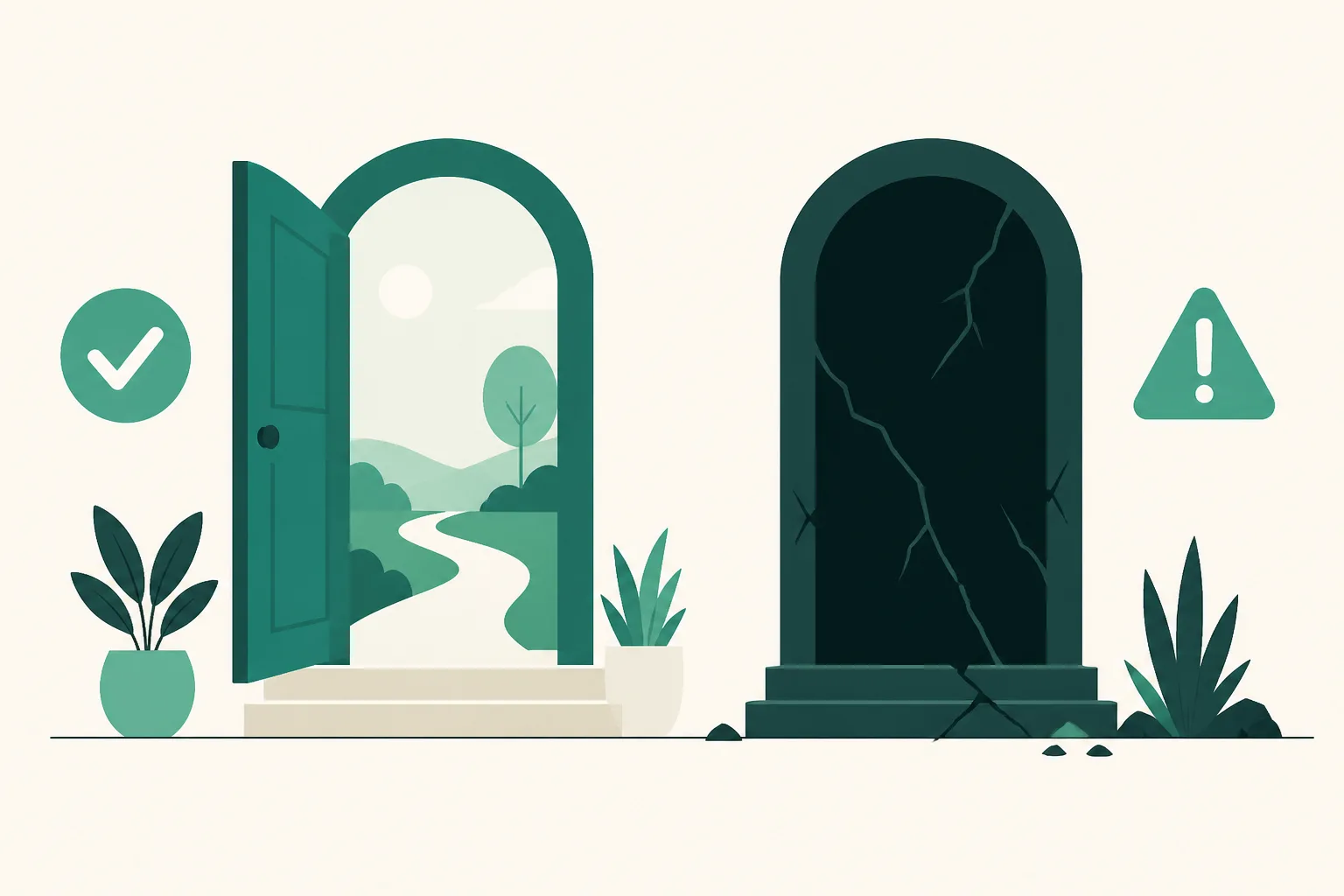
The Conclusion First — The Risk Isn't "Automation," It's the Method
Instagram DM automation is a capability Meta has officially opened up. Meta publishes the Messenger/Instagram API for businesses, and automatically replying to comments (Private Reply) is a documented, official feature of that API. What puts accounts at risk is automation that runs outside this official path:
| Official API | Unofficial (scraping / session-sharing tools) | |
|---|---|---|
| How it works | Meta's servers send, under permissions Meta issued | A bot logs in with your credentials and sends while posing as a human |
| Who gets messaged | Only people who acted first (comment or message) | Can message strangers unprompted |
| Meta's stance | Documented, official feature | Violates automation terms — actively detected |
| Account risk | Structurally low | Suspicious-login flags, feature limits, suspension |
The core difference is "who moved first." An official-API comment Auto DM is a response to someone who commented first, which takes it outside the definition of spam. The "targeted bulk DMs" of unofficial tools are messages nobody asked for — spam even when they work, and squarely in Meta's detection sights.
The 24-Hour Rule — The Only Timing Rule You Need to Know
The official API has rules of its own. The most important is the messaging window (the 24-hour rule).
- The first automated reply to a comment is one message (Private Reply), and what you can send is a text message — images and button cards not going out on the first message isn't a bug, it's policy.
- When the person replies, a 24-hour window opens. Inside that window you can freely follow up with card messages, buttons, and images.
- After 24 hours, the window closes. Until the person messages you again, you can't keep sending on your own.
What matters is whether your tool keeps this rule for you. UUP is designed on this structure from the ground up — the first reply goes out as a single text message, and only messages after the person responds continue as cards. You never have to memorize the policy docs, because sends that fall outside policy can't be created in the first place.
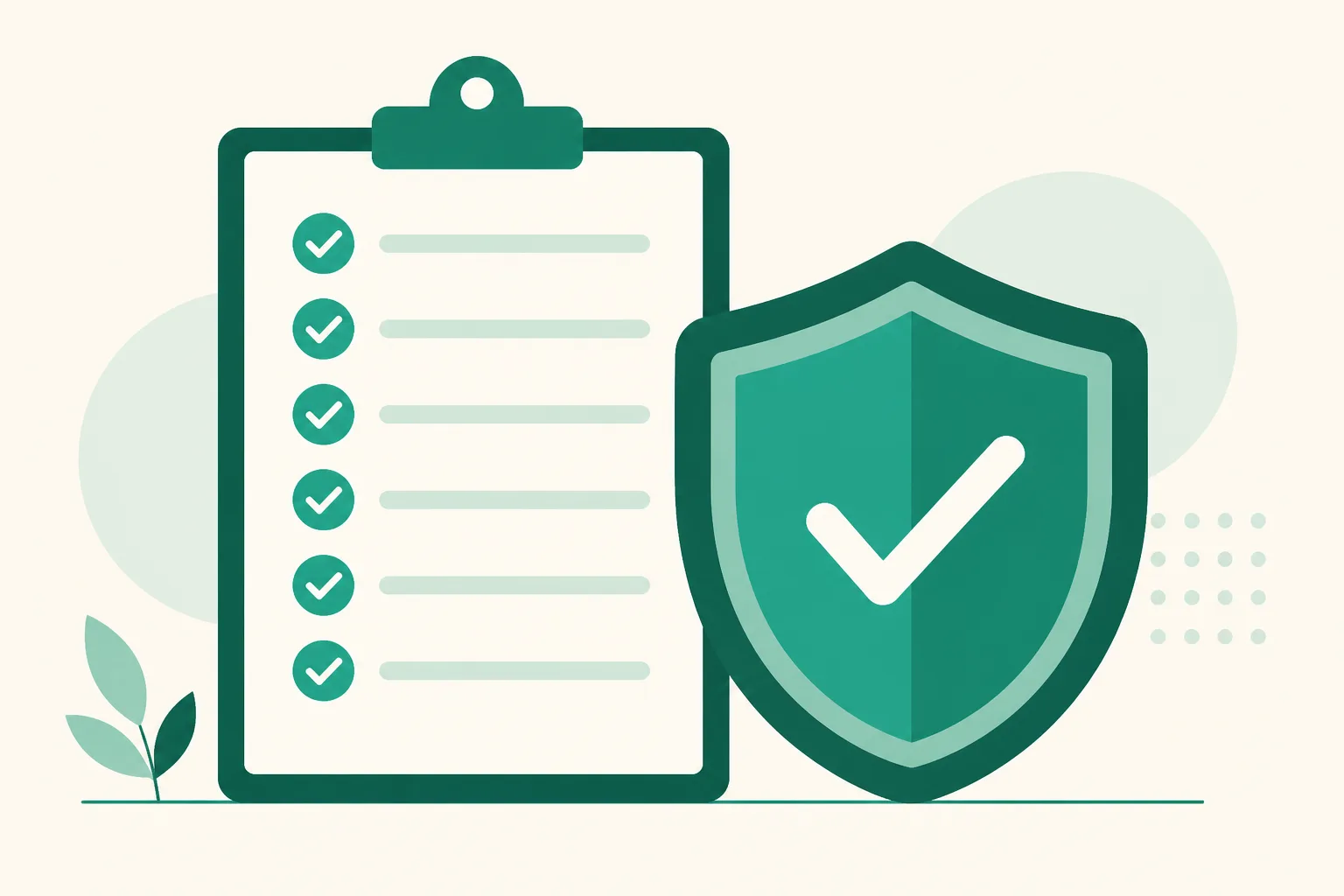
The 7-Point Checklist That Protects Your Account
- [ ] Does the tool explicitly state it's built on Meta's official API? — If there's no such statement, or it says "enter your Instagram username and password," it's a session-sharing tool. Rule it out immediately.
- [ ] Have you never handed the tool your Instagram login? — An official API connection goes through Meta's own OAuth screen (you log in to Meta directly). The moment a tool has you type your password into its own screen, the architecture is different.
- [ ] Does it only message people who acted first? — Features like "message all followers" or "target DMs to hashtag users" put the entire tool in the risk category.
- [ ] Is the first reply a single text message? — A tool that advertises cards and images from the very first message is telling you it circumvents policy.
- [ ] Did you connect a professional account? — The official API works on public professional (business/creator) accounts. Be suspicious of any flow that asks you to connect a personal account.
- [ ] Is only one automation tool connected to the account? — Connect two tools at once and the same comment gets duplicate DMs. Duplicate sends are themselves a spam signal.
- [ ] Do your messages read like responses? — Sending ad copy unrelated to the keyword as a reply piles up recipient reports, and reports hurt your account no matter which method you use.
So Why Do "I Still Got Banned" Stories Exist?
Search around and you'll find posts about accounts getting restricted after automation. Break them down and most fall into three cases: (1) they used an unofficial bulk-send tool, (2) they ran an official tool and an unofficial tool at the same time, or (3) they ran follow/like bots alongside. Case (3) creates the unfair stories — the DM automation was innocent, the engagement bot they ran with it got the account restricted, and the post goes down as "got banned doing automation." We covered that distinction separately in Group buy (gonggu, Korean group-purchase sales) automation vs. follow/like bots.
FAQ
How many auto DMs per day is safe?
Under the official API, the real question isn't "how many" but "to whom." Replies going out to people who commented aren't spam, even at volume. On top of that, UUP's servers handle per-plan send limits and send pacing for you — no counting messages and holding your breath.
I'm already using an unofficial tool. How do I switch?
Clean up the old tool's integration first (especially session logins), change your password, and then connect an official-API tool — in that order. Criteria for choosing a tool are in the DM automation program comparison, and the UUP way to get started is in the complete Auto DM guide.