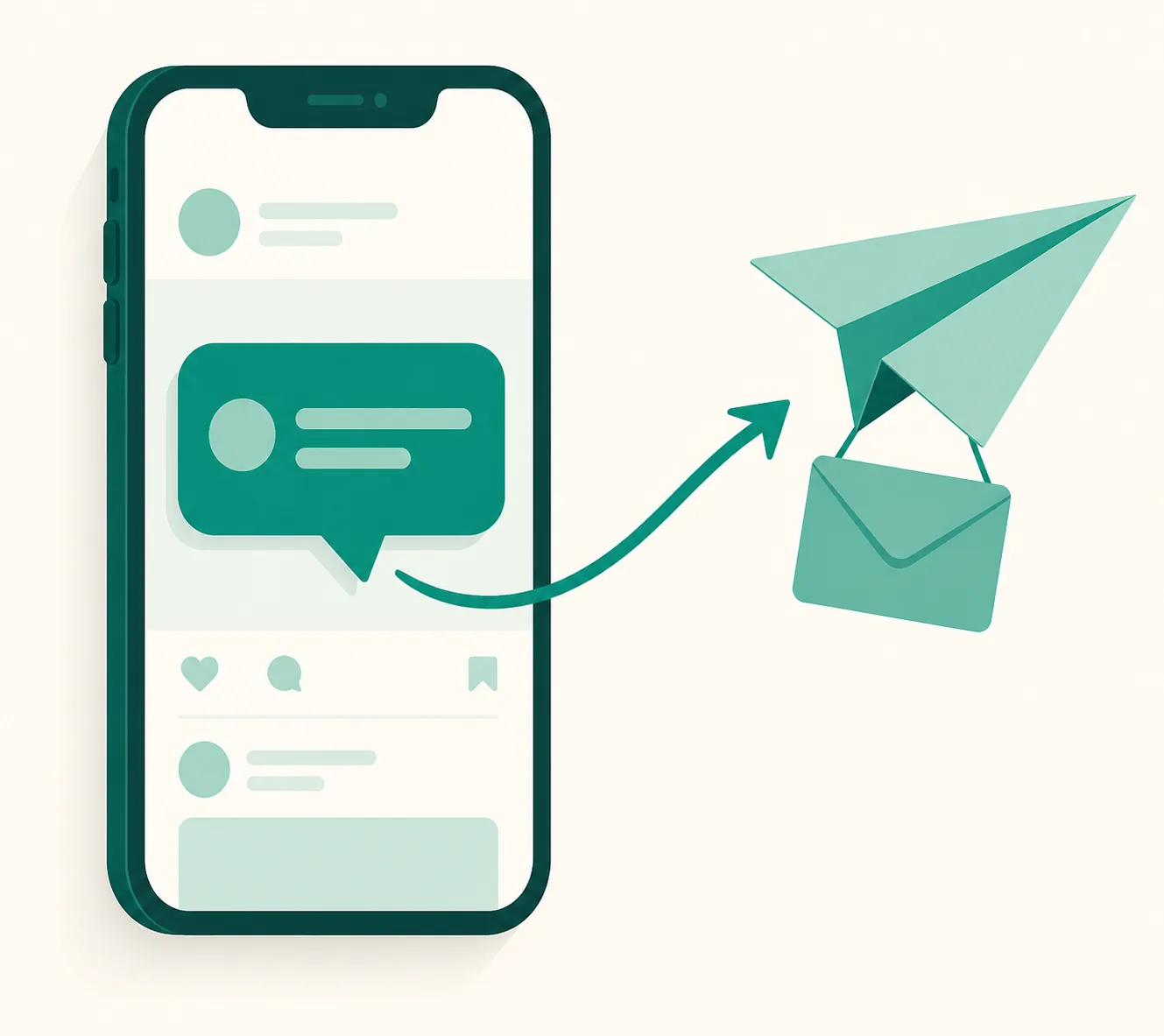
The Complete Guide to Instagram Auto DM — How It Works, Why Messages Fail, and Real-World Setup (2026)
This guide was written by the UUP team — we build and run an Auto DM service ourselves. Instead of listing tools, we cover what you actually run into once automation is live — how it works under the hood, the real reasons messages fail to send, and how to design keywords and copy — in the order operators hit them.
How Auto DM actually runs
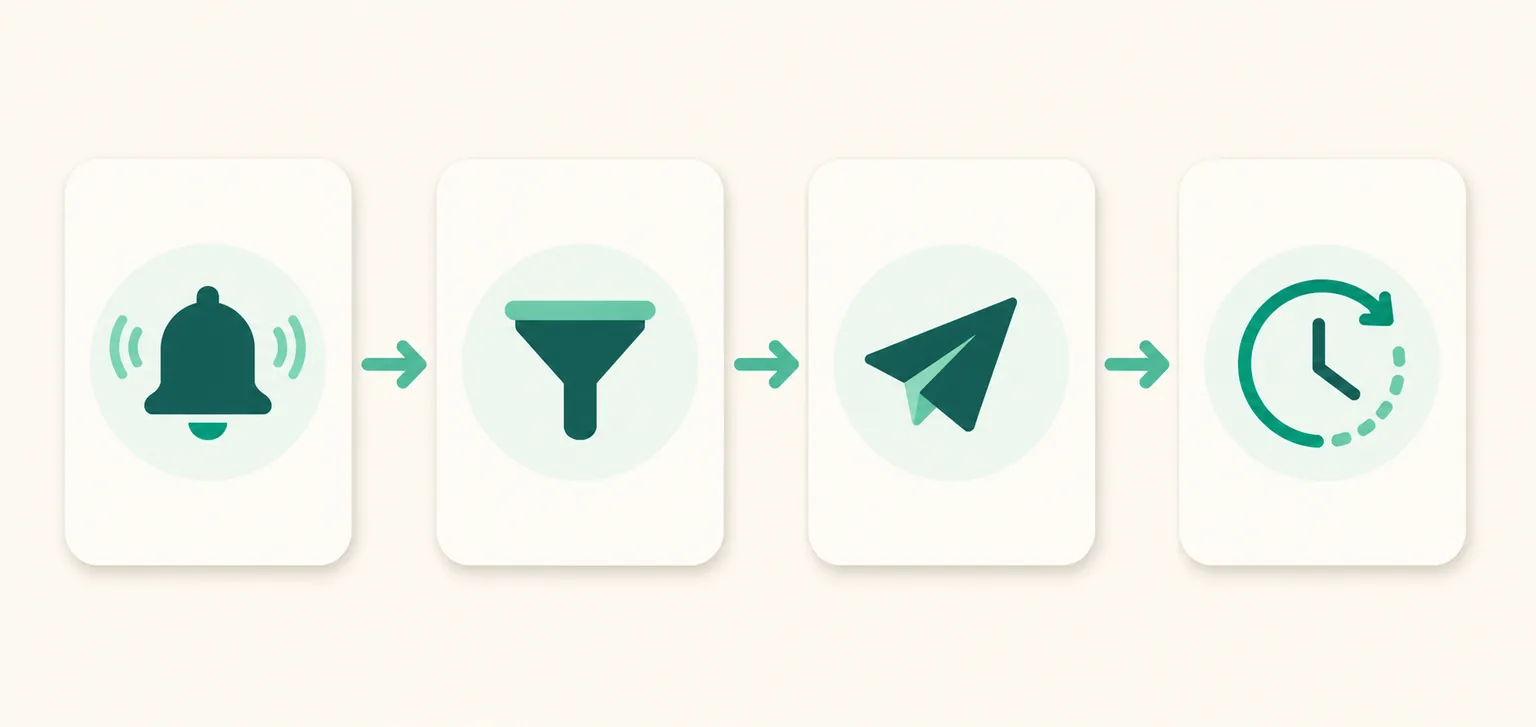
Behind the one-liner "comment and the DM arrives," four steps actually run.
- Detection — when a new comment lands on your post or reel, Meta notifies the service in real time (webhooks on the official API). The service never "scrapes" Instagram.
- Matching — the comment is checked against the keywords you set. If it matches, the flow continues; if not, nothing happens.
- Sending — a public comment reply (optional) and a private DM go out. Under Meta policy, the first automated reply is a single text message.
- The 24-hour window — the moment the person replies to that DM, a 24-hour conversation window opens, and only inside it can you follow up with card-style messages carrying images and buttons.
Once you see this structure, two things become clear. First, why personal accounts don't work — Meta only opens the API to professional (business and creator) accounts. Second, why the first DM can't carry an image — it isn't a bug, it's policy designed to stop spam.
The 6 real reasons a DM doesn't go out
The question we hear most while running an Auto DM service is "why didn't it send?" In practice, the cause is almost always one of these six.
| Symptom | Cause | Fix |
|---|---|---|
| Can't connect the account at all | Personal account | Switch to a professional account in Instagram settings (free, takes minutes) |
| Comments aren't detected | Private account | Switch the account to public |
| Only certain comments get no response | Keyword mismatch (typos, variations) | Add variations — see "Keyword design" below |
| Everything gets rejected | Message access (DM receiving) turned off on the account | Allow access in the Instagram app's message settings |
| Only card messages fail | Outside the 24-hour window | Cards can only be sent within 24 hours of the recipient's reply |
| Intermittent failures | Recipient blocks DMs or restricts who can message them | Recipient-side setting — nothing the sender can fix |
UUP shows the rejection reason on screen and in notifications — knowing only "it didn't send" fixes nothing; you have to know why it didn't send to save the next one.
Keyword design in practice
- Use words anyone will type — short, easy words like "link," "info," or "where" lower the barrier to commenting.
- Register variations too — people write "link please," "the link?", "link!!" Match exact strings only and you miss half of them.
- Set them per post — hang the same keyword on every post and comments on old posts trigger DMs for the wrong product. Splitting automations per post keeps them accurate.
- One tool only — connect two automation tools to the same account and they race to answer first and collide. When switching tools, disconnect the old one first.
Three shapes for your first DM copy
The first send is a single text message, so that one message has to do all the work.
- Straight to the link — "Here's the link you asked for 👉 (link)": strongest for comments with clear intent (product inquiries).
- Invite a reply — "Sent! Reply if you're unsure about sizing": a reply opens the 24-hour window, unlocking card-style follow-ups.
- Lead with a perk — "Sending the link plus a discount code that works through today": one more reason to click.
Read performance as a funnel
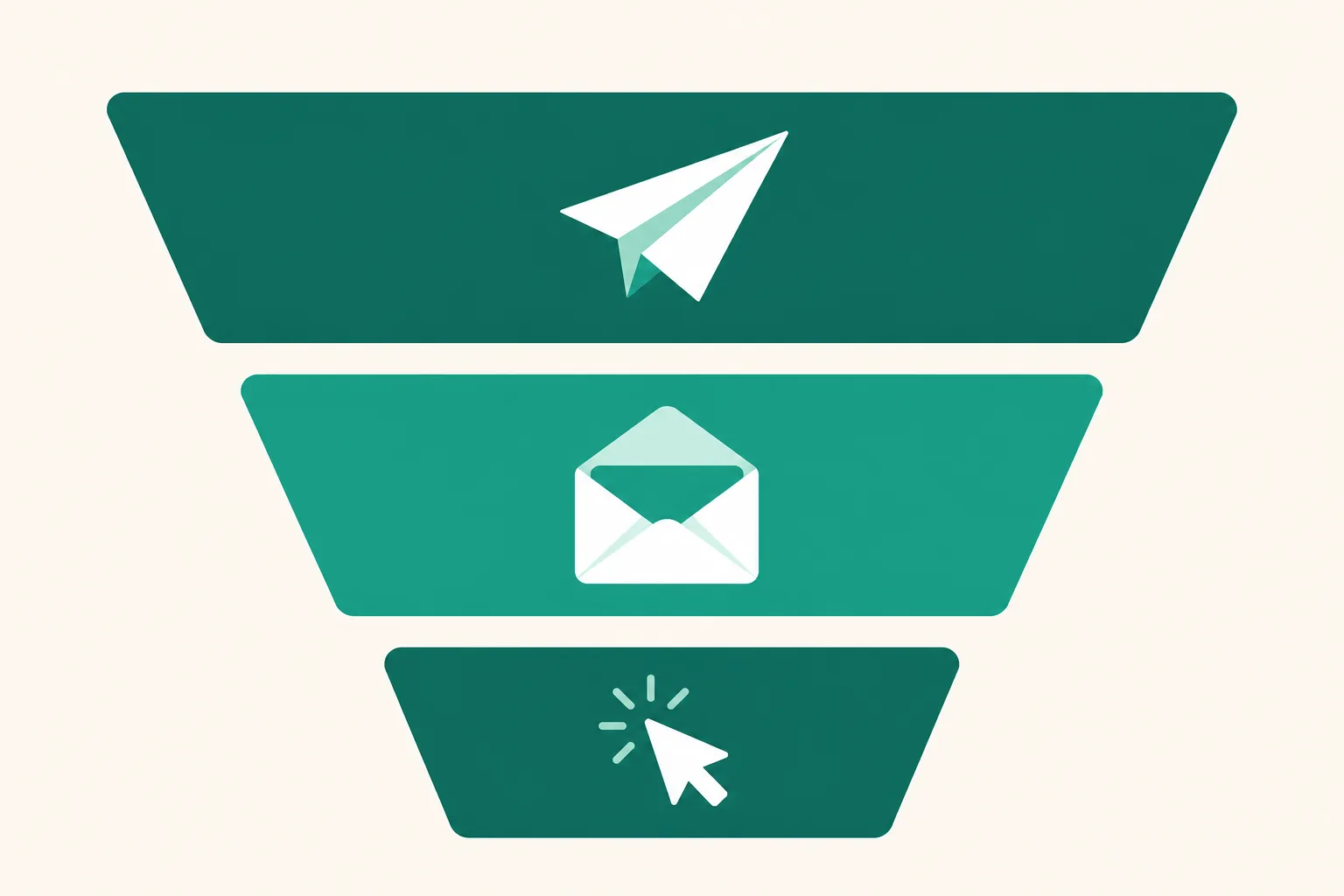
Send counts alone tell you nothing. Break sent → opened → clicked down per automation and you'll see which posts and keywords actually produce purchase clicks — even for the same product. High opens but dead clicks means a copy problem; low sends overall means a reach or keyword problem. UUP stacks this funnel per automation.
With UUP, everything in this guide runs itself
Detection → matching → sending → the 24-hour window, rejection-reason alerts, keyword variations, funnel tracking — UUP is built to handle all of it on one screen. Add automatic quick-link conversion for Coupang Partners (Korea's largest affiliate program) plus a link page on the same account, and the link inside your DM is also your revenue link. No stitching three separate signups together.
Start today
Sign up at uup.kr with Kakao or Google to open a 14-day free trial, no card required. Connect your Instagram professional account, start with one keyword on one post, and expand as the funnel numbers come in. The full feature set is on Features, plans on Pricing, and detailed setup in the User Guide.
Related reading
- How to switch to an Instagram professional account — Creator vs Business
- How to stay clear of account bans — the official API and the 24-hour rule
- ManyChat's free plan drops to 25 contacts — the 2026 pricing overhaul explained
- Auto DM not sending? 8 causes and the order to check them
- Can't link your Facebook Page to Instagram? 5 causes, and when you don't need it
- Inpock Link Manager alternative — DM automation compared before you switch
- UUP vs Litt.ly vs ManyChat · The full map of UUP features
- How to write Auto DM copy — the first line that decides clicks
- Instagram message requests, explained — why DMs go unseen
- Instagram DM Automation Price Comparison — Seven Tools in One Table · SocialBiz Auto DM Compared · Bizgo and What "500 Free" Means
- How to Set Up Instagram Auto-Replies — 3 Built-In Features · Instagram DM Macros: Should You Use One?
- Auto DM for multiple Instagram accounts — 3 accounts on one plan, extra slots, copying setups
- How to Auto-Reply to Instagram Comments — Rotating Copy and Pairing With DMs
- How to Put a Link in an Instagram Comment — the 4 Places Links Actually Work