
How to Choose an Instagram Auto-DM Program — Official API vs Mass-DM Tools (2026)
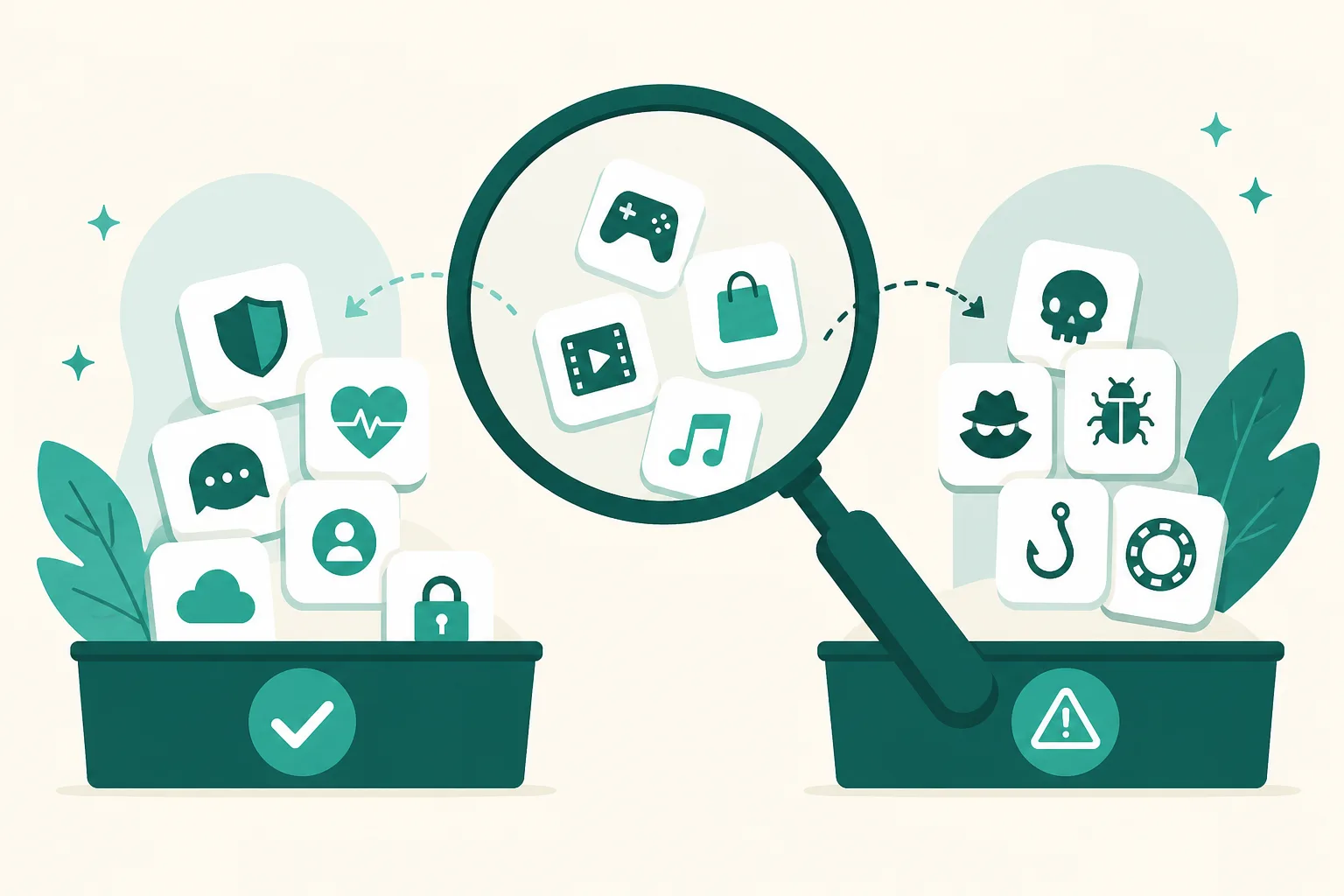
Search for "Instagram auto DM" and two completely different kinds of tools show up on the same results page. One is response automation built on Meta's official API; the other is a mass-DM tool that logs into your account and sends messages while pretending to be human. The names and ad copy are designed to blur the line — this post lays out how to split the two categories by account safety, and then how to choose among the response-automation tools.
The Two Categories Are Different Products
Category A — Official-API response automation (UUP, ManyChat, and the like)
These run on the business API Meta publishes. The structure is responsive: they reply automatically when the other person acts first — a comment, a story reply, a DM. Connection goes through Meta's OAuth screen (you log in to Meta directly and approve permissions), so the tool never sees your password. And the messages are sent by Meta's servers, not your phone.
Category B — Mass-DM and targeted-DM tools
This is the category with pitches like "DM every user on a hashtag" or "message your competitor's followers." To work at all, they need your account login (or session), and a bot sends messages one by one while imitating a person. The recipients never asked for the message — it's structurally spam, it violates Meta's automation terms, and detection leads to feature restrictions or account suspension.
The fork in the road is a single question: "Does this tool ask for my Instagram password (login)?" If it does, it's Category B. Whatever the price, whatever the star rating, you're wagering your account to use it.
5 Criteria for Choosing Within Category A
Among official-API tools, account safety is roughly the same starting line. From there, it's a question of operations and revenue structure.
1. Is there a step after sending?
What happens after the DM goes out is the real goal — link clicks, purchases. A tool that ends at the "sent successfully" screen and a tool where the sent → opened → clicked funnel accrues per automation and per post produce very different next-content decisions. UUP captures the click funnel and even a per-product click ranking in its analytics.
2. Does it handle your revenue links directly?
For Korean creators, most DM links point to Coupang Partners (Korea's largest affiliate program), order forms, or a store. The moment you save a plain Coupang product link, UUP auto-converts it into an affiliate quick link — and the same conversion applies to the link inside your DM button. Very few tools offer this officially (for details as of the comparison date, see the three-way comparison).
3. Is the pricing predictable?
The prevailing model among overseas tools is per-"active contact" billing — the bigger your comments blow up, the bigger your bill. ManyChat's March 2026 overhaul cut the free limit for new accounts to 25 contacts (full breakdown). UUP is a flat monthly rate: DM Pro, which includes DM automation, is $8.49/mo, and the link page and basic analytics come with the free plan.
4. Can you operate it in your own language?
Check what language the setup screens, error messages, and support replies come in. A tool that sends you digging through a foreign-language help center the moment something breaks carries a real operating cost that never appears on the bill. UUP is built for the Korean creator market — the interface is available in English, while support replies are currently in Korean.
5. Does the tool keep the policy for you?
Meta rules like "the first reply is one text message" and the 24-hour messaging window exist either way. A tool where the operator has to memorize and follow them is riskier than a tool where out-of-policy sends simply can't be created in the first place. Policy details are in the rules that keep your account safe.
Recommendations by Situation
- Your goal is making money on Instagram (Coupang, group buys, sales) — UUP. Conversion, the funnel, and the link page live in one account. You can validate it on the 14-day free trial (no card required).
- Multi-channel scenarios across WhatsApp and Messenger are the core need — the ManyChat family is the right fit. Just price the active-contact billing model into your math.
- You only need link organization and DMs can wait — starting with a link-in-bio tool is fine. How to choose one is in the link-in-bio 2026 guide.
- What you actually want is "targeted mass DMs" — reconsider the goal itself. Whichever Category B tool you pick, you're wagering your account and your brand's trust.
FAQ
Is there an official-API tool I can start for free?
UUP's 14-day free trial requires no card and unlocks every paid feature, and after the trial the link page and basic analytics remain on the free plan. DM automation itself starts at DM Pro — the full plan-by-plan table is on Pricing.
I've been using a mass-DM tool. What should I do first when switching?
(1) Disconnect that tool's session and integrations, (2) change your Instagram password, (3) then connect an official-API tool. The important part is never letting the two tools overlap on the same account.