ManyChat's Free Plan Is Down to 25 Contacts? — The 2026 Pricing Overhaul, and What to Weigh Before You Switch
The common knowledge that "ManyChat is free up to 1,000 contacts" broke in March 2026. The pricing was overhauled top to bottom: the free plan's contact limit for new sign-ups dropped to 25, and billing moved to an "active contact" basis. For Korean creators who have been running comment-triggered Auto DMs on ManyChat, that effectively means "you can't run it for free anymore" — which makes now the time to re-pick your tool. This post walks through what changed, then through what to weigh when you switch.
Before you read: This post was written by UUP. ManyChat pricing information reflects publicly available materials as checked in August 2026, and prices and limits can keep changing — verify the latest on the official ManyChat pricing page.

What Changed in March 2026
- Free plan: 1,000 contacts → 25. This applies to newly created accounts. Accounts created before the overhaul reportedly keep the old 1,000-contact limit for now, but that's a grace period, not a guarantee.
- Billing now counts "active contacts." You're billed by the number of people who interacted with your automations that month. Put a comment Auto DM on one Reel and 30 people comment — that's 30 active contacts for the month, and the free limit (25) is gone in a single day.
- Paid plans start at Essential, $14/mo (250 active contacts included), then Pro ($29, 2,500) and Business ($69, 7,500) — official pricing page as of 2026-09-05, tax not included. Contacts beyond your plan's limit incur overage charges.
- Add-on features are billed separately. Features like AI replies and the live chat inbox are bundled into higher plans or separate add-ons, so the actual bill often runs higher than the plan's sticker price.
In short: ManyChat is no longer a "start free, pay when you grow" tool — it's now a tool designed around paying from day one.
What 25 Free Contacts Actually Means
With comment-triggered Auto DMs, contacts are effectively "the number of people who commented." Even an account with a thousand-odd followers gets dozens of comments on one well-received Reel. After the overhaul, the free plan isn't for real operation — it's closer to a feature-tour sandbox. "ManyChat because it's free" is gone as a reason to choose it, and one question remains: if you're going to pay anyway, what is worth paying for?
4 Things to Weigh Before Switching
1. Is the bill predictable?
Active-contact billing means the bill grows the better you do. You can't know in advance what the invoice will look like in a month when comments blow up. UUP, by contrast, is a flat monthly rate — the plan that includes DM automation (DM Pro) is $8.49/mo, and whether a post draws 10 comments or 1,000, the price doesn't move. Send volume is governed by per-plan limits, not by your bill.
2. Is there anything after "sending"?
ManyChat started as a message-scenario tool. It's strong at sending DMs, but it doesn't directly handle the Korean creator's revenue stack — Coupang Partners (Korea's largest affiliate program) links, group buy (gonggu, Korean group-purchase sales) order forms, a profile link page. For UUP, that "after" is the main event: the moment you save a plain Coupang link it auto-converts into an affiliate quick link, the sent → opened → clicked funnel accrues per automation, and the link page is bundled into the same account.
3. Can you operate and get support in your language?
This goes beyond the interface language. Billing guidance, error messages, and support when you're stuck matter a great deal in day-to-day operation. UUP is built for the Korean creator market — the interface is available in English, while support replies are currently in Korean. If you work in the Korean market, that's exactly the coverage you want; if not, factor it into your decision.
4. Is the account-safety architecture the same?
On this one, ManyChat and UUP start from the same place — both are built on Meta's official API. The thing to watch when switching is actually here: move to a non-official bulk-DM tool and you may save on fees while putting your account on the line. The criteria for telling them apart are laid out in How to choose an Instagram DM automation program.
The Migration Order (From Real Work)
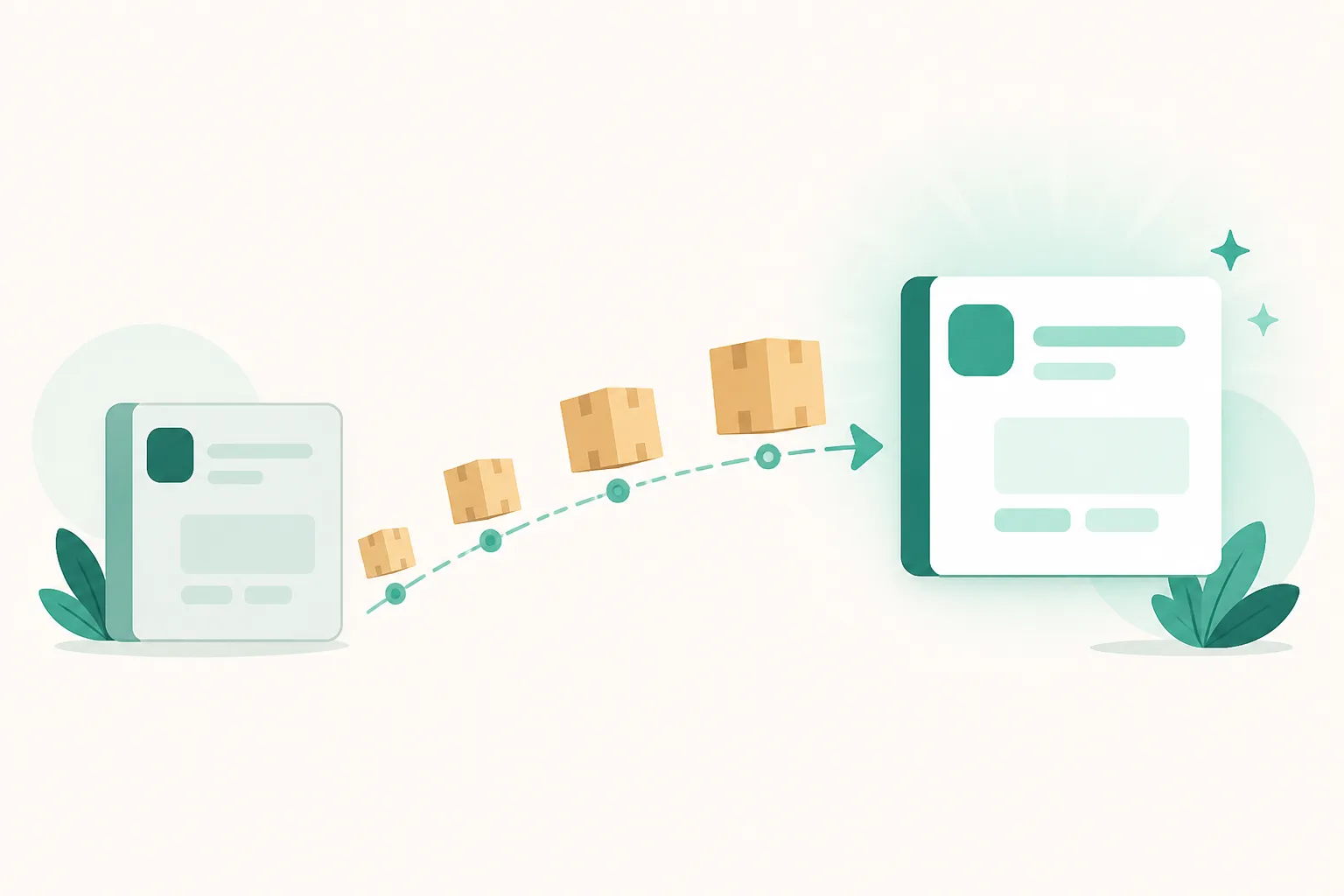
- Don't connect two tools to the same Instagram account at once. You'll get double DMs on the same comment, or webhook conflicts. Disconnect the ManyChat integration first, then connect UUP.
- Move your keywords and messages. UUP's first automated reply is a single text message, per Meta policy — move the card-style first message you used in ManyChat to the "after they reply" step.
- Sort out your link assets. If you were on an Inpock Link link page, the migration tool brings it over in minutes. Connect your Coupang Partners API key, and every product link you save from then on becomes an affiliate link automatically.
- Validate on the free trial. UUP starts with a 14-day free trial (no card required) — confirm your migrated automations actually run before you pay.
FAQ
I have an existing ManyChat account and still see the 1,000-contact free limit. Do I need to move right now?
No rush. But legacy terms are a grace period that can be cleaned up without notice, and active-contact billing is the direction of the new pricing. We recommend validating an alternative once before your next billing cycle arrives.
What if I need ManyChat's multi-channel (WhatsApp/Messenger) features?
If multi-channel scenarios are your core need, ManyChat is the right tool. UUP is focused on Instagram monetization, so it's strongest when the goal is "comments on Instagram become revenue." A full three-way comparison is in UUP vs Litt.ly vs ManyChat.
See Also
- The complete Instagram Auto DM guide — from how it works to starting free
- ManyChat alternatives compared — UUP vs Litt.ly vs ManyChat
- The complete UUP feature map