Instagram Message Requests, Explained (2026) — Why DMs Go Unseen, Both Ways
Someone swears they DMed you, but it's not in your conversation list. Or you sent a DM days ago and it's still unread — both symptoms usually trace to the same place: the message requests folder. DMs between accounts that don't follow each other land in requests instead of the inbox, and from there, different rules apply. This post covers how to find and handle requests as a receiver, and the constraints you need to know as an account operator who sends DMs.
Checked as of September 2026. Instagram changes layouts and policies frequently, so details may shift.
What the requests folder is — where strangers' DMs wait
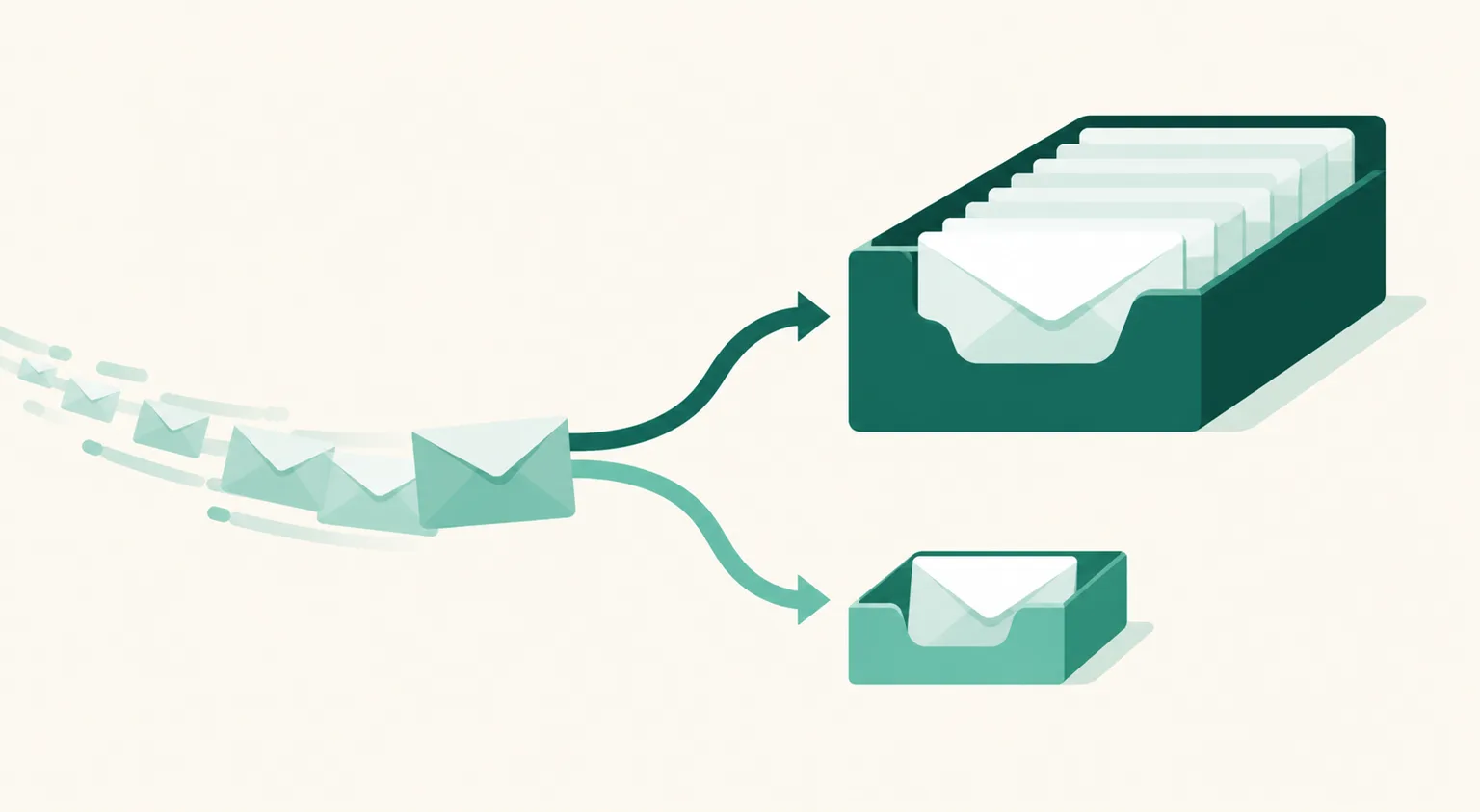
A DM from an account you don't follow doesn't appear in your conversation list right away; it's classified as a message request. It's the mechanism that keeps spam and unwanted contact out of your inbox. Three properties:
- No notification, or a weak one — no push like a normal DM, so it's easy to not know it exists.
- Reading doesn't mark it seen — until you accept the request, checking the content shows no "seen" receipt to the sender. Feel free to open it.
- Limited conversation before acceptance — you must accept or reply for it to become a normal conversation.
Where to find it: enter the DM screen (the message icon, top right) and look at the top of the conversation list for Requests (with a count). From there you can accept or delete, and block or report unwanted senders on the same screen.
As a receiver — check three places
If a DM you're expecting isn't visible, in order: ① the requests folder (path above) ② hidden requests inside it (a further-filtered folder for suspected spam — reachable from the requests screen) ③ Settings → Messages and story replies → message delivery settings — if you've turned off receiving requests, they never arrive at all.
As a sender — three constraints on DMs to non-followers
If you operate an account that sends DMs with links (group-buy guides, affiliate link delivery), the requests folder is why your sent DMs don't convert. The UUP team, running auto DMs on real accounts, confirmed three constraints (as of August 2026):
- DMs to non-followers land in the requests folder — notifications are weak, so they get read late or never.
- Links written in the message body aren't tappable before acceptance — URLs inside a text message appear un-openable, unlike in a normal conversation.
- Quick-reply chips (choice buttons) don't render before acceptance, or on desktop web — to the recipient it looks like "a message with no buttons."
The same testing surfaced one more thing: the link button on a card (button template) is tappable even in the requests state. So for a first DM that must land with non-followers, sending a card with buttons beats writing the link in body text, structurally.
Applying this to auto DM operations
Comment-triggered auto DMs mostly go to non-followers, so all the constraints above apply. In terms of UUP's DM automation:
- Send the first DM as a card — UUP's first-DM product card goes out with a photo, your copy, and a link button, so the link is tappable even from requests. If you must send text, move the link out of the body and into the post-reply stage.
- Use the follow-check branch to convert followers — once someone follows, the requests problem disappears for every DM after. UUP branches messages for confirmed followers vs non-followers after they tap a follow-check button.
- Win in the first line — the requests list shows a one-line preview. The first sentence has to give a reason to open. First-line design is covered in how to write auto DM copy.
Frequently asked questions
I can't find the requests folder
If you have zero requests, the item itself doesn't display. If you run multiple accounts, you may also be looking at the wrong profile's requests — check your profile switcher.
If I delete a request, does the sender know?
No notification is sent. Before acceptance there's no seen receipt either, so the sender only ever sees "delivered."
I don't want DMs from strangers at all
Settings → Messages and story replies → message delivery settings → set to not receive, and requests stop arriving. But if you're a business or creator account, that also blocks first contact from potential customers — weigh it.
See also
- Instagram Auto DM: The Complete Guide
- How to Write Instagram Auto DM Copy — The First Line That Decides Clicks
- Instagram DM Automation Without Getting Banned
If you need card-style first DMs that stay tappable inside requests, start free and see for yourself on the 14-day trial.