Coupang Partners Chrome Extension (2026) — Where the Official Extension Stands, and How to Make Links from the Product Page
Search for a "Coupang Partners Chrome extension" and you get posts from around 2021 saying "the official extension disappeared," mixed with seller tools that have similar names. Coupang Partners is Korea's largest affiliate program, yet it's hard to tell whether you can still make a Partners link right from a Coupang product page today. This guide pulls together what public sources say about the extension Coupang once made, walks through how link conversion works with a Chrome extension, shows how to install and use UUP's extension 유유피 제휴 링크 도우미 (UUP Affiliate Link Helper), and lists what to check before you install anything.
Before you read: What we say about Coupang's official extension and other companies' extensions is based on public sources as of 2026-10 (Chrome Web Store listings and personal blog records). None of it comes from an official Coupang announcement, so it may change. This guide is written by the UUP team, which makes the Chrome extension "유유피 제휴 링크 도우미."
Where does Coupang Partners' official extension stand now?
Coupang Partners once offered a Chrome extension through an add-ons menu on the Partners site. It made Partners links straight from Coupang pages (products, promotions and so on) so you could share them. Here's what public sources show.
| When | What public sources say | Source |
|---|---|---|
| 2021-08 | Chrome automatically disabled the extension as a "Web Store policy violation," and the extension menu disappeared from the Partners site | bkfactory blog |
| Written 2023-08, updated 2025-10 | You could turn it back on from the extensions page, but unsupported extensions may be permanently disabled later. Links couldn't be made for out-of-stock products | tali.kr |
| 2026-10-17 | Searching the Chrome Web Store for "쿠팡 파트너스" (Coupang Partners) turned up no Partners extension listed with Coupang as the provider | Chrome Web Store search (checked by the UUP team) |
In short, the Partners extension Coupang built itself doesn't appear to be something you can install and use today. We found no announcement from Coupang that it ended support, so read this as "based on public sources." Instructions for turning an old copy back on are still floating around, but we don't recommend running an extension Chrome switched off for a policy violation (see the safety check below).
You can convert Coupang Partners links without a Chrome extension
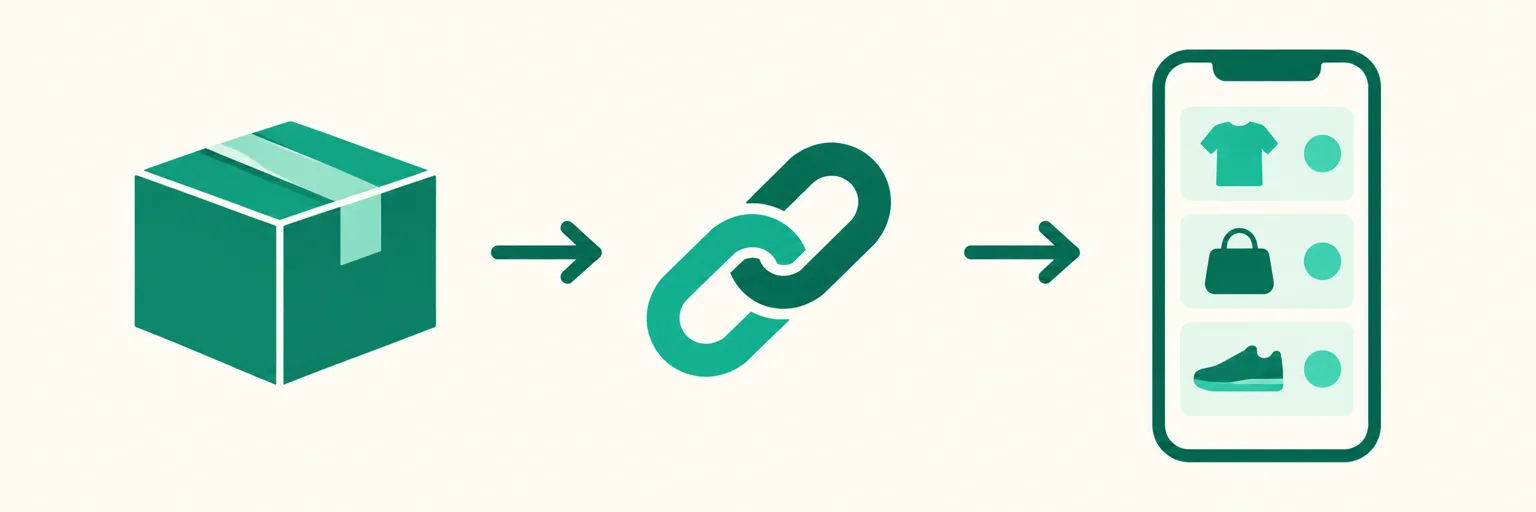
The official ways to make links are all still there without an extension. What an extension adds is convenience: making the link "right from the product page you're looking at."
| Method | Where | When it's handy |
|---|---|---|
| Partners site Simple link (간편 링크 만들기) | partners.coupang.com | Sorting out a few products on a PC |
| Coupang app Share → Partners link | Phone | Making one on the spot while filming |
| Automatic link conversion (API connection) | Link page and DM tools | When you have dozens of products and converting by hand means missing some |
| Chrome extension | Coupang product pages in desktop Chrome | When you want to add things as you browse |
Step-by-step instructions for each route are in How to Create Coupang Partners Links. Automatic conversion and the extension both need a Coupang Partners API key, which is issued after final Partners approval (How to get an API key).
유유피 제휴 링크 도우미 — install, connect, use
UUP is a tool for link pages, comment auto-replies and auto-upload, and 유유피 제휴 링크 도우미 is a Chrome extension that cuts down the work of adding Coupang products to your link page. It went live on the Chrome Web Store on 2026-10-07.
Install and connect
- In desktop Chrome, open "유유피 제휴 링크 도우미" on the Chrome Web Store and click Add to Chrome. The official extension is the one with uup.kr in the provider field.
- If a "Proceed with caution" window appears, click Continue to install. It shows up for extensions from newly registered developers when Chrome's security setting is "Enhanced protection."
- Click Add extension in the confirmation window, and pin it to the toolbar from the puzzle icon if you like.
- Stay signed in to uup.kr in the same Chrome. The extension uses that sign-in as is, so there's no token or key to enter to connect it.
Use
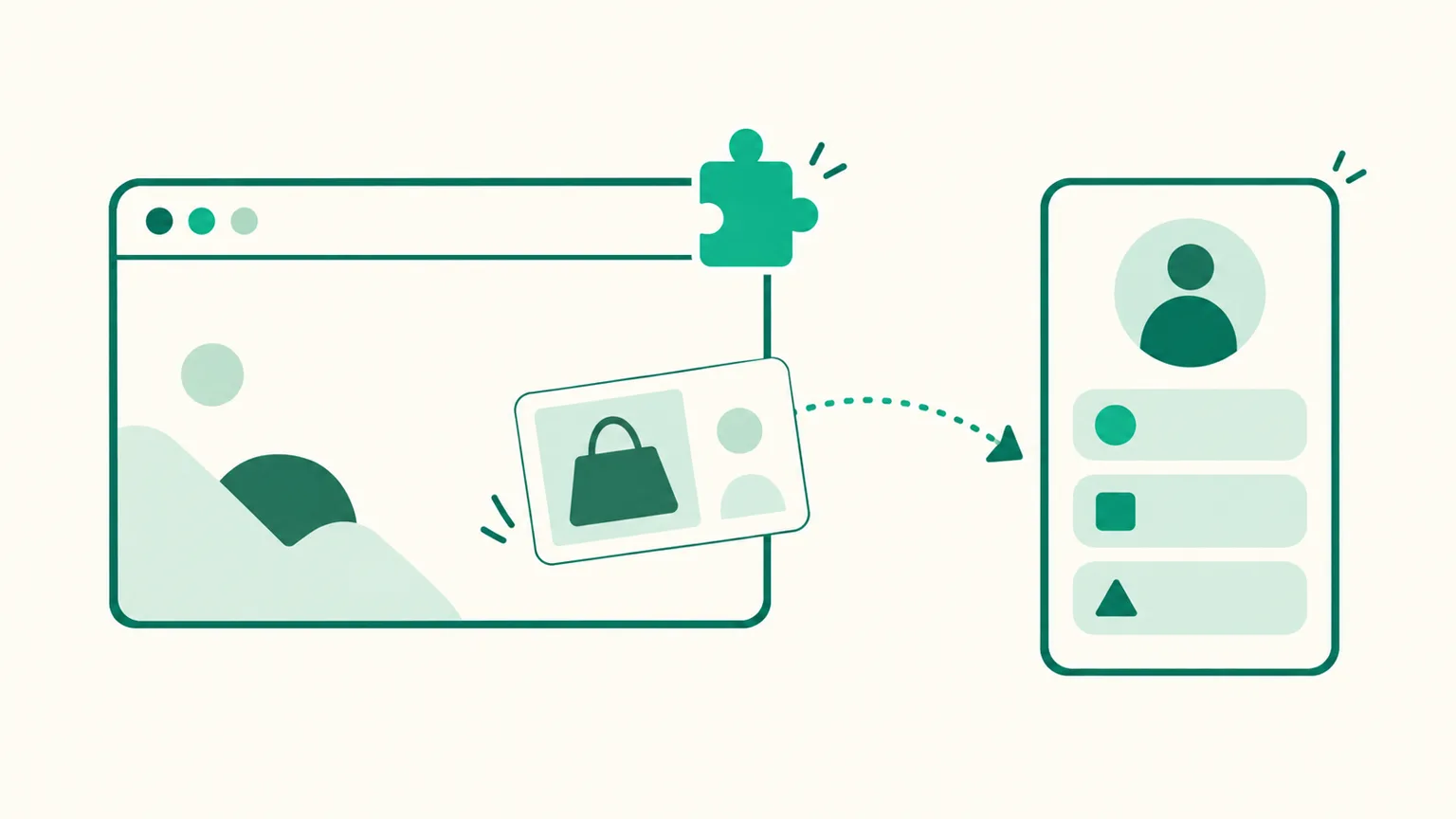
- Open a Coupang product page and a 유유피에 담기 (Add to UUP) button appears at the bottom right. Clicking the UUP icon in the toolbar does the same thing.
- A small UUP window shows the product photo and name. Click the name to edit it right there.
- Pick the page to add it to and click Add as product, and the product goes onto your link page already converted to your Coupang Partners link. If you only need the link, click Copy affiliate link.
- If you picked a recipe book page, you can also use Add to a recipe in the window to attach it straight to an ingredient or tool line of a recipe.
When Coupang won't create an affiliate link for a product, products added through the extension are also linked to a Coupang search-results affiliate link for that product title instead, and the editor shows a notice (since 2026-10-15).
Requirements and limits
| Item | Details |
|---|---|
| Plan | BASIC ($3.99/month) or higher — not available on the free plan |
| Connection | Your Coupang Partners API connection must show "Connected" (Connections › Coupang Partners) |
| Device | Desktop Chrome only — Chrome on phones can't install extensions |
| Supported store | Currently supports Coupang product pages |
| Not included | No out-of-stock monitoring for products you've added, no SubID (channel ID) setting — if a product looks sold out or discontinued when you add it, the window just shows a warning |
When you sign up, you get a 14-day trial (no card required) to try BASIC features first. Plan differences are on the pricing page.
Don't confuse it with Coupang seller extensions
Searching "Coupang extension" also brings up tools for sellers. For example, COUPLUS collects Coupang and Rocket Growth sales data, and 쿠파일럿 (Coupilot) is a seller tool that gathers keyword sales volume and ad bid prices (per their store descriptions as of 2026-10). They're for people who sell products, not for making Partners links. For Partners work, what you need is an extension that "makes links carrying your Partners ID."
Safety check before you install
Chrome extensions can read page content, so check these four things before installing.
- Install only from the official store. Zip files from blogs and developer-mode installs get neither automatic updates nor Google's review.
- Read the provider and the permissions. 유유피 제휴 링크 도우미 asks for two site permissions, m.coupang.com and www.coupang.com, used to show the button on Coupang product pages and to read the name, photo and URL of the product you clicked. The extension doesn't read product information until you click the button.
- Check whether it asks for "all sites" access or your Coupang login. Making links doesn't need your Coupang password.
- Don't turn back on an extension disabled for a policy violation. Chrome switched it off for a reason, and it won't receive updates.
Links made with an extension still need a disclosure line in your posts — see Coupang Partners disclosure text.
FAQ
Can I turn the official Coupang Partners extension back on and keep using it?
Public sources record that people could re-enable it from the extensions page, but Chrome disabled it for a Web Store policy violation, and we found no announcement that Coupang continues to support it. Rather than keep running an extension that gets no updates, it's safer to use the Partners site or app, or another tool from the official store.
Can I use the UUP extension on the free plan?
No. The extension depends on a Coupang Partners API connection, so it works on BASIC and above. On the free plan, paste Simple links you made on the Partners site into your products directly.
Does it work on stores other than Coupang?
It currently supports Coupang product pages. The button doesn't appear on other stores' pages.
See also
- Coupang Partners × Instagram — Automating the Path from Comment to Purchase
- How to Create Coupang Partners Links — Partners Site, Coupang App, Auto-Conversion
- How to Get a Coupang Partners API Key
To try adding products straight from Coupang product pages, start with UUP and open it with a 14-day trial.