When Links Won't Open on Instagram (2026) — The In-App Browser Problem, Solved in Order
You tap a profile link and get a white screen. You try to log in and get told "this browser is not supported." A payment window half-loads and dies — most of these symptoms on Instagram share one cause: Instagram opens links inside its own in-app browser. This post covers how to escape it as a visitor, and how to design links as an operator so you stop hearing "your link doesn't work."
Checked as of September 2026. Menu names and positions vary slightly by app version.
What the in-app browser is — a mini browser inside the app
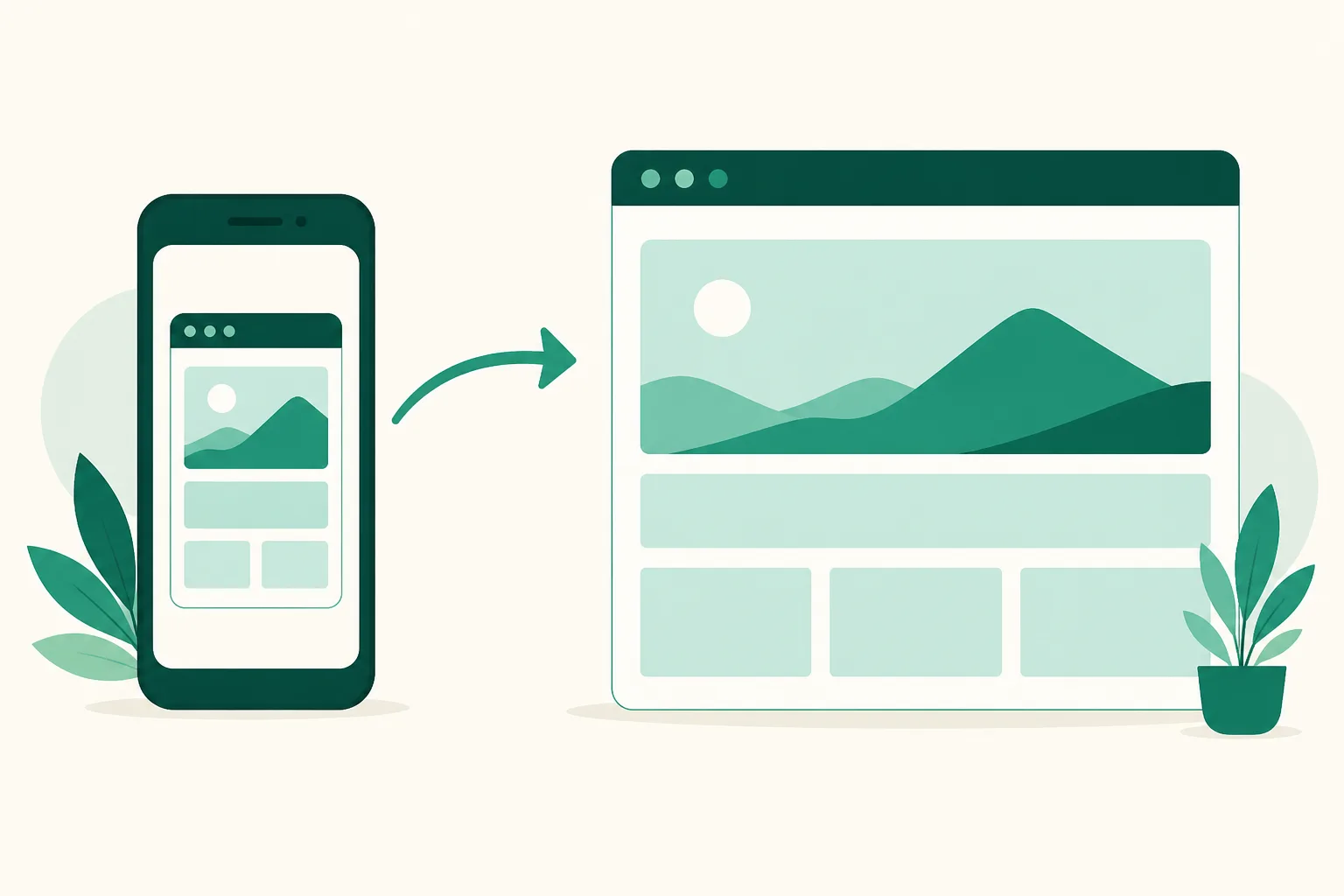
When you tap a link on Instagram, it opens not in Chrome or Safari but in a lightweight browser embedded in the app. The design keeps you from leaving the app, but this mini browser can do less than a real one. So viewing usually works — it's doing that breaks.
What breaks
- Google login — Google blocks OAuth sign-in from in-app browsers as a security policy (the
disallowed_useragenterror). Any site with "Sign in with Google" is the classic casualty. - Payments and identity verification — card, PG, and phone-verification flows require app switches that the in-app browser often fails to complete, dying mid-flow.
- File downloads and camera access — frequently non-functional or unresponsive.
- Staying logged in — the in-app browser doesn't share cookies with your regular browser, so sites you're logged into treat you as a first-time visitor.
As a visitor — two escape routes
- Open in external browser — tap the ⋯ menu at the top right of the in-app browser; there's an "Open in external browser" (or "Open in Chrome" etc., depending on device) item. One tap reopens the page in a real browser.
- Copy link → paste directly — tap "Copy link" in the ⋯ menu, then paste into Chrome or Safari's address bar. This works regardless of menu layout — the most reliable route.
For any page that needs login or payment, go external first and then proceed — it saves the trial and error.
If tapping a link on Android does nothing at all, that's likely an app/system issue rather than the in-app browser. Update the Instagram app → restart → reset default app-link settings, in that order — that resolves most cases.
As an operator — link design that avoids "it won't open"
Better than teaching visitors escape routes: link to destinations that work fine inside the in-app browser in the first place. Three rules:
- Make the first destination viewable without login. If the first screen behind your profile link demands sign-in or verification, you lose people in-app. Use a page that renders immediately without login — like a UUP link page — as the first stop, and push login-required steps (purchase, application) behind individual buttons inside it.
- Warn on links that need payment or verification. A note like "checkout opens in your browser" on the button or description lets visitors understand what happened and move to an external browser when blocked.
- Don't stack redirects. A shortener → interstitial → final page chain may be fine in a normal browser, but in-app, each hop adds a failure chance. Put the final page's address directly in your profile.
Scripts that force-open an external browser do circulate among operators, but behavior varies by OS and app version, and Instagram can close the loophole at any time — don't build your operation on it.
Frequently asked questions
Does my link page open in the in-app browser?
Yes. A link page is a public page that renders without login, so the in-app browser's restrictions (login and payment blocks) don't apply to it. Problems arise not on the page itself but at the destinations it leads to — sites requiring login or payment — which the warning-note approach above handles.
Only one specific site won't open
That site likely blocks in-app browsers (Google-login types) or requires an app switch. Check whether copy-link → external-browser paste opens it — that tells you whether it's a site issue or an account/app issue.
Do story links have the same problem?
Yes — tapping a story link sticker also opens the in-app browser. How to choose the URL for your sticker is covered in the story link sticker guide.
See also
- How Many Links on Your Instagram Profile — Basics vs Link Page
- Instagram Story Link Sticker — How to Add One
- How to Check Instagram Profile Link Clicks
If you need a first destination that renders instantly even in-app, build a free link page to start.