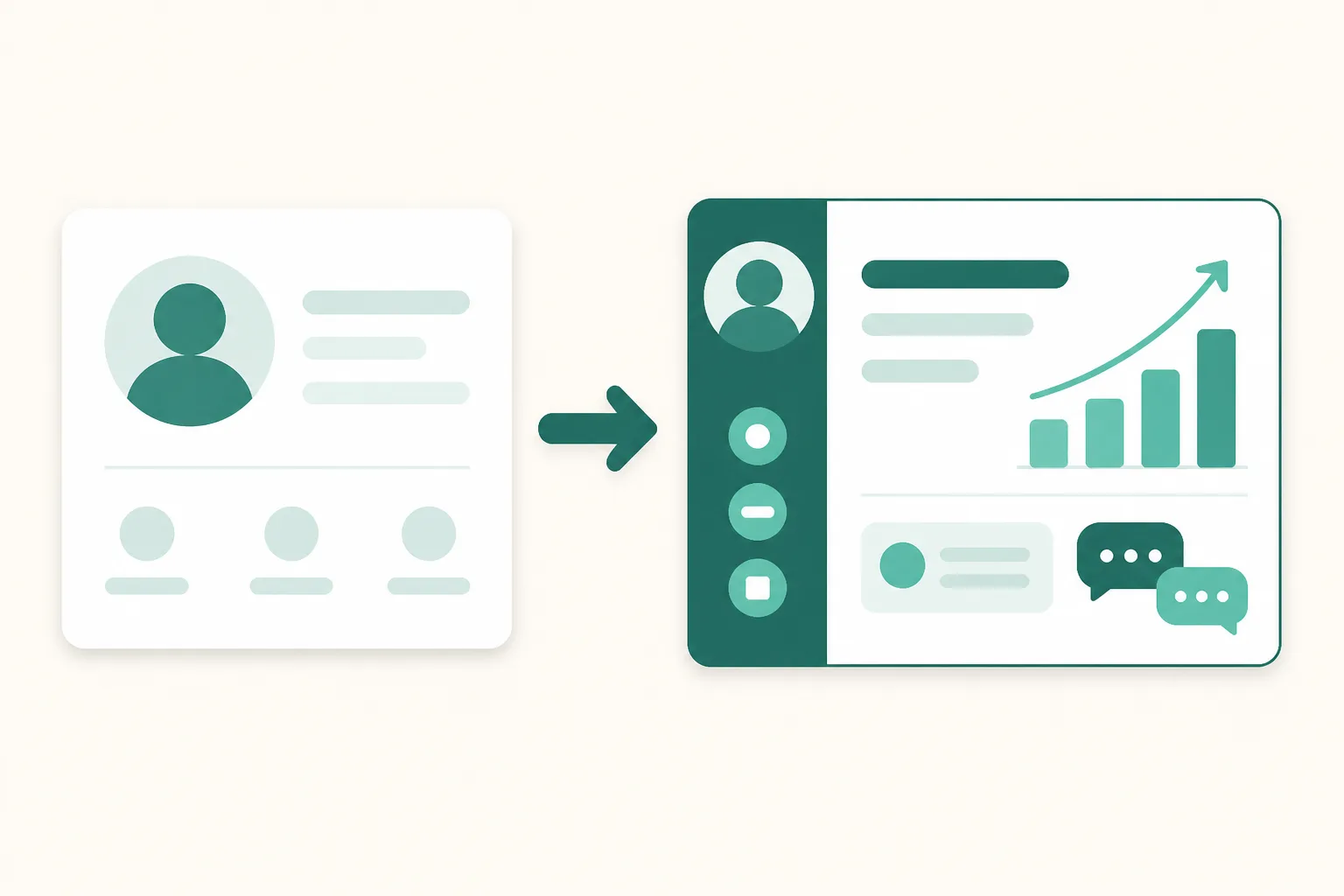
How to Switch to an Instagram Professional Account (2026) — Creator vs Business, and What Actually Changes
Auto DMs, insights, third-party tool connections. The moment you get even slightly serious about running an Instagram account, all three come with the same prerequisite: a professional account. The switch itself is free and takes a few minutes, yet people hesitate — because nobody has clearly answered whether to pick Creator or Business, what changes on the account, and whether followers will notice. This guide covers exactly that, in order.
What a professional account actually unlocks
A professional account is Instagram's account type for creators and businesses, and it comes in two flavors: Business and Creator. Here's the practical difference from a personal account.
| Feature | Personal account | Professional account |
|---|---|---|
| Insights (reach, views, profile activity) | None | Yes |
| Third-party API connections (DM automation, etc.) | Not possible | Possible |
| Contact / call-to-action buttons | None | Yes |
| Ads and post promotion | Limited | Yes |
| Private account setting | Possible | Not possible (public only) |
The second row is the one that trips people up most. Meta only opens its account-connection API to professional accounts. When a DM automation tool can't connect to a personal account, that's not the tool's limitation — it's Meta policy. The same applies to UUP: attempting to connect a personal account fails at the connection step.
The switch — 5 steps in the app
Verified as of 2026-08. Instagram frequently renames and moves menus across app versions and regions, so if you can't find a menu, searching "account type" in the settings search bar is the fastest route.
- Instagram app → your profile → open the menu (☰) at the top right.
- Go to Settings and privacy.
- Tap Account type and tools.
- Tap Switch to professional account, then choose Creator or Business as prompted.
- Pick a category that describes your account, and you're done. Contact info can be skipped.
The "Switch to professional account" button at the bottom of the Edit profile screen leads to the same place. If you'd rather watch than read, UUP's guide video shows the whole process on screen — it starts at 1:06:50 (Korean audio).
Creator vs Business — which one?
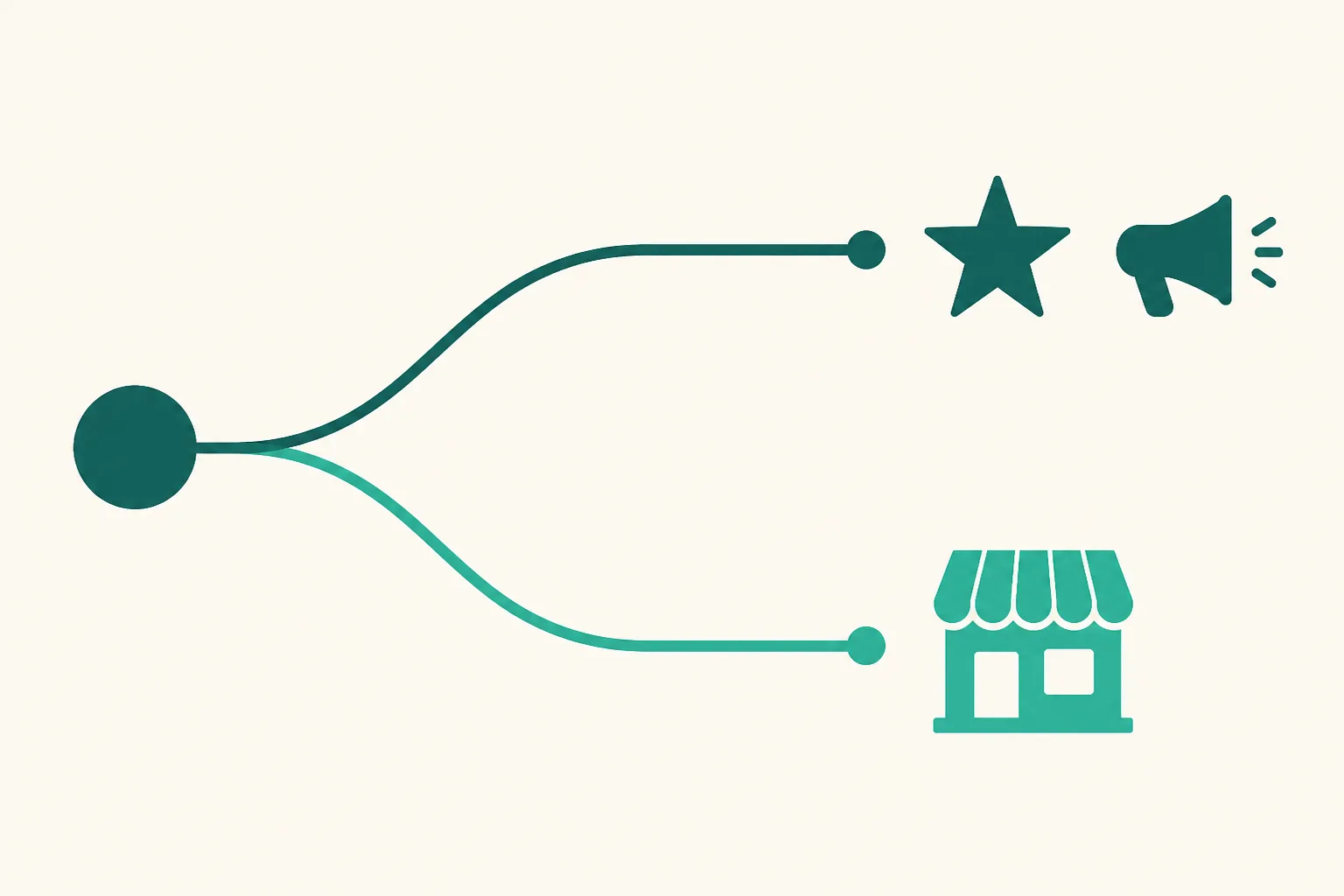
The short answer: this choice isn't worth agonizing over. Third-party connections like auto DMs and insights work identically on both, and you can switch between them anytime in settings.
| Creator | Business | |
|---|---|---|
| Best for | Influencers, Reels creators, individual group-buy sellers | Stores, brands, shops |
| Profile display | Category (e.g. Digital creator) | Category + optional address and hours |
| Third-party connections | Yes | Yes |
If you want a single rule: pick Business if you'll ever show an address or opening hours on your profile; otherwise pick Creator. Starting as a Creator and switching to Business later when you open a store causes no problems at all.
What changes — and what doesn't
What stays the same — your followers, posts, and every DM you've exchanged remain untouched. Followers don't get notified about the switch either.
What changes — two things are worth knowing in advance.
- You can't stay private. Professional accounts must be public, so a private account becomes public when you switch.
- Insights start accumulating from the moment you switch. Instagram doesn't backfill metrics for posts published before the switch. If you think you'll need the data, the earlier you switch, the better.
After the switch — connect your account to your tools
Once you're on a professional account, third-party connections open up. With UUP, sign up and connect your Instagram account from the dashboard. What you can use after connecting:
- Link page plus visit and click analytics — from the free plan.
- Comment-triggered DM automation — on the DM Pro and Ultra plans, and during the 14-day free trial (no card required).
If the connection step fails, the answer is almost always in the first table of this guide — the account is still personal, or the switch happened moments ago and hasn't propagated yet.
FAQ
Does switching cost anything? Will my followers know?
It's free, and followers are not notified. The only outwardly visible change is the category label on your profile (e.g. Digital creator), and even that can be hidden from the Edit profile screen.
Can I switch back to a personal account?
Anytime, from the same menu (Account type and tools). Note that switching back means you lose access to insights, and any connected third-party tools get disconnected.
I heard switching to a professional account kills your reach
Instagram has never stated that account type affects reach, and the common explanation is that content changes around the time of switching create that impression. That said, there's no way to verify this externally — if you're worried, the most reliable check is comparing your own metrics for 2–4 weeks after switching.
Related reading
- Instagram Auto DM: The Complete Guide
- How to Check Instagram Profile Link Clicks
- Instagram DM Automation Without Getting Banned
Once the switch is done, the next step is putting the account to work. Start free and open up your link page and analytics first.