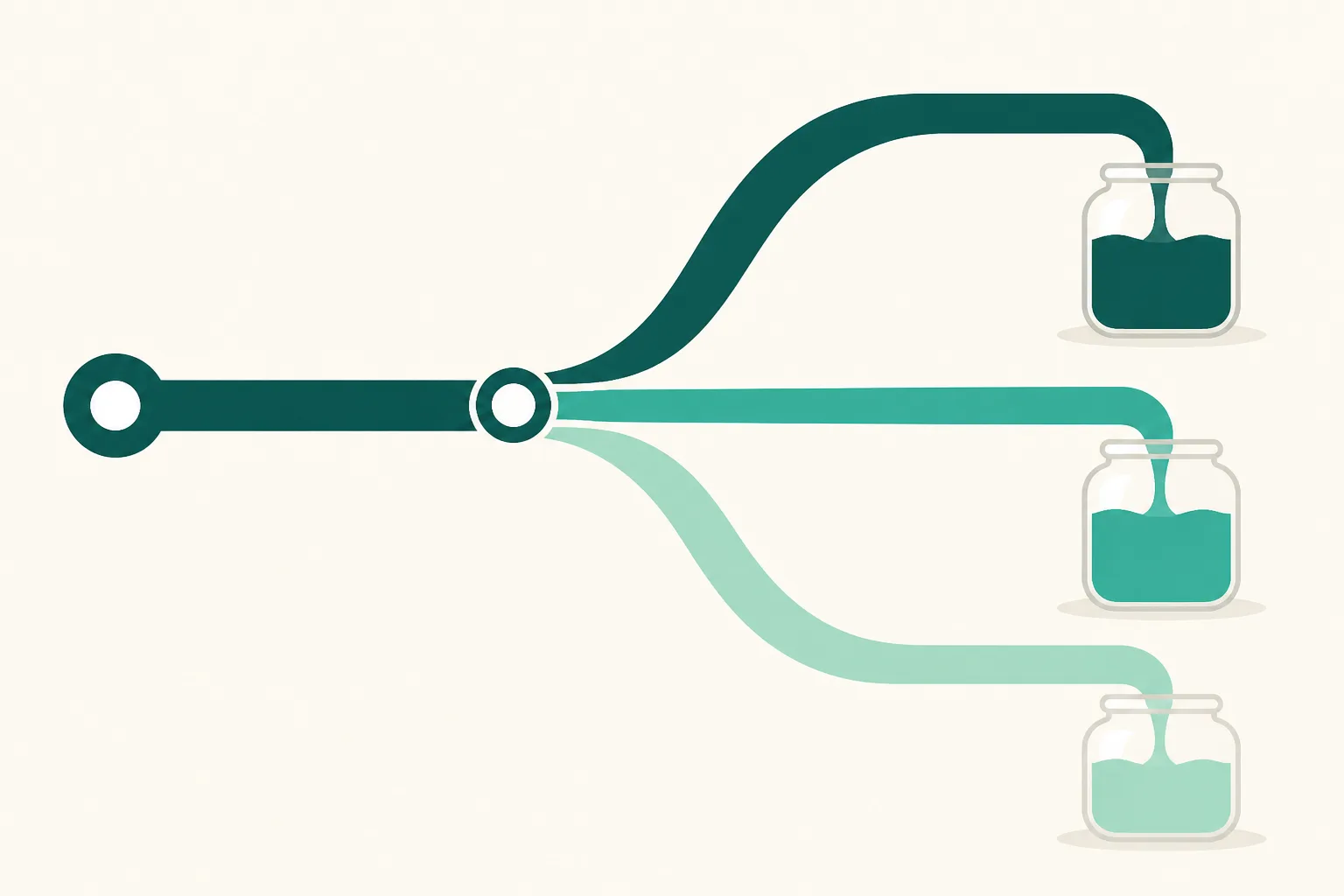
How to Build UTM Links (2026) — The Easiest Way to Split Instagram Traffic by Placement
Open your analytics and half of it says "direct." You know it came from Instagram — but was it the profile link, a story, or yesterday's post? No way to tell, because Instagram's in-app browser often withholds referrer information. It's the same problem for everyone, and the fix isn't installing a tool — it's adding a tag to the end of your URL. The tag is called UTM. This guide is written for a first-timer: the rules → how to build one → a copy-paste placement table for Instagram → the common mistakes.
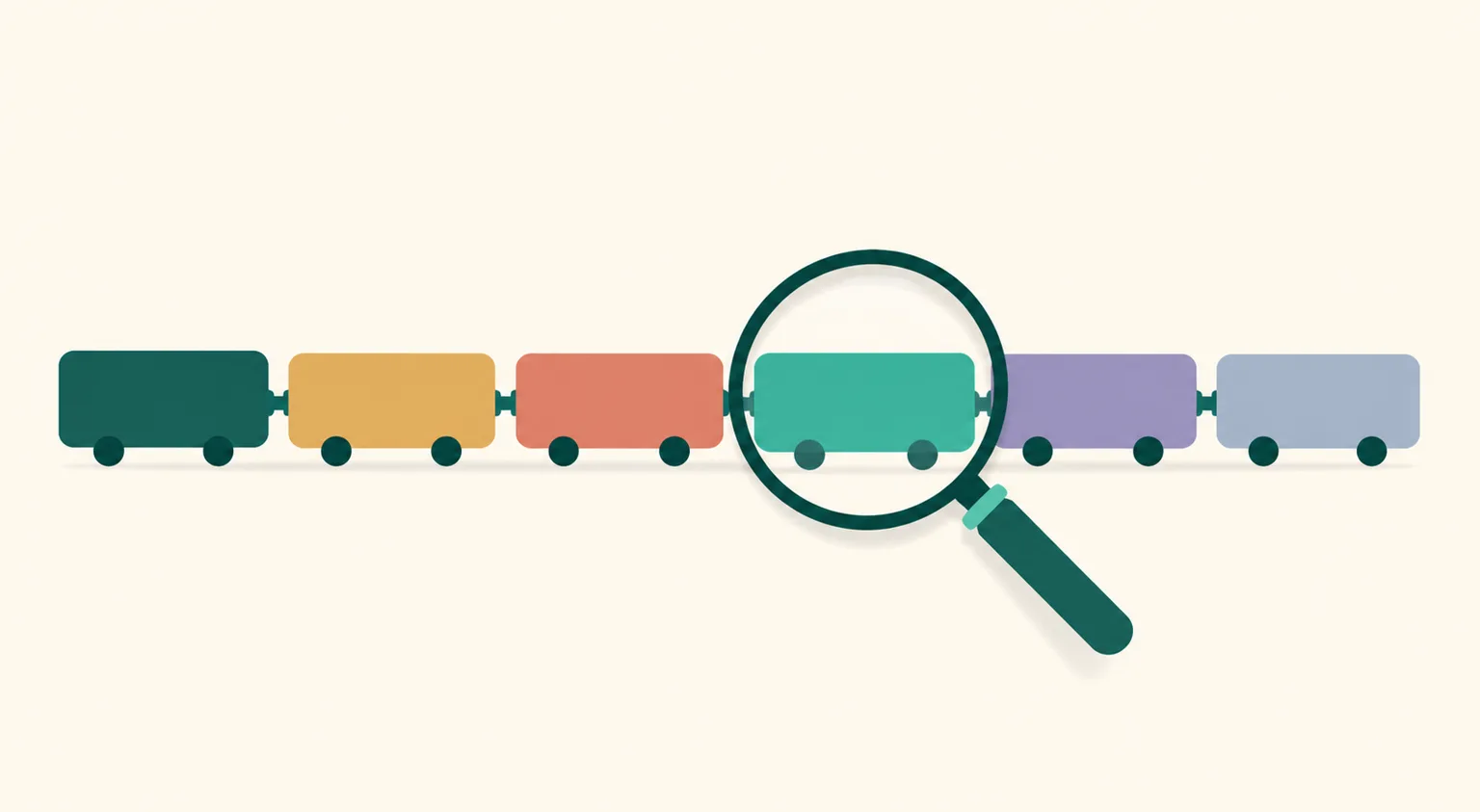
What UTM is — a tag on the end of a URL
UTM is a standard tag appended to links, like ?utm_source=instagram. The page itself is unchanged; analytics tools read it to record "this visit came from here." Four parameters cover everything.
| Parameter | Question it answers | Example values |
|---|---|---|
utm_source | Which service did they come from? | instagram, youtube, naver |
utm_medium | Which placement within it? | profile, story, post |
utm_campaign | Which campaign or period? | sep-groupbuy, launch |
utm_content | Which variant within a placement? | ver-a, highlight2 |
You don't need all four. For Instagram operations, source + medium is enough; add campaign when you want to separate a time-boxed sale.
Building one — 30 seconds by hand
No generator needed once you know the rules. If your page is https://link.uup.kr/myshop:
`` https://link.uup.kr/myshop?utm_source=instagram&utm_medium=story ``
?joins the address to the first tag;&joins tags to each other.- Lowercase everything.
Instagramandinstagrambecome separate rows in analytics. - No spaces. Two words? Hyphenate:
sep-groupbuy. - Use Latin characters — non-ASCII values work but get encoded into very long URLs.
Google's Campaign URL Builder produces the same thing from a form. The tool doesn't matter; using one notation consistently does.
Placement table for Instagram — copy as-is
Same link page address everywhere; only the medium changes.
| Placement | Recommended tag |
|---|---|
| Profile link | ?utm_source=instagram&utm_medium=profile |
| Story link sticker | ?utm_source=instagram&utm_medium=story |
| Story saved to highlights | ?utm_source=instagram&utm_medium=highlight |
| Post/Reel caption reference | ?utm_source=instagram&utm_medium=post |
| Other channels (YouTube description, etc.) | ?utm_source=youtube&utm_medium=description |
Links sent by Auto DM don't need tags — UUP analytics already counts Auto DM traffic as its own channel, so spend your UTM effort where referrers actually break: profile, stories, external channels.
After tagging — where it shows up
On a UUP link page it works with zero setup. When a visitor arrives through a tagged URL, the origin is recorded once, at the session's first entry, and shows up split in the traffic-source section. Browsing within the page doesn't overwrite the origin, and values are normalized to lowercase.
To be straight about it — there's no dashboard helper that generates UTM links for you yet. Building them by hand from the table above is the current method, and visit/click/traffic-source analytics all accrue on the free plan. What the analytics screen shows, section by section, is covered in How to Check Link Clicks.
Four common mistakes
- Mixed case —
Storyandstorysplit into two rows and fragment your numbers. Lowercase, always. - Improvised values —
stickerlast week,storythis week, and now there's no trend line. Fix the table once, copy forever. - `?` vs `&` confusion —
?before the first tag only,&after. Two?s can break the link. - Tagging everything — UTM belongs on entry links from outside into your page. Product buttons inside the page don't need it.
FAQ
Doesn't the link look messy?
Story stickers display custom text, and profile links rarely expose the full URL to visitors. Where the address is visible, cover it with label text — the tag is read by analytics, not by people.
Do I need Google Analytics?
No. UTM is a standard; you just need analytics that reads it, and UUP link pages include traffic-source analytics from the free plan. If you separately run a website on GA4, the same link rules carry over unchanged.
Can I combine UTM with a shortened link?
Yes — shortening a tagged URL preserves the tags when it unfurls. But wrapping affiliate links (Coupang Partners and the like) in external shorteners carries its own risks — judge that separately.
Related reading
- How to Check Instagram Profile Link Clicks — What Insights Can't Tell You
- Instagram Story Link Sticker: How to Add One
- How Many Links on Your Instagram Profile
The moment you start tagging, next week's decisions turn into data. Create a free link page and copy the table above as-is.