Instagram DM Macros: Should You Use One? (2026) — What a Macro Does, the Traces It Leaves, and What to Use Instead
People search "Instagram DM macro" for basically one reason — there are too many to send by hand. Three hundred group-buy applicants need a notice, or every follower should hear about the launch. So they look for a macro program, and the results page barely shows any macros, just a pile of "auto DM" tools. The reason is the subject of this article: what a macro actually does, why it leaves traces on your account, and how to reach the same goal while keeping the account safe.
What a macro is — a program that imitates your finger
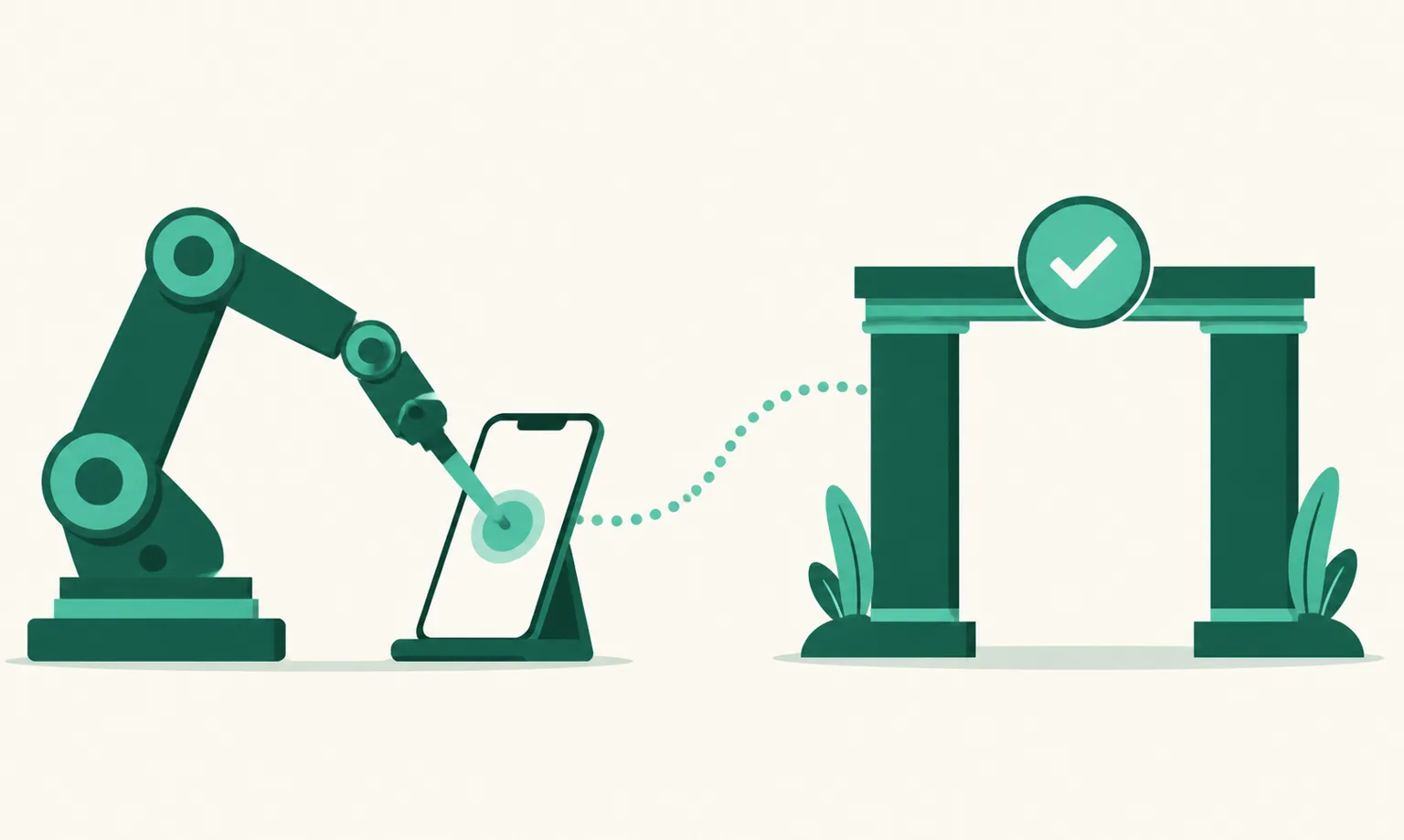
A macro records screen actions, or scripts them, and repeats the clicks and typing a human would do. An Instagram DM macro, logged in as your account, walks a target list repeating "open profile → Message → paste text → Send." The list is usually scraped: your followers, posters under a hashtag, a competitor's followers.
The key is who sends. With a macro, the sender is your account and your login session. To Instagram, it looks like one person suddenly sending several DMs per second.
Three traces it leaves on the account
1. Behavior pattern. Meta's Terms of Use prohibit creating accounts or accessing and collecting information by automated means. What gets a macro caught is not the fact of "using a program" but speed and regularity no human produces. The usual first symptom is a "Action Blocked" notice on sending DMs; repeated, it leads to feature restrictions and account suspension.
2. Recipient reaction. A macro DM arrives without the recipient acting first. With no follow relationship it lands in message requests and isn't even read; some who do read it report spam. Reports accumulate as account signals.
3. Session sharing. A macro needs your ID and password, or your login session, to run. The program's maker can then do anything as your account, and Instagram treats logins from unfamiliar devices as suspicious access.
In short, a macro is not a tool that's "fine if used well" — it structurally worsens your account signals. Numbers like "so many a day is safe" have no official basis, and this article doesn't print one.
What to use instead, by goal
If you looked for a macro to "send to many people," there is already an official route depending on who those people are.
| What you wanted | Macro way | Official way |
|---|---|---|
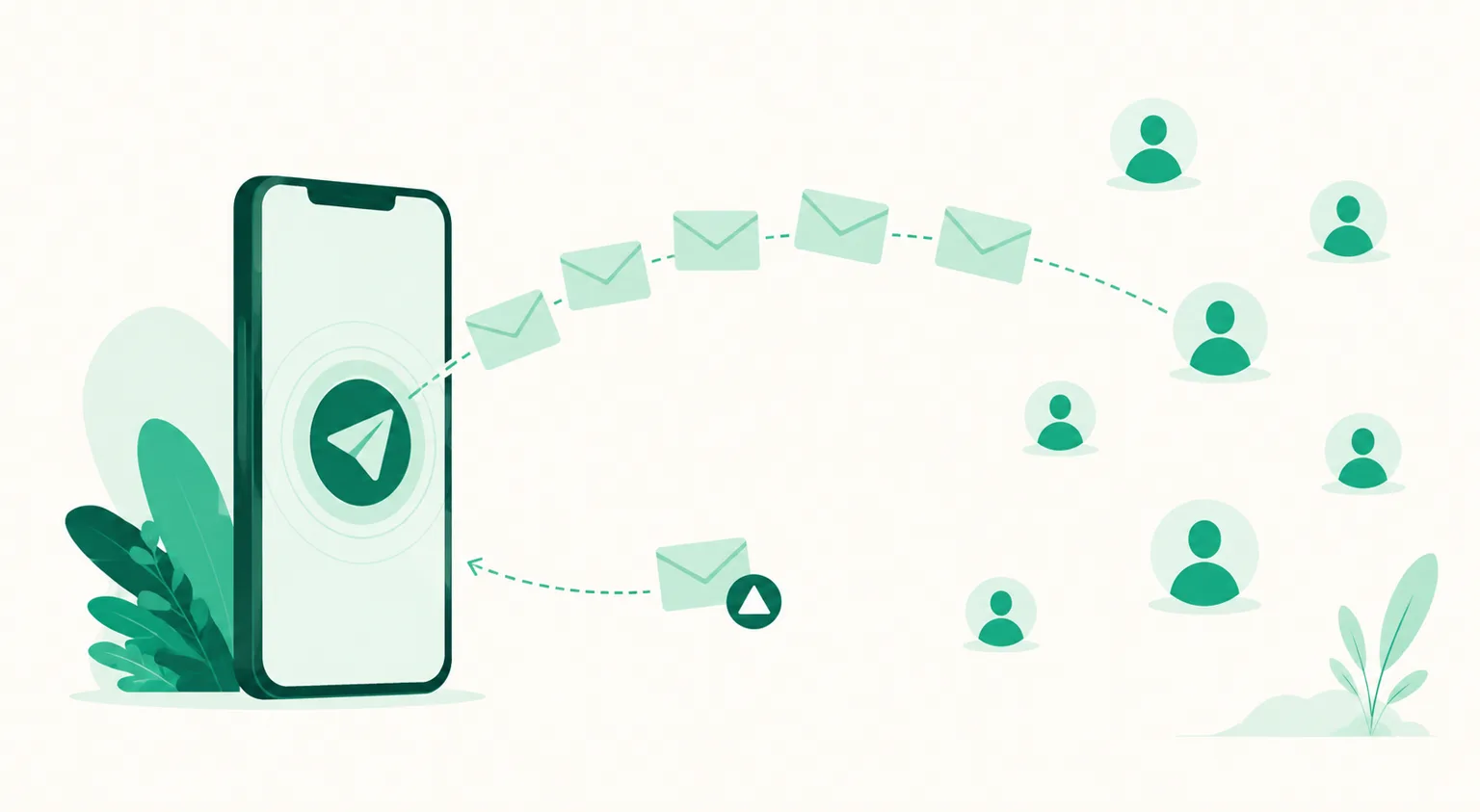
| Notify everyone who commented "apply" on a post | Scrape the comment list, send in order | Comment Auto DM — Meta's API replies to keyword comments for you; existing comments via bulk send, backfilling the last 7 days |
| Announce a group-buy launch all at once | Mass-send to the follower list | Scheduled send — collect trigger comments and send at a set time, or a post that invites comments |
| Repeat the same answer to inquiry DMs | Open chat, paste | The app's built-in FAQ and saved replies (setup) |
| Message non-followers first | Macro is the only way | No official route — Meta hasn't opened one. Instead, drive comments with ads or posts and catch them with Auto DM |
That last row is the most honest sentence here. There is no official way to mass-DM people who haven't acted first. Every tool that advertises doing it is macro or session-sharing type — even with "auto DM" in the name. The one question that separates them: "Does the person have to comment or message first, or does it send to a list first?" The distinction is tabled in How to Pick an Instagram Auto-DM Program.
Why the official way also performs better
Set account safety aside and the official route still wins on results. A comment Auto DM reaches someone who showed interest, at the moment of interest — in the inbox, not requests, and the very first message can be a product card with a photo and buttons. A macro is the reverse: to people with no interest, at any time, in text.
UUP runs on that official route. It connects through Meta's official API (the tool never knows your password), replies automatically to keyword comments, and once the person replies, follows up with product cards within 24 hours. Bulk send for existing comments and time-set scheduled send are included. It's a DM Pro feature ($8.49/mo) with a 14-day trial, no card.
FAQ
Isn't a macro safe if I use it just a little?
Instagram doesn't publish what "a little" is. The Terms violation doesn't depend on volume, and neither does the risk of handing your session to a program. If the account is your income, it isn't something to experiment with.
I already used a macro. What now?
Cut the program off and change your password (invalidates the session). If there are logins from unfamiliar devices, log them out under Login Activity in settings. Keep using the account normally and temporary action blocks usually lift.
An auto-DM tool is also a program. What's the difference?
Who sends. An official tool sends from Meta's servers with permissions Meta issued, and only when the person acted first. A macro sends from your session pretending to be your phone. The full criteria are in DM Automation Without Getting Banned.
See also
- Instagram DM Automation Without Getting Banned
- Instagram Auto-DM Programs: Official API vs Mass-DM Tools
- Instagram Auto DM: The Complete Guide
If the goal was notifying everyone who commented, start free and handle the last 7 days of comments with bulk send first.