How to Read Instagram Insights (2026) — Interpret in Order, Not by Number
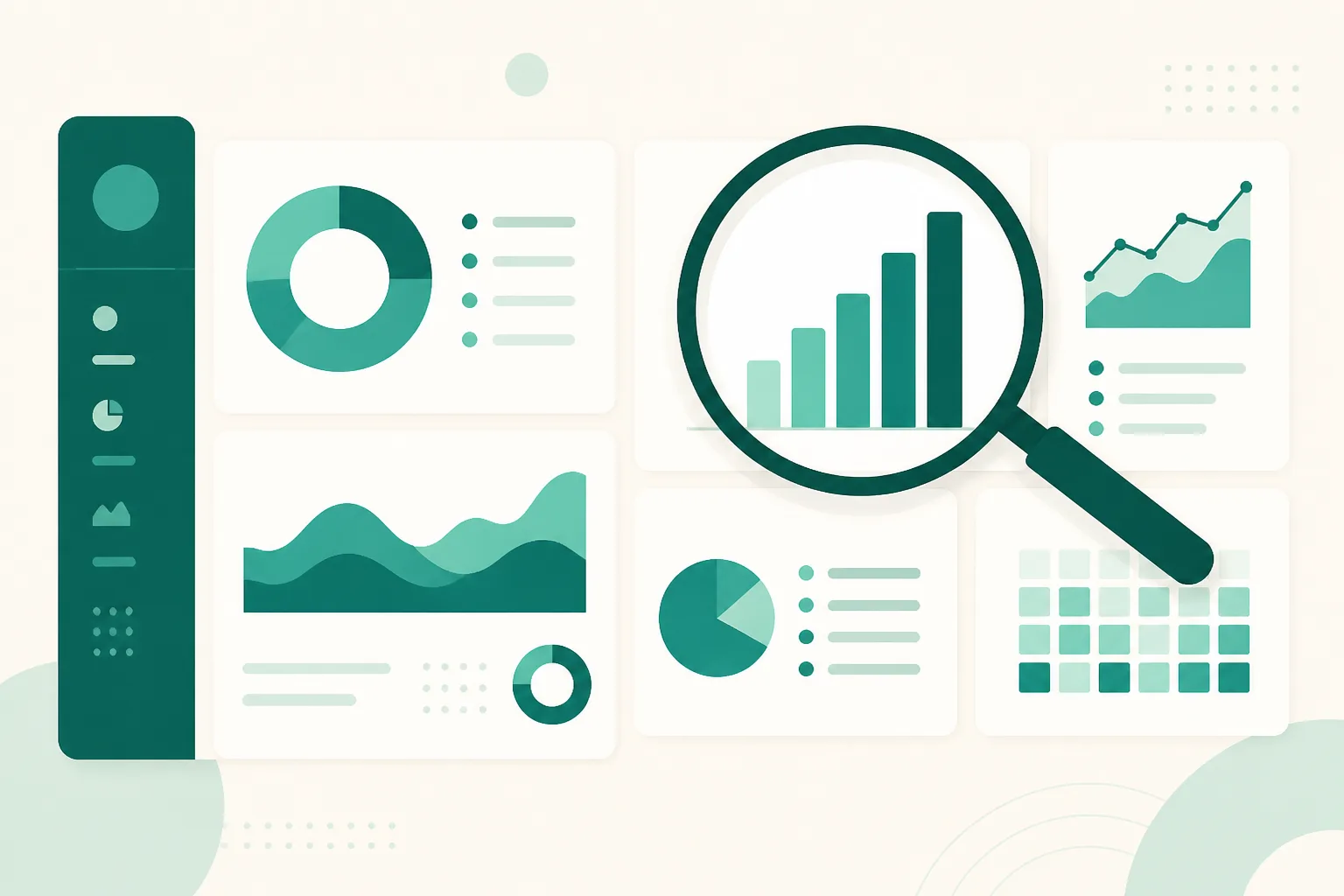
Open Insights and numbers pour out. Views, reach, interactions, profile visits, follower change — you can see everything, but if you don't know where to start, the problem isn't the data. It's the reading order. This guide covers how to open Insights, the metric overhaul from 2024, and the funnel-based reading order that actually informs how you run an account.
Checked as of September 2026. Instagram changes metric names and screen layouts frequently — if a menu looks different, update the app and check again.
Prerequisite — you need a professional account
Insights doesn't exist on personal accounts. You need to switch to a professional account (Creator or Business), and data accumulates from the switch onward. If you haven't yet, start with how to switch to a professional account — it takes five minutes and it's free.
Two entry points:
- Account-wide: Profile → Professional dashboard (or Insights in the menu) — views, accounts reached, interactions, and follower trends by period.
- Single post: View insights under the post — that post's views, likes, saves, shares, and profile visits.
The metrics changed — it's Views-centric now
One caution when reading older guides: since 2024, Instagram has unified the primary metric for posts, Reels, and Stories around Views, scaling back the old Reach-centric display. The concepts split like this:
| Metric | Meaning | How to read it |
|---|---|---|
| Views | How many times content was seen | Includes repeat views by the same person — a scale metric |
| Reach | How many people it reached | Person-count basis — views ÷ reach = average repeat views per person |
| Follower/non-follower ratio | Share of views from non-followers | A high non-follower share means Explore/recommendations picked you up |
Many people ask "where did Reach go?" — it didn't disappear; the default on-screen metric changed to Views.
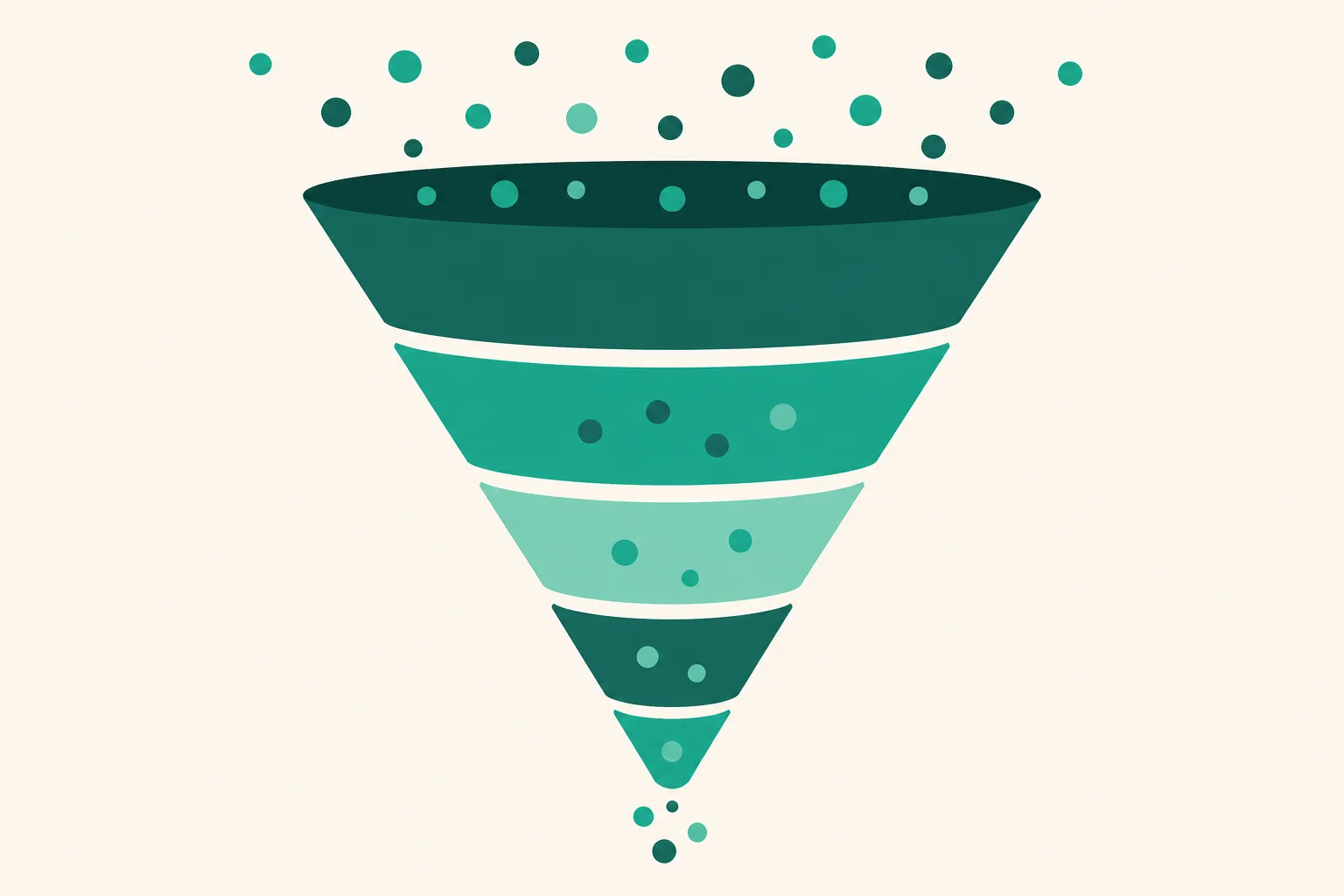
Read as a funnel — views → response → action → result
You don't need to memorize every number. Four steps, in order:
- Views — did it land at all? Views and the non-follower ratio. If this is small, the metrics below aren't worth discussing — the issue is the topic or the opening (for Reels, the first 1–2 seconds).
- Response — did they scroll past or keep it? Saves and shares are the quality signal, more than likes. Big views with dead saves/shares means disposable content, and the next distribution won't stick either.
- Action — did they come to your account? Profile visits, then link clicks from the profile. However good the content, if it stops here, it's zero from a monetization standpoint.
- Result — did they stay? Follower change. "Follows per view" is your account's stamina, more than a one-off viral spike.
On Reels specifically: recommendations can inflate view counts, so watch retention (average watch time, completion rate) decides the next round of distribution more than raw views. If drop-off clusters in the first 3 seconds, fix the opening first.
Where Insights can't see — after the link click
Insights shows you through step 3 of the funnel. But the question that matters most for a monetized account — which products did people see and click after tapping your link — lives outside Insights. Instagram only knows up to the moment the link is tapped.
From there, the counting happens on the link side. Put a UUP link page in your profile and visits, per-product clicks, and traffic sources accumulate in your page analytics (free plan included). Split traffic by placement — profile, story, DM — with UTM tags. For exactly what the link-click metric in Insights can and cannot answer, see how to check profile link clicks.
Frequently asked questions
I don't have an Insights menu at all
You're on a personal account. Switching to professional creates it; pre-switch posts get only partial retroactive data. The steps are in this guide.
My post's insights stopped growing after a few days
Most views concentrate early, then trickle in from search and Explore. A stalled number on an older post is normal — the average trend across your recent posts is more useful for judgment.
Big views, but no follows or clicks
The funnel broke at steps 2–3. Low saves/shares means the content scrolled past; saves without profile visits means the caption and profile give no reason to see more of you. If they reach the profile but don't click, audit the link setup — start with profile link layout.
See also
- How to Check Instagram Profile Link Clicks — What Insights Can't Tell You
- How to Switch to an Instagram Professional Account
- How to Build UTM Links — Split Instagram Traffic by Placement
If you don't yet have a page that counts what happens after the click, build a free link page — visit and click analytics are included on the free plan.