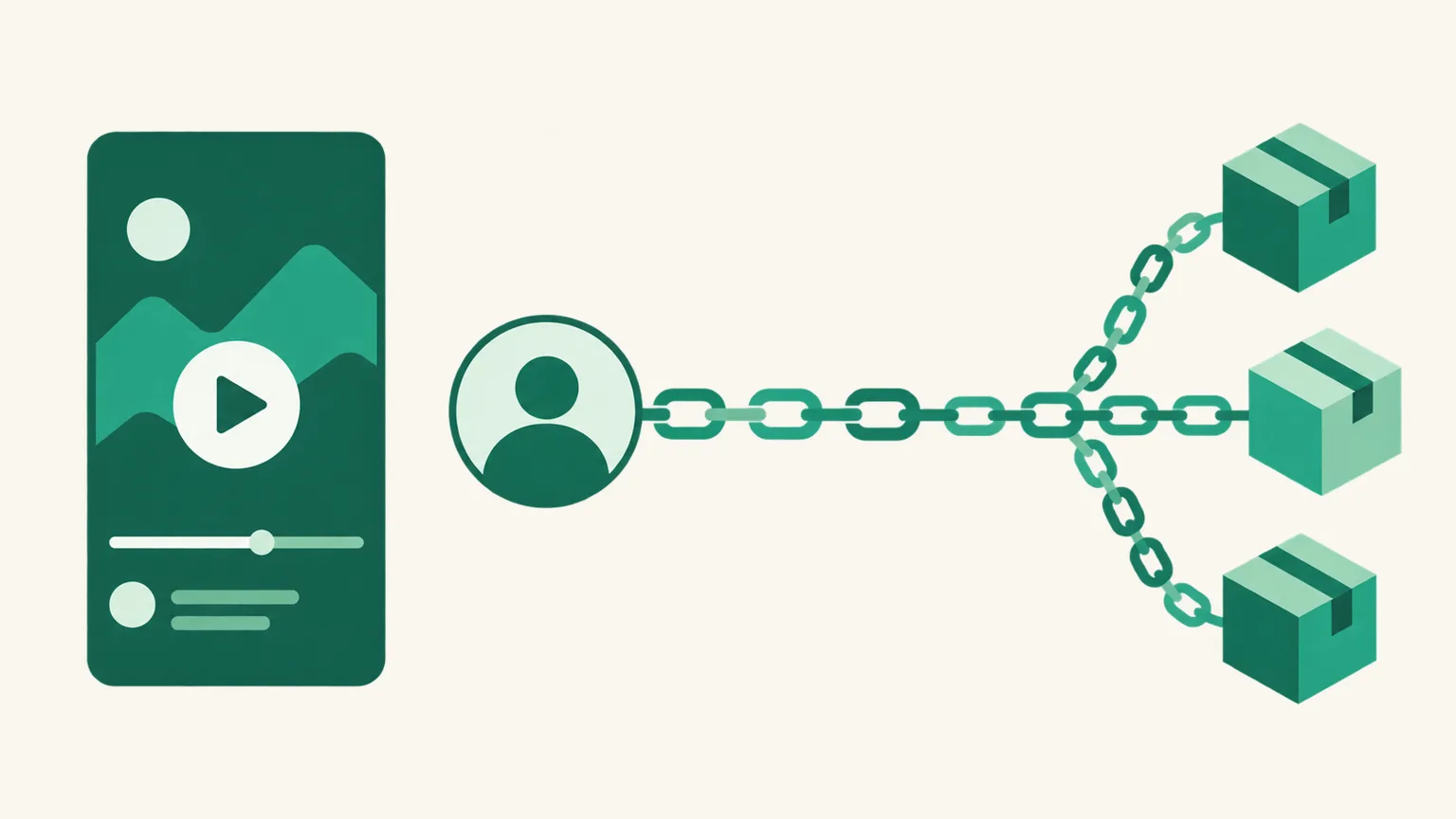
Coupang Links on YouTube Shorts (2026) — Why Description and Comment Links Don't Work, and Where Links Actually Get Tapped
You feature a Coupang product in a Short, paste your Coupang Partners link into the description, and viewers comment "the link doesn't work." It isn't a bug. Starting August 31, 2023, YouTube made links in Shorts descriptions and comments unclickable, and that's still the case in 2026. Search results tend to lead with posts promising results from Coupang on Shorts, but this post doesn't promise any results. Instead, using YouTube's official Help Center, it sorts out which spots make a Coupang link on YouTube Shorts actually tappable, and which don't.
Before you read: Where links work and under what conditions comes from the YouTube Help Center articles Sharing links with your audiences, Add a related video to your YouTube Shorts, and YouTube Shopping affiliate program overview & eligibility (checked October 2026). The 2023 change was announced in a community post on YouTube's official channel. YouTube's policies can change, so treat the Help Center originals as the final word. This post is written by the UUP team, which builds link pages and YouTube auto-upload. Coupang Partners is Korea's largest affiliate program, run by the e-commerce company Coupang.
1. Why links in Shorts descriptions and comments don't work
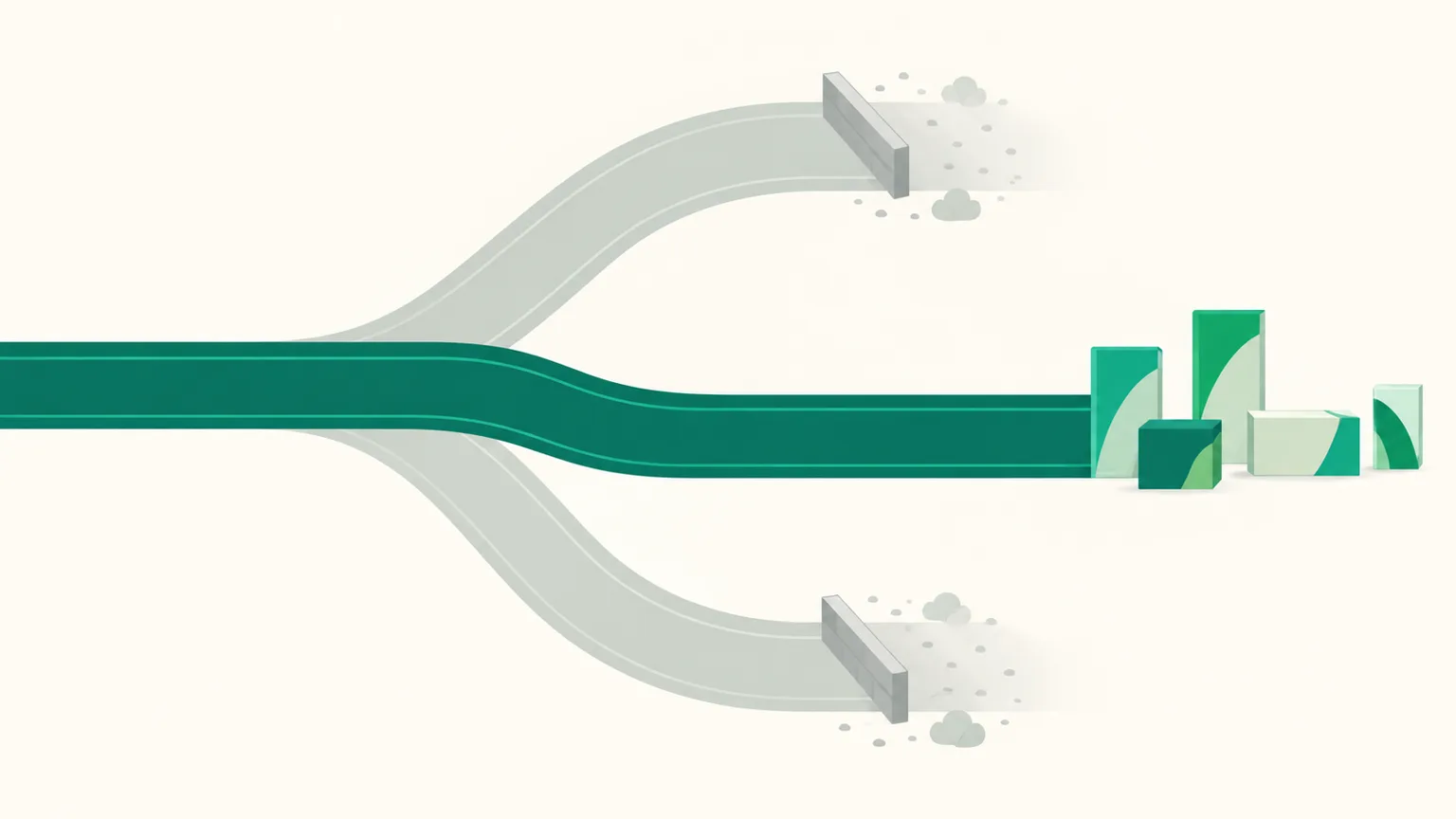
Starting August 31, 2023, YouTube made links in Shorts comments, Shorts descriptions, and the vertical live feed unclickable (rolled out gradually). The stated reason was protecting viewers from spam and scams. The current Help Center article Sharing links with your audiences says the same: to reduce spam and scam attempts, URLs placed in Shorts comments and Shorts descriptions are non-clickable (checked October 2026).
So if you paste a Coupang link into a Shorts description, the text shows up but can't be tapped. Viewers would have to long-press, copy, and paste it into a browser, and almost nobody hand-copies a Coupang Partners short link (link.coupang.com/a/…). For the same reason, a link in a pinned comment on a Short can't be tapped either. Pinned comments are useful as a link spot on long-form videos — the differences are covered in our post on YouTube pinned comments.
Here are the spots that don't work, in one table.
| Spot | Clickable on Shorts | Source |
|---|---|---|
| URL in a Shorts description | No | Help Center, "Sharing links with your audiences" |
| URL in Shorts comments (including pinned) | No | Same article |
| URL in a community post | No | Same article (posts are listed as non-clickable) |
| Mentions (@) and hashtags in Shorts descriptions and comments | Yes (stays inside YouTube) | Same article |
2. Spots that do work — four with official backing
Of the spots the same Help Center article lists as clickable, four are usable by someone running Shorts.
| Spot | Where it leads | Conditions (checked October 2026) |
|---|---|---|
| Channel profile links | External links on your channel page | Up to 14 shown on a channel |
| Related video | A link below your channel handle in the Shorts player → another video on your channel | Requires advanced feature access; the linked video must be public or unlisted |
| YouTube Shopping product tags | Affiliate products tagged in the Short | Channels in the YouTube Shopping affiliate program (section 3) |
| Brand collaboration link | One link to the brand's site on a sponsored Short | Only Shorts included in a reported brand collaboration campaign |
Channel profile links are the most practical spot. When a viewer taps your channel name from a Short and lands on your channel page, they can tap the links near the subscribe button. Inside the Short, tell them — out loud or in a caption — "product links are on my channel profile."
A related video isn't an external link; it sends viewers to another video on your channel. That lets you connect a Short to a longer review video and put the Coupang link in that long-form video's description or comments. URLs in long-form descriptions and comments are clickable, but the Help Center notes you need to turn on advanced feature access for your channel to add clickable external links. Adding a related video also requires advanced features.
The brand collaboration link isn't meant for Coupang Partners. It's for attaching a single link to a brand's site on a sponsored video made in an official partnership, so you can't use it to post your own affiliate link.
3. The YouTube Shopping affiliate program — separate from Coupang Partners
Many people search "YouTube Shopping Coupang" because of the YouTube Shopping affiliate program. Channels in the program can tag products that appear in their videos or Shorts, and those tags are tappable on Shorts too. It opened in Korea in June 2024, and Coupang was its first partner at launch (per a Financial News report on June 5, 2024 — check YouTube Studio for the sellers you can choose today).
The eligibility requirements the Help Center lists are (checked October 2026):
- The channel is in the YouTube Partner Program (YPP) and meets the YPP subscriber threshold
- You live in a supported country, such as South Korea
- The channel isn't a music channel or an Official Artist Channel
- The channel's audience isn't set as made for kids, and it doesn't have many videos set as made for kids
- Eligibility criteria may vary depending on the pilot program
The key point: this is a different program from posting Coupang Partners links. The Help Center says commission rates are set per product by the participating brands and retailers, and payments go through AdSense for YouTube. We don't list commission figures here — they vary by seller and over time, and they aren't numbers anyone can guarantee. If your channel isn't in YPP yet, this spot isn't open to you, so start with the channel profile links from section 2.
4. Two things to handle on the Coupang Partners side — channel registration and disclosure
Even if your link is tappable on YouTube, ignoring Coupang Partners' rules can block your approval or payouts.
- Register your channel. Coupang Partners asks you to register the addresses of the channels you'll actually promote on, and final approval checks "whether you were actually active on the registered channel." If you plan to work with Shorts, add your YouTube channel URL to your registered channels. The steps are in How Coupang Partners approval works.
- Disclosure text. Coupang's guide recommends the Korean sentence "이 게시물은 쿠팡 파트너스 활동의 일환으로, 이에 따른 일정액의 수수료를 제공받습니다." ("This post is part of Coupang Partners activity, and I receive a fixed commission from it."), and Korea's Fair Trade Commission guidelines revised in December 2024 require it in "the title or the beginning." For video, also include it as an on-screen caption (at the start), and put it at the top of wherever your channel profile link actually lands (your link page, for example). The definitive breakdown by placement is our post on Coupang Partners disclosure text.
5. Many products behind one channel link — a link page
You can add up to 14 channel profile links, but if your products change with every Short, swapping links each time quickly gets out of hand. That's why a common setup is to put one link page address on your profile and add or remove products on that page. One line to viewers does the job: "find today's product in my profile link."
Here's what that setup looks like with a UUP link page.
| Item | Details |
|---|---|
| Free plan | 1 link page and 30 products; for Coupang links, paste quick links you made yourself |
| Auto-conversion | On BASIC ($3.99/month) and above, connecting the Coupang Partners API turns a regular Coupang product URL into a Partners link — how to create links |
| Chrome extension | Add a product to your link page straight from a Coupang product page on PC (BASIC and above, Coupang Partners API connection required) — Chrome extension post |
| Rejected products | If Coupang rejects the affiliate link for a product, UUP links to an affiliate link for Coupang search results on that product's name instead |
| Disclosure | If a page with Coupang links has no disclosure text, the editor warns you and inserts the standard sentence with one checkbox |
You can also schedule the Short itself with UUP auto-upload (Upload Pro $8.49/month, Ultra $14.99/month, 14-day trial). But to be straight about it: putting a link in a Short's description or first comment through auto-upload still won't make it tappable on Shorts — it's YouTube's policy, so it's the same no matter what tool uploads the video. To get link taps, use the channel profile link above. The scheduling steps are in How to schedule YouTube Shorts.
Frequently asked questions
Will a link in a Shorts description work if I use a shortened URL?
No. Shorts descriptions and comments are spots where URLs aren't clickable at all, so changing the URL's form doesn't change the result. A short URL only makes it easier for viewers to copy by hand.
Do Coupang links in a long-form video's description work?
Yes. The Help Center lists URLs in long-form video descriptions and comments as clickable. To add clickable external links, though, you need to turn on advanced feature access for your channel.
Can I use YouTube Shopping product tags and Coupang Partners links together?
They're two separate programs. Product tags are added in YouTube Studio by YPP channels; Coupang Partners links go in spots where links are clickable, like your channel profile links or long-form descriptions. Follow each program's terms and disclosure rules separately.
See also
- Coupang Partners × Instagram — sending links by Auto DM when people comment
- How to schedule YouTube Shorts — the Studio steps and what makes a video a Short
- How to add a link to your TikTok profile — the 1,000-follower / business account rule and the in-app browser trap
To gather your Shorts products behind one profile link, you can build a link page right away from Start free. Plan-by-plan features are on the Features page.