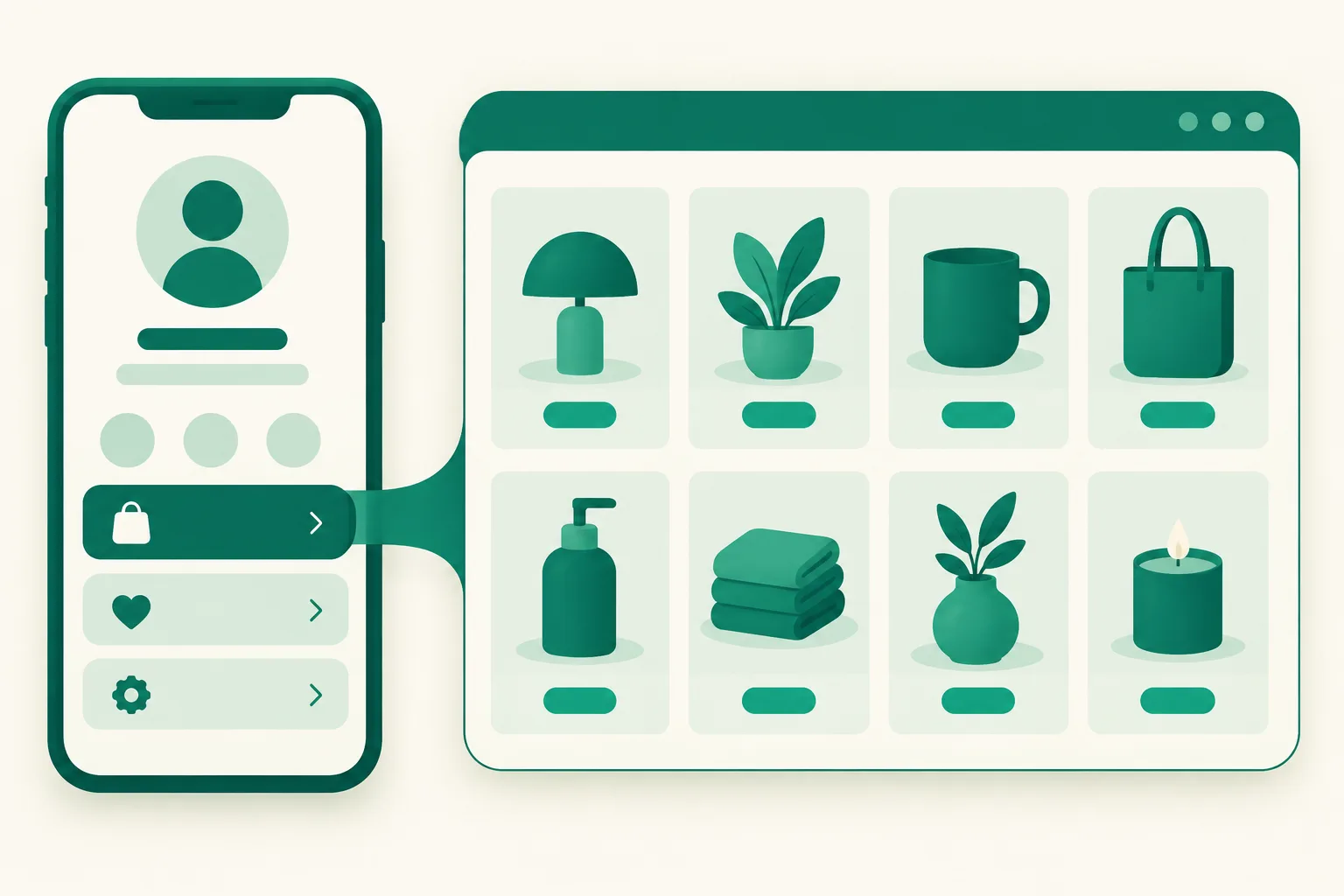
How to Add a Link to Your TikTok Profile (2026) — The 1,000-Follower / Business Account Rule, What to Do When the Field Is Missing, What to Put in Your One Link, and the In-App Browser Trap
Once your TikTok videos start taking off, the first thing you look for is "how do I put a link on my profile." But unlike Instagram, opening Edit Profile shows no link field, and a search turns up a jumble of "you need 1,000 followers," "you have to switch to a business account," and "it doesn't work on desktop." This post uses TikTok's official help center to lay out the two conditions that unlock the link field, the exact steps, and what to check when you meet the conditions but still can't see the field. Then it tackles the two questions that matter more: what do you put in your one and only link, and how does TikTok's in-app browser handle that link.
Before you read: The link requirements and in-app browser policy come from TikTok's official help article Linking another social media account (checked September 2026). Menu paths and names inside the app are based on public materials and may differ by app version and region. This post is written by the UUP team, which builds link pages and TikTok auto-upload.
1. Two conditions unlock the link field
TikTok's official help states the requirement for adding a website link to your profile like this: you need at least 1,000 followers, or a Verified Business Account. Either one is enough.
| Condition | What it means | Who it fits |
|---|---|---|
| 1,000+ followers | Even a personal account gets the link field once the follower count is there | Creators whose account has already grown |
| Verified Business Account | With few followers, switching to a business account and completing verification unlocks it | Sellers and brands just getting started |
These two conditions apply only to the website link. The same help article treats social account linking (Instagram, YouTube, Lemon8) as a separate item with no follower requirement (availability varies by region). So "I attached my Instagram to my profile but there's no website field" is a normal state — they are different features.
The common complaint "I switched to a business account and it still doesn't work" usually comes from collapsing the two conditions into one. Switching alone is not enough: you either go through to verification, or you reach 1,000 followers.
2. The steps — on the mobile app
If you meet a condition, the steps themselves are short.
- Tap the Profile tab at the bottom → Edit profile
- Paste your address into the Website field (including
https://) - Save
The official documentation describes this flow for the mobile app, and on desktop web (tiktok.com) the Website field often doesn't appear (per public materials). So don't waste time digging through the edit screen on a PC — do it on your phone.
Here is the path to switch to a business account (per public materials; menu names may differ by app version).
- Profile → menu in the top right → Settings and privacy → Account → Switch to Business Account → choose a category (personal brand, shopping & retail, services, etc.)
Switching to a business account brings other changes too, such as restrictions on commercial sounds. Decide whether to switch for the sake of one link with those changes in mind — if 1,000 followers is within reach, waiting for that is also an option.
3. When you meet the condition but the field is missing
It's common for the field not to appear right after you cross 1,000 followers or right after switching to business. The checklist public sources agree on:
| Step | What to check |
|---|---|
| 1 | Fully close the app and reopen it (kill it in the background too) |
| 2 | Log out and log back in |
| 3 | Update the app to the latest version |
| 4 | Give it time from the moment you met the condition and check again — it may not apply instantly |
| 5 | If still nothing, confirm you're looking in the mobile app, not on a PC |
Also recheck the condition itself. The follower count that matters is the value at the time of the check, and for business accounts "switched" and "verified" are different things. If you haven't clearly met either condition, repeating the five steps above won't open the field.
4. You get one link — so what goes in it
This is actually the more important question. An Instagram profile can hold up to five links, and so can Threads (How to add links to your Threads profile). But TikTok's Website field is a single slot. Put in a Coupang product link and the product you feature in your next video has nowhere to go; put in your online store and the group-buy sign-up link drops out.
The answer is the same approach you already know from Instagram — put a link page in the one slot and manage multiple products and addresses inside it. You set the TikTok link once and never touch it again, while the product each video features gets moved to the top or added inside the link page.
UUP's link page opens at a single address, link.uup.kr/yourname, and even the free plan gives you this:
| Item | Free plan | From BASIC ($3.99/mo) |
|---|---|---|
| Products | 30 per page | More |
| Analytics | Basic visit analytics | Visit and click analytics (per-product clicks included) |
| Contact and social links | Icon row under the profile, up to 10 | Same |
| Footer watermark | Shown | Removable |
| Coupang Partners auto-conversion | — | When you register a Partners API key |
(Coupang Partners is Korea's largest affiliate program.) Your TikTok profile gets this one address only. Changing products happens in the UUP editor, and you never need to reopen TikTok's profile editor. Put the same address on Instagram, Threads, and YouTube and visitors from any channel see the same product list. How to choose a link page is covered in Which link-in-bio tool to use, and the point where even Instagram's five links stop being enough is in When five links aren't enough.
5. The in-app browser trap — the link opens, but visitors can't reach the product
Adding the link isn't the end. TikTok's official help spells something out clearly: tapping a profile link opens TikTok's in-app browser, and to protect people from scams, phishing, and malicious content, TikTok uses safety measures that limit how people can browse external link chains inside the in-app browser.
In practice this limit bites not on the link page itself but on the product links inside the link page. Visitors travel from your TikTok profile link to the link page just fine, but when they tap certain product links there — Coupang, for example — TikTok intercepts the navigation and shows its own "open this link in a browser" screen. The visitor would have to copy the address and paste it into another browser, and most of them just leave. Instagram's in-app browser link problem is covered in When links won't open in Instagram; TikTok blocks one step more aggressively.
UUP does two things at this point, and deliberately does not do one.
- TikTok external-browser prompt (all plans): a per-page switch, on by default. Visitors arriving through TikTok's in-app browser see a bottom sheet, once per session, guiding them to the ⋯ menu in the top right → "Open in browser". It appears in Korean, English, or Japanese depending on the visitor's language.
- Separate TikTok traffic analytics: the in-app browser breakdown in visit analytics lists TikTok on its own, so you can see in numbers which channel's visitors are failing to reach products.
- No forced redirect: it prompts only and never forces the visitor out to an external browser. Forced redirects behave differently across TikTok app versions and end up losing more visitors.
One more note — in early September 2026 there was an issue in TikTok's Android in-app browser where starting a scroll on top of a product card bounced the visitor to a "no internet connection" screen; we changed how product links are rendered and confirmed the fix on a member's real device. In-app browsers behave unlike regular browsers in many ways, so once TikTok traffic grows, it's worth opening your link page inside the TikTok app yourself at least once.
Video is a separate story. UUP's auto-upload supports posting videos to TikTok — direct posting reopened on September 14, 2026, so you can choose between posting directly and sending to your TikTok inbox (drafts). Details in Cross-posting Reels, Shorts, and TikTok.
FAQ
I'm under 1,000 followers — is there any way to add a link?
The Website field does not open outside the official conditions (1,000 followers or a Verified Business Account). What you can do is use social account linking to attach your Instagram profile to your TikTok profile (no follower requirement, availability varies by region), and route visitors through the link page on your Instagram profile. Addresses typed into video captions or comments are not clickable, which is where the "see profile" convention comes from.
Does switching to a business account open the link right away?
The official condition is a *verified* business account. There are reports of the field opening after a plain switch, but the official documentation doesn't guarantee it. If the field is missing after switching, run through the checklist in section 3; if it's still missing, heading toward verification or 1,000 followers is the surer path.
If I put Coupang links in my link page, will TikTok traffic earn commission?
The link page itself opens normally in TikTok's in-app browser; Coupang links may hit the in-app browser's restriction. UUP's external-browser prompt is the device that reduces that drop-off, and if a visitor completes a purchase in an external browser, commission is credited under the Coupang Partners 24-hour rule. The prompt won't bring drop-off to zero, so watch your TikTok traffic analytics and judge by the actual click-through.
See also
- How to Put Multiple Links on Your Instagram Profile — Native Feature vs Link Page
- How to Add Links to Your Threads Profile — The 5-Link Limit and Link Pages
- When Links Won't Open in Instagram — In-App Browser Problems and the Fix Order
- When Five Instagram Links Aren't Enough · Coupang Partners × Instagram
- Coupang Partners on TikTok — requirements, where links actually click, and disclosure text
The link page for your one TikTok profile link can be built right away at Get started free. The TikTok external-browser prompt is on by default even on the free plan, and plan differences are on Pricing.