How to Put a Link in an Instagram Comment (2026) — Why It Won't Click, the 4 Places Links Actually Work, and Switching to "Comment for a Link by DM"
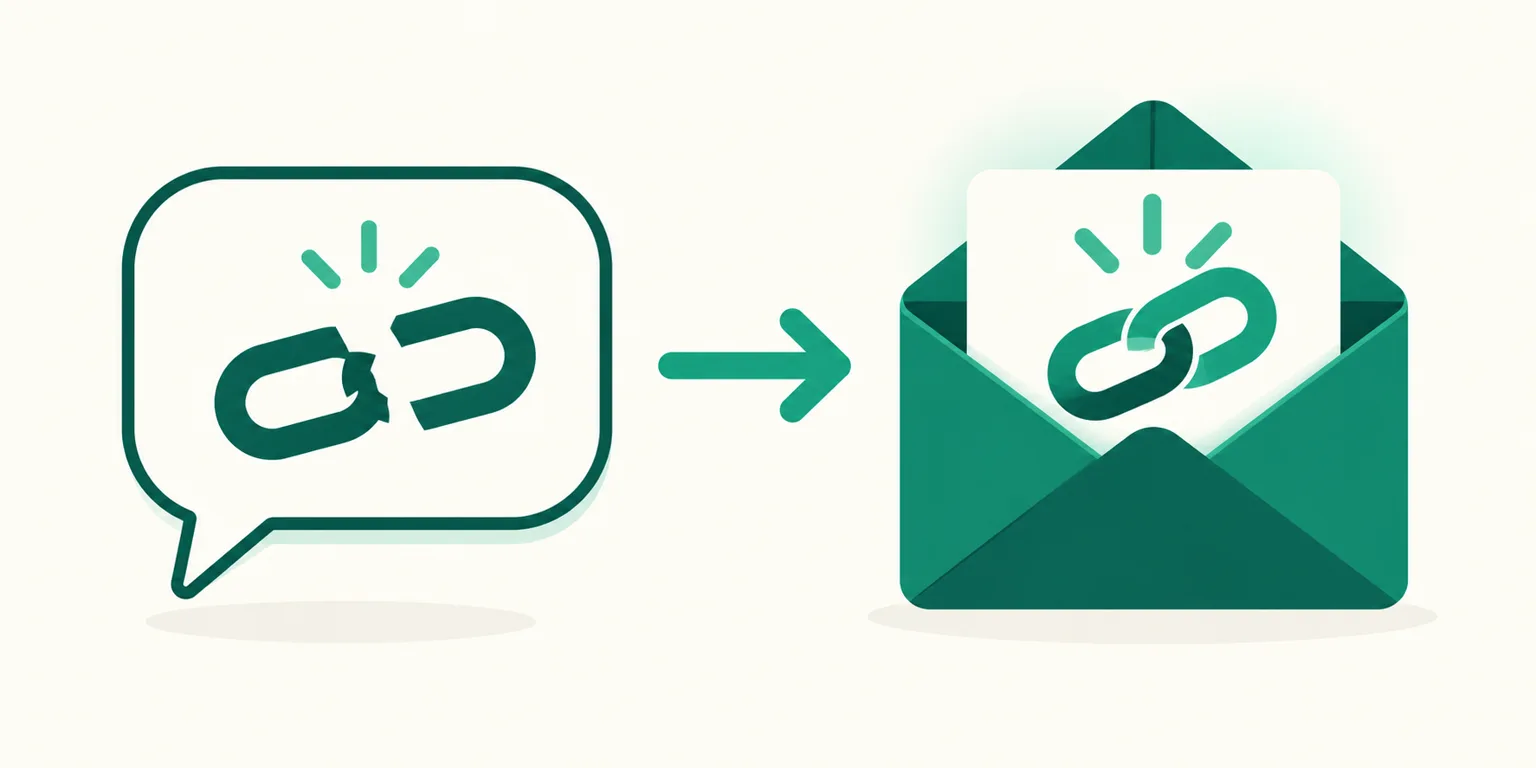
You paste a product URL into a comment on your Instagram post, and it never turns blue. Tapping does nothing, and a short link doesn't help either. Nothing is broken — Instagram comments simply don't support clickable links. This guide covers why, where links actually do work, and how to turn "can you put the link in the comments?" into a flow where commenting sends the link straight to a DM.
Before you read: Verified as of 2026-10, based on public sources and press coverage. Instagram changes its link policy and menus without notice, so check the Instagram Help Center for the current state.
Why links in Instagram comments don't click
Instagram shows URLs in captions and comments as plain text, not hyperlinks. Paste the full address and people see the characters, but they can't tap through.
| What you might try | Result |
|---|---|
| Paste the full URL in a comment | Plain text — not clickable |
| Swap in a short link (bit.ly etc.) | Still plain text — not clickable |
| Reply from your own account | Same rule regardless of who writes it |
| Long-press the address to copy | Copy works on some devices, but the viewer has to paste it into a browser themselves |
That last row is the real problem. Almost nobody copies a link and pastes it into a browser address bar. Once a link lives in a comment, it's fair to assume most of the clicks are gone. The usual explanations for Instagram's stance are curbing spam links and keeping the app focused on photos and video.
The 4 places links actually work
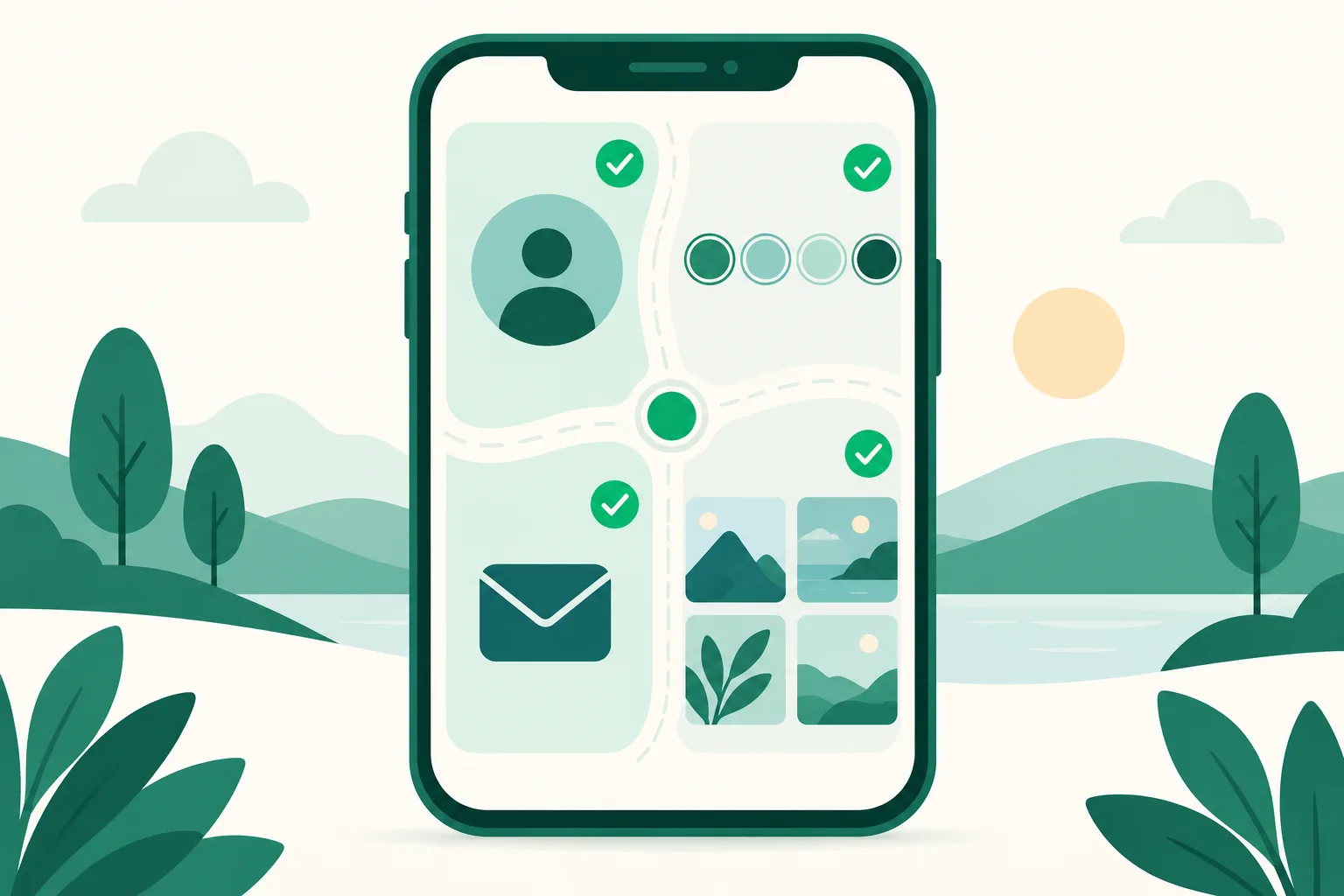
Links on Instagram only click in specific spots. Instead of the comments, you need to send people to one of these.
| Placement | Clickable? | Worth knowing |
|---|---|---|
| Profile link | ✅ | Up to 5. Changing it for every post is tedious, so many people use one link page |
| Story link sticker | ✅ | One per frame; disappears with the story after 24 hours |
| Links in DMs | ✅ | URLs sent in a conversation are clickable — one-to-one, so the highest-converting spot |
| Post caption links | ⚠ In testing | In 2026-03 Meta confirmed to Engadget it's testing them for Meta Verified subscribers. Users report a 10-per-month cap, mobile app only — not a full rollout |
Caption links aren't available to most accounts yet, and where they are, a paid subscription is the prerequisite. The answer anyone can use today is profile, story, and DM. For getting more out of the profile slot, see When 5 Instagram Profile Links Aren't Enough; for stories, see How to Add an Instagram Story Link Sticker.
The limits of "check the link in my profile"
The most common workaround is replying "check the link in my profile." It's free, but the path is long.
- Read the comment → 2. Go to the profile → 3. Tap the link → 4. Find this post's product in the link list
People drop off at every step. At step 4 especially, if several products are mixed together, they can't find "the one from that post" and leave. If you use the profile route, just pinning that product to the top of your link page and naming it exactly as in the post cuts drop-off.
Switching to "comment and get the link by DM"
The shortest path is sending the link directly to whoever commented: comment → one DM → click. Sending those DMs by hand stops scaling once comments pass a few dozen, so this flow is usually built with Auto DM.
Here's the structure.
- Put an action in the caption, like "Comment 'LINK' and I'll DM it to you."
- Set keywords for that post (e.g., link, info, buy).
- When a comment contains a keyword, a DM with the link goes out automatically.
- Optionally add a public reply on the original comment such as "Check your DMs" — a signal to other visitors that commenting gets them the link.
Two Meta policies to know. The first automated reply to a comment is one private-reply text message (that's where the link goes), and you can only send follow-up messages for 24 hours after the person replies. Use a tool on the official API that respects these rules to keep your account safe — the criteria are in Instagram DM Automation Without Getting Your Account Restricted.
Setting it up in UUP
UUP's Auto DM builds this flow in a 6-step screen (Start → Post → Keywords → Sending policy → Replies → Messages).
| What you want | In UUP |
|---|---|
| DM a link on a comment keyword | Enter the link in the first message per keyword (one text, up to 1,000 bytes) |
| Public reply on the original comment | Register several lines in the Replies step → they rotate |
| Give the link to followers only | Follow-check branch — different messages for followers and non-followers |
| See how many clicks you got | URLs in the DM become UUP links, counted in analytics and the funnel |
On Instagram the first DM goes out as text only. Product cards with photos are for follow-up messages after the person replies. For copy that gets clicks, see How to Write Instagram Auto DM Copy; for the full picture, the hub guide The Complete Guide to Instagram Auto DM. If it's a Coupang Partners link (Korea's largest affiliate program), the DM needs a disclosure line too — see Coupang Partners Disclosure Text.
Pricing: DM Pro at $8.49/month includes Auto DM, and Ultra at $14.99/month adds auto-upload. You can try it first with a 14-day trial, no card required. Link pages and basic analytics are on the free plan too (see pricing). UUP is built for the Korean market; the interface supports English and Japanese, while support is currently in Korean.
FAQ
Is there a setting that makes comment links clickable?
No. Whatever the account type (personal, creator, business) or follower count, URLs in comments show as text. The caption-link test covers post captions, not comments.
Is there a penalty for putting links in comments?
No official penalty has been confirmed. But the link barely works since it doesn't click, and pasting the same address across many comments can look like spam. Profile, story, and DM are better homes for links.
Can I leave my link in comments on other people's posts?
It won't click, and repeatedly dropping promo links on other accounts' posts invites reports and spam flags. Collecting comments on your own posts and sending the link by DM is better for both your account and your conversions.
Related reading
- The Complete Guide to Instagram Auto DM
- How to Add an Instagram Story Link Sticker
- When 5 Instagram Profile Links Aren't Enough
To send links by DM instead of typing them into comments, get started with UUP and set it up on the 14-day trial.