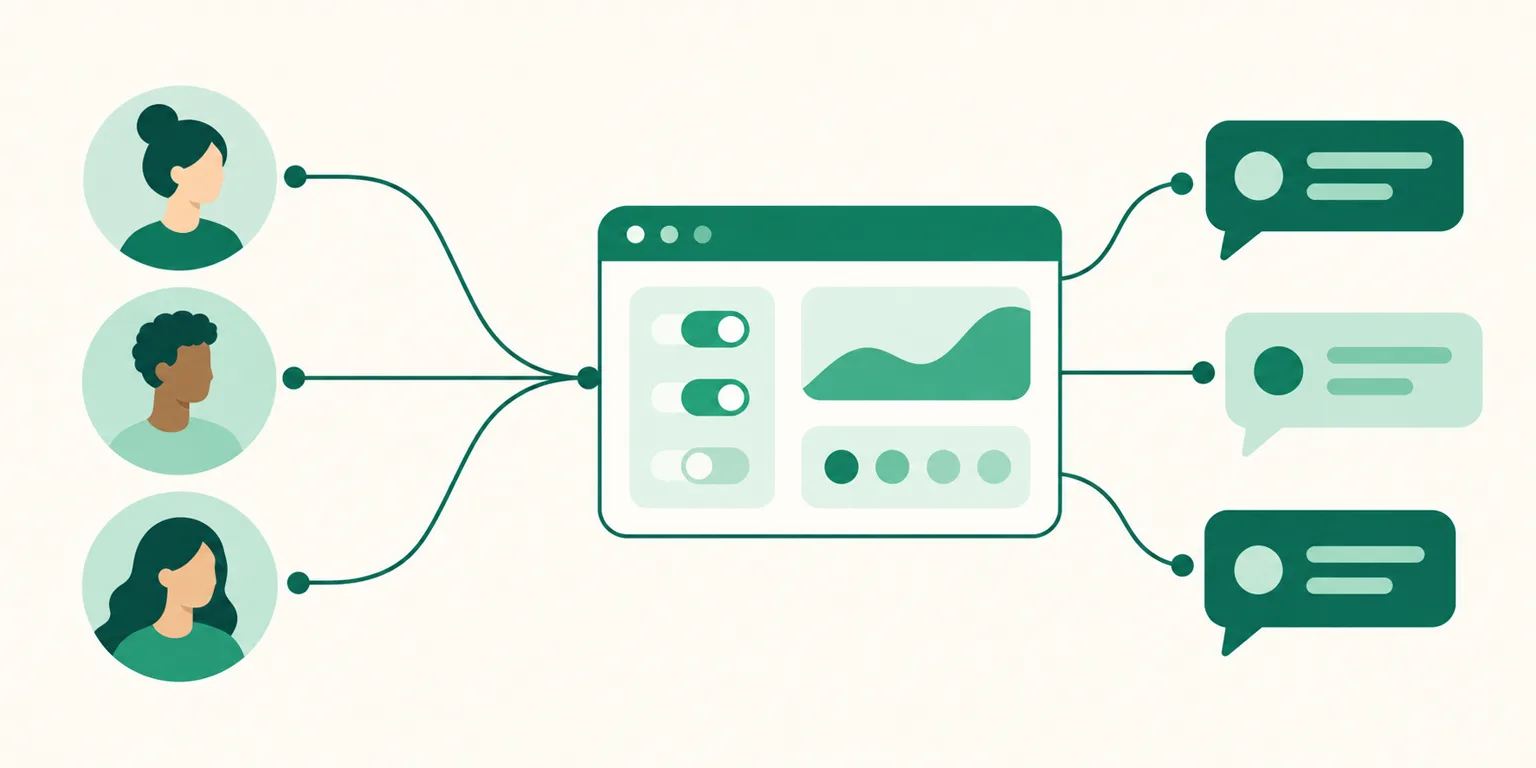
How to Run DM Automation on Multiple Instagram Accounts (2026) — 3 Accounts on One Plan, Adding Slots, Copying Setups Between Accounts, and How This Differs From Multi-Account Macros
An Instagram operation that started with one account quietly becomes two, then three. You split the group-buy account from the personal one, open a brand account, and then a client account you manage gets added on top. The first question that hits is "Do I have to pay for DM automation on every account?" and the second is "Do I have to rebuild the setup from scratch on each one?" Search for it and the answers split in two directions — on one side are ads for programs that "register multiple accounts to send more," on the other are official-API tools that charge per account. This post starts by separating those two entirely different things, then covers, using UUP as the reference, the order for connecting multiple accounts, how to copy one account's setup to another, and slot pricing once you go past three accounts.
Before you read: UUP's account counts, slot prices, and screen wording are actual service values as of September 2026. Other tools' billing units are documented in their respective comparison posts with the date checked, and this post links to those rather than repeating them. This post is written by the UUP team, which builds Instagram DM automation.
1. "Multiple accounts" means two different things — this post covers only the first
The same search term returns mixed results, so we need to separate them first.
| Auto DM on my own multiple accounts (inbound) | Mass sending from multiple accounts (outbound macro) | |
|---|---|---|
| Who speaks first | A visitor comments on my post → a reply DM goes to that person | A program scrapes hashtags or follower lists and DMs them first |
| Why there are multiple accounts | I actually run several accounts (group buy, brand, client) | Accounts are added to dodge one account's sending limit |
| How it connects | Meta's official API — permission granted via Instagram login | Username and password entered into a PC program that drives the browser |
| Ad copy | "Connect 3 accounts," "per account" | "70 a day per account, register accounts to send more," "30–60 second delay recommended" |
| Account risk | Official path — operates within granted permissions | Terms-of-service violation — subject to restriction or suspension |
On the right, "multiple accounts" isn't the goal; it's a workaround. What macros do and the traces they leave on your account are covered in Instagram DM Macros — Should You Use One?, and the structural difference between official-API tools and mass-sending tools is in How to Choose an Instagram DM Auto-Send Program. The rest of this post is entirely the left column — attaching comment-triggered Auto DM to several accounts you actually run.
There's one more thing with a similar name. SocialBiz's "DM Campaign Manager," released on September 9, 2026, lets an advertiser bundle several influencers' accounts into one campaign for invitations, setup, and billing. That's about grouping other people's accounts, which is different again from "my own multiple accounts," and its per-account pricing is in SocialBiz Auto DM Compared.
2. The order for connecting multiple accounts in UUP
UUP's DM Pro, Upload Pro, and Ultra plans all include 3 Instagram account connections by default. The second and third accounts attach at no extra charge. The steps are the same as the first account; only the places you can get stuck differ.
- Confirm the account you're adding is a public professional account. It must be Business or Creator, and not private. Connecting a personal account bounces back with "Personal accounts can't be connected. Switch to a professional account in Instagram settings and try again." The switching steps are in How to Switch to an Instagram Professional Account.
- In the dashboard → Instagram connection screen, press Connect another account.
- Switch to the account you're adding in the Instagram login window. This is where people get stuck most often. The login window may use the account logged into your browser, not the one you switched to in the Instagram app. So you try to add a second account and the first one keeps getting picked up again — the permanent note under the button exists because a member once tried to attach a third account and received the already-connected account six times in a row. If an already-connected account comes back, the screen says "@username is already connected," telling you which account got picked up, so switch accounts in the login window or log in as the other account, then allow.
- Once permissions are granted, you'll see "Instagram account connected. You can now create DM automations."
Two ways this can block.
- "This Instagram account is already connected to another UUP account." One Instagram account can be tied to only one UUP account. If you connected it under a different email earlier, disconnect it there and try again. The screen won't tell you which account it's tied to.
- "All connection slots are used." You've used the default three. Disconnect an account you don't use, or add slots as described in section 4, and you can connect more.
3. Setting up automation per account — without starting over
UUP's DM automation is per account. The first step of the automation wizard is "Select an Instagram account," and the post list in the next step belongs to that account (choose from next post, all posts, or a specific post). So an automation built on account A never reacts to comments on account B, and account B needs its own automations.
"Its own" doesn't mean "written from scratch." There are two tools for moving a setup across.
Templates. Saving an automation's message as a template also stores the keywords, scope, and public-reply settings as of that moment. When you load it while creating a new automation on another account, you choose the scope.
| Load scope | What it does | When to use it |
|---|---|---|
| Message and reply only (default) | Keeps the current draft's keywords and maps the template's messages onto them | Keywords differ per account but the reply copy is the same |
| Everything including keyword settings | Replaces the trigger (keywords, scope, match mode) wholesale | Cloning the same automation onto another account or post as is |
There's a reason the default is "message and reply only." Old keywords stored in a template once silently overwrote a new automation's keywords and DMs stopped going out with no error, so keywords now change only when you explicitly choose to.
Bulk mapping. After connecting an account, this screen lets you "set up post-by-post DMs all at once." When you attach an account that already has dozens of posts, you pair posts with messages on one screen and save, instead of running the wizard for each post.
Once set up, the automation list shows sending status per account. Active/total counts, bulk ON/OFF, and send/view counters are all split by account. If sending stops for billing reasons, the top of the list shows "Auto DM sending for @username is paused," so you never have to hunt for which account stopped.
4. Pricing and slots — 3 accounts included, slots beyond that
| Item | Value |
|---|---|
| Default connections | 3 accounts — same on DM Pro ($8.49/mo), Upload Pro ($8.49/mo), and Ultra ($14.99/mo) |
| Free and BASIC ($3.99/mo) | No Instagram connection at all |
| 14-day trial | DM automation opens, no card required |
| Extra slot | $2.99/mo ($26.99/yr) · 1 slot = 1 account · up to 20 |
| Plans that can buy slots | DM Pro, Upload Pro, and Ultra |
| Per-send billing | None — comment-triggered Auto DM isn't counted per message (Meta's own sending limits are separate) |
Slots are managed on the "Extra Instagram slots" card in the Plans and billing screen. Add slot charges your saved payment method immediately, but it doesn't go through on a single tap — a confirmation modal shows the tax-inclusive total and "charged immediately to your registered payment method" first. Reduce slots refunds the unused portion, and as the screen says, "reducing slots doesn't disconnect accounts already connected; it only limits new connections." If you refund the subscription itself, remaining slots are refunded with it.
One piece of history worth noting. Before September 7, 2026, the slot card was shown only on DM Pro, so members who upgraded to Ultra saw the card disappear ("I switched to Ultra and the extra Instagram slots are gone"). It's now purchasable on all three plans.
Just one note on how other tools count. ManyChat charges per account, and SocialBiz uses per-account list pricing with contact-count tiers — three accounts means paying three times. The figures, with dates checked, are in DM Automation Price Comparison and SocialBiz Compared. UUP includes 3 accounts in one plan, and the fourth onward is a slot.
5. Operating tips for running several accounts
- Keep copy different per account. Loading a template as "message and reply only" leaves keywords per account, so the group-buy account's "price" keyword and the brand account's "location" keyword never mix. Copy structure is in How to Write Auto DM Copy.
- Make a separate link page per account. If the address in each account's DM differs, analytics can tell which account's DM produced the click. The free plan allows one page; DM Pro and above let you create several.
- Connection expiry is announced ahead of time. UUP attempts renewal 14, 7, and 1 day before token expiry and shows a reconnect prompt if it fails. If you change the account password or do a security logout, Meta invalidates the token immediately — in that case it doesn't wait for expiry and switches to "reconnect required" right away. With several accounts, seeing which one dropped directly in the list is what matters.
- Disconnecting one account leaves the rest untouched. Disconnecting pauses only that account's automations immediately and cancels its scheduled jobs. Other accounts' automations are unaffected.
- Follow-check branching is turned on inside each account's automation separately. The first DM is currently text-only (switched on September 7, 2026 after repeated card-sending errors on Instagram's side) — whatever works on one account works the same on the others.
- The troubleshooting order when DMs don't go out is the same regardless of account count — When Auto DMs Don't Send.
FAQ
With 3 accounts, do I pay 3 times?
No. One DM Pro, Upload Pro, or Ultra plan includes 3 Instagram account connections. From the fourth account you add slots ($2.99/mo), up to 20. There's no per-send billing.
Can I copy account A's automation to account B as is?
Use templates. Save the message as a template on A and load it when creating a new automation on B. Choose "everything including keyword settings" to reuse the keywords exactly, or leave the default "message and reply only" if the copy is the same but B should keep its own keywords.
I'm adding a second account but the first one keeps reconnecting
Because the Instagram login window uses the account logged into your browser, not the current account in the Instagram app. When "@username is already connected" appears, that username is the login window's account. Switch accounts in the login window or log in as the other account, then allow.
See also
- The Complete Instagram Auto DM Guide — From How It Works to Starting Free
- Instagram DM Macros — Should You Use One? What They Do and the Traces They Leave
- SocialBiz Auto DM — Which Accounts It Fits, Contact Billing vs List Pricing
- Instagram DM Automation Price Comparison (2026) — Seven Tools in One Table
- How to Switch to an Instagram Professional Account — Creator vs Business
To attach three accounts on one plan, the 14-day trial opens at Get started free once you verify a Korean mobile number, and slot pricing is on Pricing.