How to Cross-Upload Reels, Shorts, and TikTok at Once (2026) — One Video to Five Channels, What Changes per Channel (Length, Cover, Title, First Comment), and How Far TikTok Goes Right Now
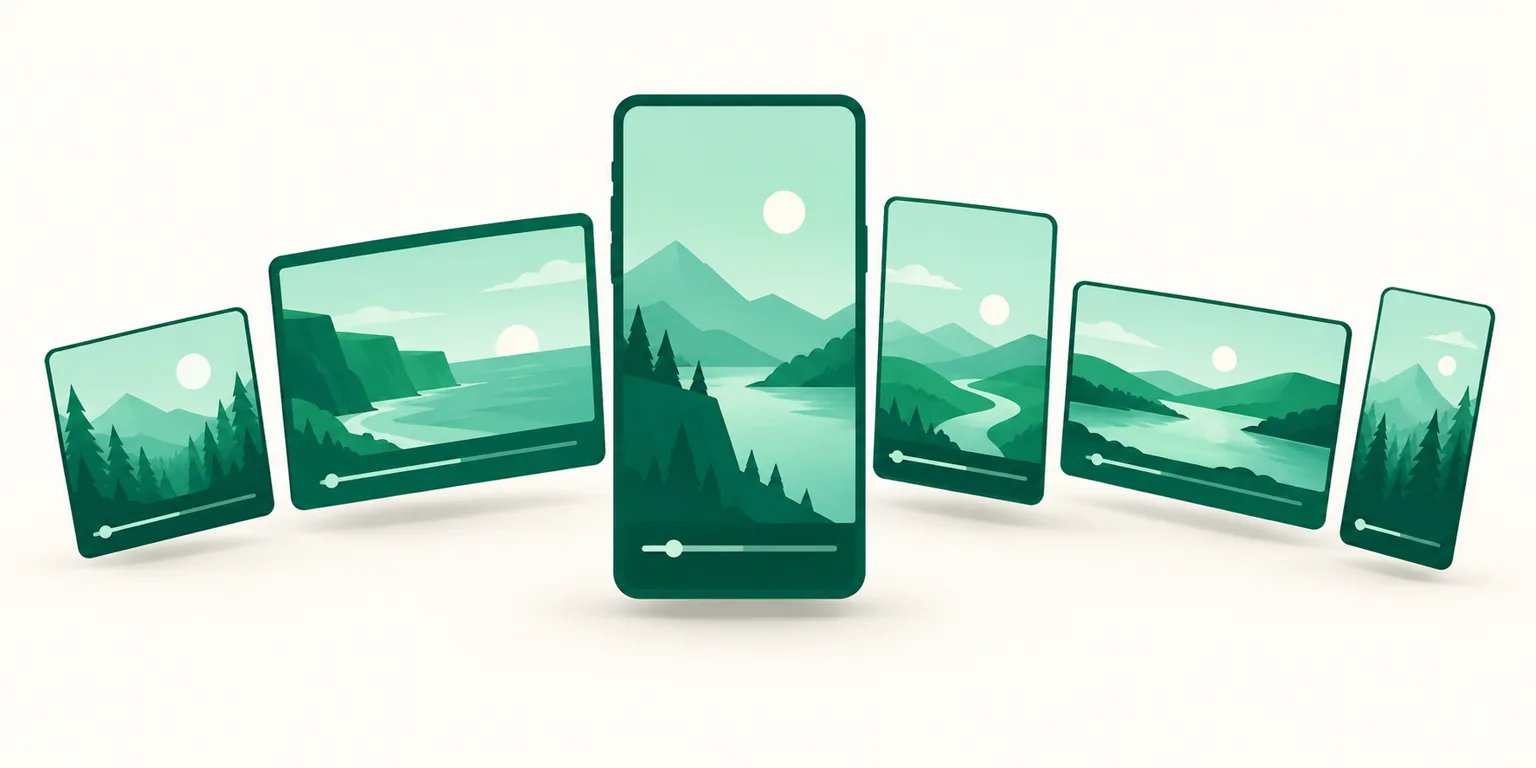
Make one vertical video and you have five places to put it: Instagram Reels, YouTube Shorts, TikTok, plus Threads and a Facebook Page. Open each app, re-attach the caption, line up the times — and posting takes longer than making the video did. So you search "cross-upload," and most results are promo clips saying "this tool does it in five seconds." What they skip is what changes per channel and how much is actually automatic. This post separates the three ways to cross-upload, walks through scheduling one video to five accounts in UUP's auto-upload, tables the specs that differ per channel, and states honestly, as of September 2026, how far TikTok and YouTube Shorts are automated.
Before you read: Channel specs (length, size, character limits, first-comment support) are the values UUP validates at save time, based on each platform's official API documentation, as of September 2026. They can change when a platform changes its API policy. The watermark note is based on Instagram's 2021 official announcement. This post is written by the UUP team, which builds five-channel auto-upload.
1. Three ways to cross-upload — which one is really "at once"?
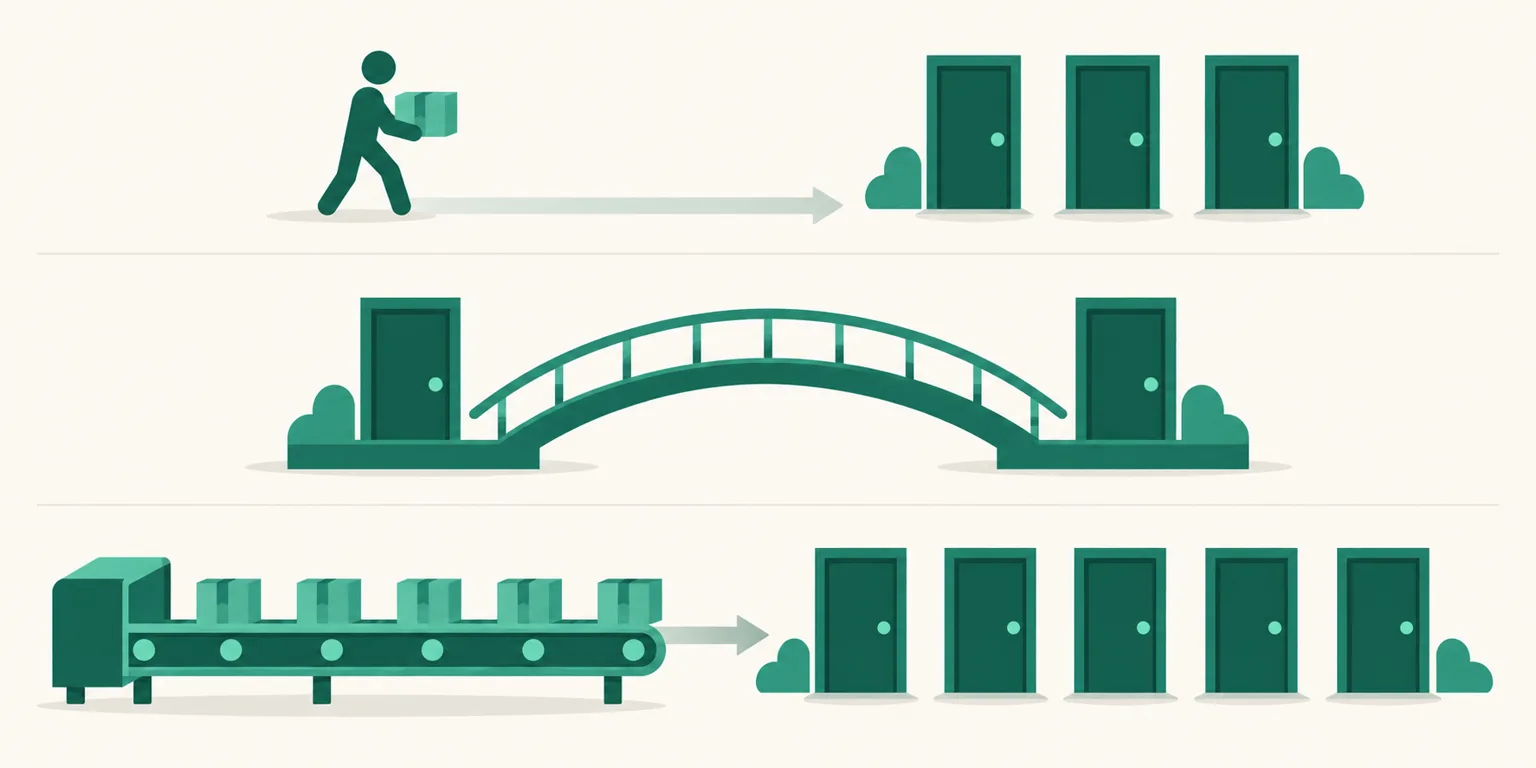
There are three ways to put the same video on several channels, and people call all three "cross-uploading." The depth of automation is different.
| Method | What you do | What works | What doesn't |
|---|---|---|---|
| Each app separately | Open Instagram, YouTube, and TikTok one by one and upload the same file | The most precise caption and cover per channel | Five repetitions · to match times, you set five separate in-app schedules |
| Cross-posting inside a platform | Post a Reel and toggle "Share to Facebook" | Works in one step inside the same company (Instagram ↔ Facebook) | Doesn't cross to YouTube or TikTok · the caption is copied as-is, so per-channel limits aren't respected |
| Auto-upload tool | Connect channel accounts to a tool, set the video, caption, and time in one screen, and the tool posts via each channel's API | Five channels from different companies in one schedule · drafts and calendar | Anything a channel doesn't expose via API (e.g., Shorts cover) — a tool can't do it either |
Global tools you see in creator tutorials, like Metricool and Buffer, are the third method, and so is UUP auto-upload (as seen in September 2026 searches). The difference is the connection point covered below: UUP auto-fills the first comment with your link page URL.
One thing is the same in every method — upload the original file. Don't re-upload a TikTok download with the watermark to Reels. Instagram announced on its official @creators account in February 2021 that content "visibly recycled from other apps (i.e. contains logos or watermarks)" would be made less discoverable in places like the Reels tab (Tubefilter, 2021-02-10, checked 2026-09) (per the 2021 announcement). One clean export from your editor, spread across five channels — that's the premise of this whole post.
2. Scheduling one video to five accounts in UUP
Once you connect Instagram, Threads, Facebook Page, YouTube, and TikTok accounts in the Auto-upload menu of the UUP dashboard, the composer runs in this order.
- Pick accounts — connected accounts appear as a check list. Pick at least one; check several and one independent post per account is created with the same content. The first account you check gets a "composition base" tag — caption limits and option fields are decided by the channel, so the form needs one reference.
- Upload media — drag and drop. At the top of step 2 sits a collapsible per-channel spec sheet (format, size, ratio, length, counting unit, first comment, cover).
- Caption — a live counter per channel. Threads 500 characters, Instagram 2,200 — the limits differ, and so do the counting units.
- First comment — leave it blank and none is posted. Your link page URL is filled in automatically.
- Schedule time → preview.
Three behaviors worth knowing.
- Channels that can't take the chosen post type can't be checked. The card is disabled with the reason written out. If it could be checked, the save would succeed and only that account would fail at publish time — while you're asleep.
- If only some accounts fail, the successful ones are unchecked. Otherwise, fixing the cause and pressing again would post the same video a second time to the accounts that already succeeded.
- After scheduling, you edit or cancel per account. One post row = one account. Changing the YouTube title doesn't touch the Instagram post.
The video file itself is the same for all five channels: MP4 or MOV, up to 3GB and 1 hour (where a channel is tighter — Instagram Reels 300MB/15 min, Threads 1GB/5 min, Facebook 300MB/20 min — that limit comes first). UUP validates only and never converts — outside the spec, it rejects and says what's wrong and why. No resizing, no frame extraction, so cover images are uploaded separately by you; leave it out and the platform's generated one is used. On failure, the screen shows the cause and the next action with a retry button, and failure notifications can't be turned off. Expiring connections and re-consent needs are flagged in advance at D-3 and D-1.
3. What differs per channel — length, cover, text, first comment
The same file goes in, but each channel takes it differently. These are the values checked at save time.
| Channel | Video length | Cover | Body | First comment | Links in caption |
|---|---|---|---|---|---|
| 3 s–15 min · posted as a Reel (also shown in feed) | JPEG, uploaded separately | Caption 2,200 chars · 5 hashtags (policy since Dec 2025) · 20 mentions | ✅ 2,200 chars | ✗ not clickable | |
| Threads | Up to 5 min | ✗ not settable (no API parameter — first frame) | 500 chars (emoji weighted by bytes) · first link becomes a card | ✅ reply, 500 chars | first link only, as a card |
| Facebook Page | Supported | — | Caption | ✗ not available on any account today (comment permission pending review) | ✅ clickable |
| YouTube | Video only · per-account limit | Thumbnail JPG/PNG ≤2MB — not applied to Shorts via API | Title 100 chars · description 5,000 bytes (about 1,666 Korean chars) · tags 500 chars | ✅ 10,000 chars | ✅ description and comments clickable |
| TikTok | Video · per-account limit | ✗ no image cover (frame timestamp only) | 2,200 chars (UTF-16 — emoji count as 2) | ✗ no comment API | ✗ not clickable |
Four things in the table deserve a sentence each.
- Every Instagram video is a Reel. In the API, feed video is Reels only, and it's posted so it also shows in the feed. "Feed video but not a Reel" isn't possible through a tool.
- YouTube has no caption. It splits into title, description, and tags, and the description is counted in UTF-8 bytes, not characters — Korean is 3 bytes per character, so 5,000 bytes is about 1,666 characters. Up to 15 hashtags are extracted from the description; extras are ignored. 100 uploads per day, and uploads are resumable — an interrupted upload doesn't start over.
- Only Instagram and YouTube (regular video) accept a cover. Threads has no cover parameter in its API, and TikTok only takes a frame timestamp. On YouTube, a video judged as a Short (vertical, 3 minutes or less) closes the cover field and tells you to set it in Studio — Studio has the field, but the API doesn't apply it. If another cover-capable channel is checked too, the field stays with a "not applied to YouTube" warning.
- There are three counting units. Threads weights emoji by UTF-8 bytes (Korean = 1), TikTok counts UTF-16 code units (emoji = 2), and the rest count code points. The screen counter and server validation use the same rule, so for emoji-heavy captions, trust the number on screen.
And daily posting limits aren't set by UUP. For Instagram and Threads, the platform reports how many posts remain in the last 24 hours, shown on screen as "n / m" (Threads: 250 per 24 hours). YouTube and TikTok vary by account, so nothing is asserted.
4. First comment and links — where are they clickable?
If the point of the vertical video is to send people to a product or link page, where the link is clickable is the core of cross-uploading.
- Links in Instagram and TikTok captions aren't clickable. They're just text. That's why the Instagram habit of putting the URL in the first comment and sending people to the profile link exists.
- On Threads, the first link in the body becomes a card preview. You can also put a link in the reply (first comment).
- On Facebook and YouTube, links in the caption (description) and comments are clickable.
UUP auto-fills the first-comment field with your link page URL. It's scheduled together for Instagram (2,200 chars), Threads (reply, 500 chars), and YouTube (10,000 chars), and the input field is a shared 500 characters to fit the narrowest channel. A failed first comment doesn't mark the post as failed — the body is already up, so you get a notification instead. Two channels, stated honestly: Facebook Page first comments don't work on any account right now (the comment permission is pending Meta review, so the post goes up and only the comment is rejected). TikTok has no comment API at all. And whether links inside Instagram first comments are clickable has never been confirmed by Meta, so we don't promise it.
That's why the safe wiring for all five channels is profile link = one link page. Wherever people come from, they land on the same URL, and UUP analytics splits traffic by channel and in-app browser (TikTok in-app is its own category). Link-page setup is in how to add multiple profile links and how to add a TikTok profile link.
5. How far TikTok and YouTube Shorts go right now — honest notes and plans
Since September 14, 2026, TikTok posts go live at the scheduled time like every other channel. UUP opened TikTok account connection and video posting to members on September 4, 2026, and while TikTok's Direct Post audit was still pending (September 12–13) we briefly blocked "post directly" and sent videos only to the TikTok app's drafts (inbox) — posting directly before the audit demotes the video to "only me." The audit was approved on September 14, 2026, direct posting reopened, and "post directly" is now the default for new TikTok posts. If you'd rather finish in the app, switch the posting method to "send to inbox" — the video then goes only as far as your drafts at the scheduled time and you tap publish in the app. The full steps are in how to schedule TikTok uploads.
The TikTok posting screen carries the items TikTok requires as-is — creator nickname display, a privacy dropdown with no default (you must choose), comment/duet/stitch toggles, and two commercial-content toggles. It's the one channel whose screen can't be trimmed.
YouTube Shorts uploads are complete; only the cover is half. Vertical videos of 3 minutes or less go up as Shorts, and scheduled publishing uses YouTube's native scheduler (showing as private until the scheduled time is normal). Only the cover isn't applied via API, so you set it in Studio. First comments opened to members on September 13, 2026, and YouTube accounts connected before that must be reconnected for the first-comment field to appear.
Plans:
| Plan | Monthly | Yearly | Auto-upload |
|---|---|---|---|
| Upload Pro | $8.49 | $79.99 | ✅ |
| Ultra (includes Auto DM) | $14.99 | $144.99 | ✅ |
| 14-day trial | Free | — | ✅ |
| DM Pro | $8.49 | $79.99 | ✗ (sibling plan — auto-upload lives on the upload branch only) |
Each channel includes up to 3 connected accounts (Instagram, Threads, Facebook Page, YouTube, and TikTok alike). One extra account slot ($2.99/month) raises the limit on all five channels by one at the same time — as revised on September 22, 2026.
FAQ
How is this different from toggling "Share to Facebook" when posting a Reel?
In-platform sharing only crosses within the same company. To bundle YouTube, TikTok, and Threads into one schedule, respect per-channel character limits, and attach a first comment, you need the third method — an auto-upload tool. If you only use Instagram and a Facebook Page and want to post right now, in-app sharing is enough.
Is there a penalty anywhere for posting the same video to five channels?
The only thing a platform has stated officially is Instagram's watermark rule (2021) — Reels showing another app's logo get less recommendation reach. Uploading the original file avoids that. We found no official basis for "the same video gets ranked down," and UUP doesn't assert it.
I uploaded through the tool but it's not showing on TikTok.
First check that post's posting method. If it was "send to inbox," that's expected — the video is in the TikTok app's drafts, so open the app and publish it. If it was "post directly," check the privacy setting you chose ("only me" is visible only to you). Videos posted directly before the September 14, 2026 audit approval may have been demoted to "only me," and UUP shows that state separately as "published as private" (neither success nor failure). For other channels' "scheduled but never posted," see when a scheduled post doesn't publish, organized by cause.
See also
- Instagram Group-Buy Seller Automation — Getting Free From Inquiry Replies
- How to Schedule Instagram Reels — App Scheduler vs Auto-Upload Tools
- How to Schedule YouTube Shorts — What Counts as a Short and Why the Cover Won't Stick
- How to Schedule Threads Posts — The App's Built-in Scheduler and What Changes With a Tool
- Instagram Scheduled Post Didn't Publish — 7 Causes and the Order to Check Them
- Turning Instagram-to-Threads Auto-Sharing On and Off — and Per-Channel Captions
- Instagram's 5-hashtag limit — captions vs the first comment · YouTube pinned comments — the order for scheduled uploads
- How to change a Reels cover · Instagram Reels length limits
- How to change a YouTube Shorts thumbnail — desktop Studio steps, changing it after upload, and why it won't change
To schedule one video to five accounts at once with your link page URL auto-filled in the first comment, the 14-day trial opens at Get started free once you verify a Korean mobile number. Channel details are on Features.